EasyManua.ls Logo

Sharp DV-NC60W - User Manual

Sharp DV-NC60W
109 pages
Print Icon
To Next Page IconTo Next Page
Loading...
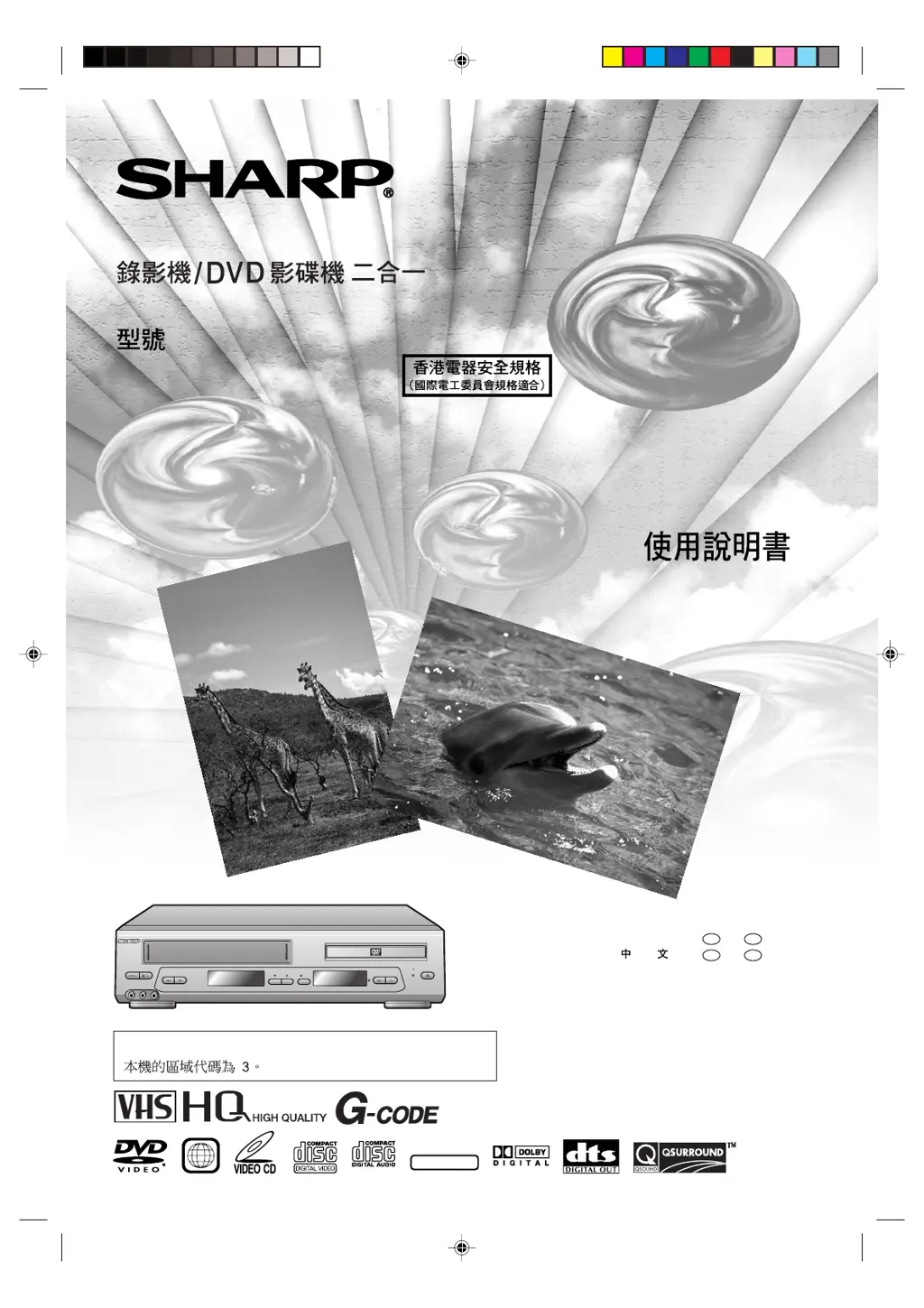
OPERATION MANUAL
DV-NC60W
VCR/DVD COMBINATION
MODEL
DVD / CD / VIDEO CD PLAYER
VCR DVD
(LINE 2)
PLAY STOP
OPEN/
CLOSE
C H
EJECT/
STOP
OPERATE
PLAY/X2REW
L(MONO)-AUDIO-R
LINE IN 2 VDEO
REC
DVD
OUT
/
DV-NC60
PAL NTSC
The region number for this Unit is 3.
NTSC/PAL
3
ENGLISH
......
GB
1 –
GB
105
......
C
1 –
C
105
Downloaded from: http://www.usersmanualguide.com/

Table of Contents

Questions and Answers

  • A
    Andrew ChristensenSep 2, 2025
    Why is there no picture or incorrect color during playback on my Sharp DVD VCR Combo?
    • W
      William SmithSep 2, 2025
      If you are experiencing no picture or incorrect color during playback on your Sharp DVD VCR Combo, try the following: * Ensure the TV is set to the same channel as the unit's radio frequency converter output channel adjuster (CHANNEL). * Check all connecting cables. * Set the COLOUR MODE, NTSC MODE, and SYSTEM modes to match the tape and TV.
  • V
    vickie40Aug 31, 2025
    How to receive NTSC (M) broadcasting on my Sharp DV-NC60W?
    • P
      porterrobinAug 31, 2025
      To receive NTSC (M) broadcasting on your Sharp DVD VCR Combo, ensure that the B/G, I, D/K, M (SYSTEM) setting is set to “M” when setting the channels.
  • T
    Timothy KellyAug 29, 2025
    Why is there no tape movement in my Sharp DVD VCR Combo?
    • M
      Melanie WilsonAug 29, 2025
      If there is no tape movement in your Sharp DVD VCR Combo, ensure that the unit is not in pause/still mode and that the tape has not reached the beginning or end.
  • S
    Sean BullockAug 28, 2025
    Why is there no color or a poor TV picture during normal viewing on my Sharp DVD VCR Combo?
    • D
      David Lee MDAug 28, 2025
      If you're experiencing no color or a poor TV picture during normal viewing with your Sharp DVD VCR Combo, try the following: * Ensure all cables are correctly connected. * Make sure the unit's power cord is properly plugged in. * Set the COLOUR MODE, NTSC MODE, and SYSTEM modes to match the broadcast system and your TV.
  • C
    christopherburchAug 26, 2025
    Why is my Sharp DV-NC60W DVD VCR Combo not recording?
    • K
      knightpaulaAug 26, 2025
      If your Sharp DVD VCR Combo is not recording, it could be due to the following reasons: * The cassette erasure protection tab has been removed. Use a different cassette or place adhesive tape over the tab opening. * Ensure that a cassette is loaded.
  • D
    Dr. Frances GriffinAug 25, 2025
    What to do if my Sharp DV-NC60W DVD VCR Combo shows a snowy picture during playback?
    • T
      Tammy Johnson PhDAug 25, 2025
      If you are seeing a snowy picture on your TV during playback with your Sharp DVD VCR Combo, try the following: * Adjust the tracking by pressing CH ' / ", or try using a different cassette. * The heads may need cleaning. Contact your retailer or a Sharp-approved service center. Note that the unit has a built-in full auto head cleaning mechanism, but it might not be sufficient in all environments.
  • D
    Dr. Rhonda HarrisAug 22, 2025
    What to do if the remote for my Sharp DVD VCR Combo does not work?
    • S
      shane00Aug 22, 2025
      If the remote for your Sharp DVD VCR Combo isn't working, consider these potential solutions: * Verify the batteries are loaded correctly. * Check if the batteries are flat and need replacing. * Ensure the signal emitter on the remote is pointing directly at the unit. * Make sure you are not too far from the unit, and that there are no obstructions between the remote and the unit. * Confirm that the VCR/DVD CHANGE switch is correctly set.

Sharp DV-NC60W Specifications

General IconGeneral
TypeDVD VCR Combo
Video FormatNTSC
DVD PlaybackYes
VCR PlaybackYes
Recording FormatVHS
Progressive ScanYes
Remote ControlYes
Built-in SpeakersNo
Audio OutputStereo
Recordable MediaVHS
ConnectorsComposite video output, S-Video output
Aspect Ratio4:3
Dimensions430 x 270 x 100 mm

Related product manuals