GB
60
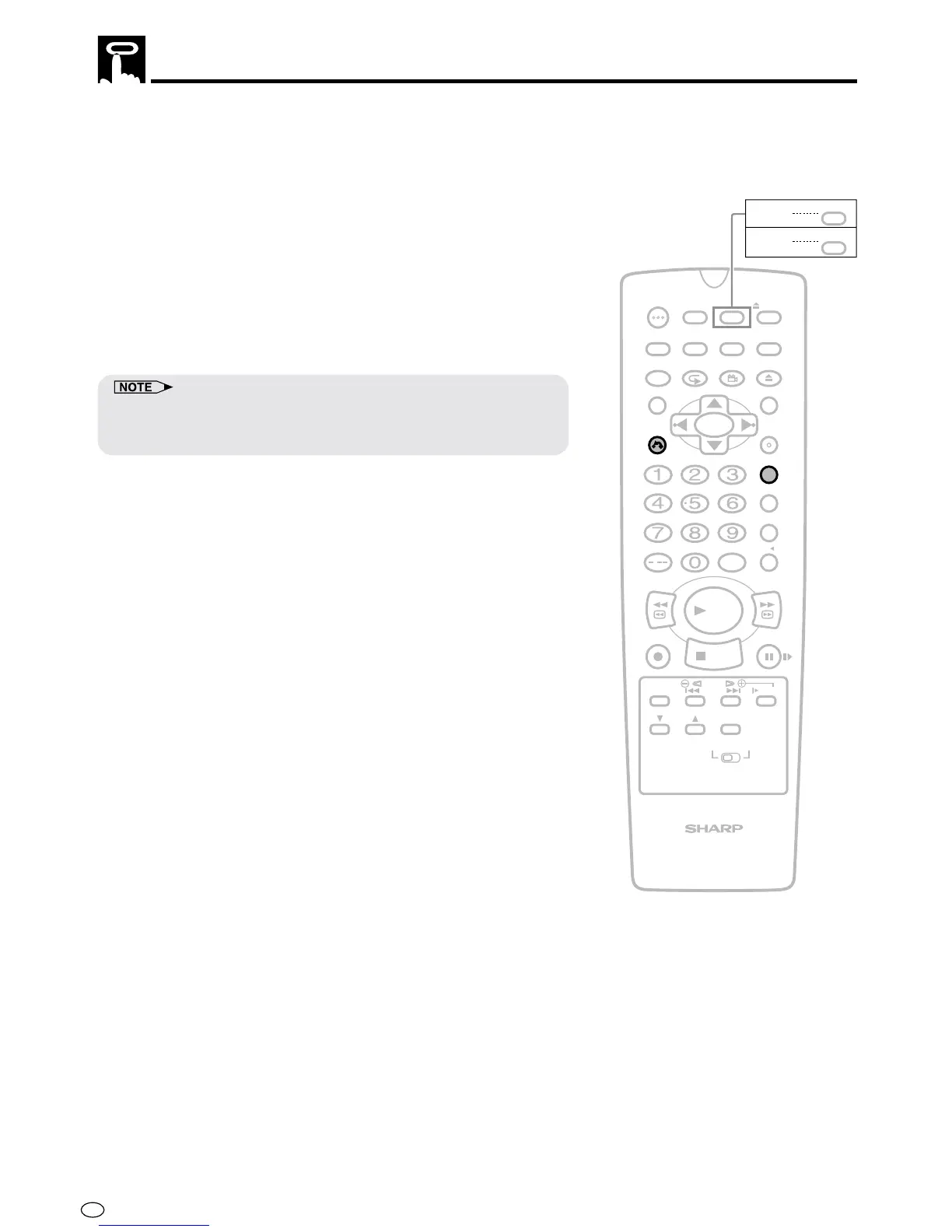
The zero-back function makes the cassette fast forward (or rewind)
to the previously set “0:00.00” point and stop there.
1 Make sure the counter is displayed, then press CLEAR on the
Remote at the point you wish to return and later “0:00.00” is
displayed.
2 Press ZERO BACK on the Remote. The Product automatically
detects the direction of the “0:00.00” position and fast forwards
(or rewinds) the tape.
3 When the tape reaches the “0:00.00” position, the tape
automatically stops.
• The zero-back function does not operate during recording and fast
forward (or rewind). The function works during the playback, stop and
video search modes.
/
PLAY
STOP
OPEN/
CLOSE
OPERATE
VCR/DVD
SELECTOR
VCR MENU
DVD SETUP
TAPE
SPEED
ON
SCREEN
TIMER
ON/OFF
TITLE
DVD MENU
DISPLAY
EJECT
FUNCTION
CONTROL
PROG/
REPEAT
CLEAR
RETURN
REV FWD
SET
ENTER
ZERO BACK
SKIP SEARCH
VCR DVDAM/PM
INPUT SELECT
PAUSE/STILL
REC
VCR/DVD COMBINATION
SLOW
CH
VCR DVD
SKIP
DPSS
AUDIO
OUTPUT
ANGLE
PROG
DV- NC70
DV- NC70X
G-CODE
DV- NC70W
Auto Zero Back



 To Next Page