130
Chapter 8: Matrix Features
Use of [ ] menus
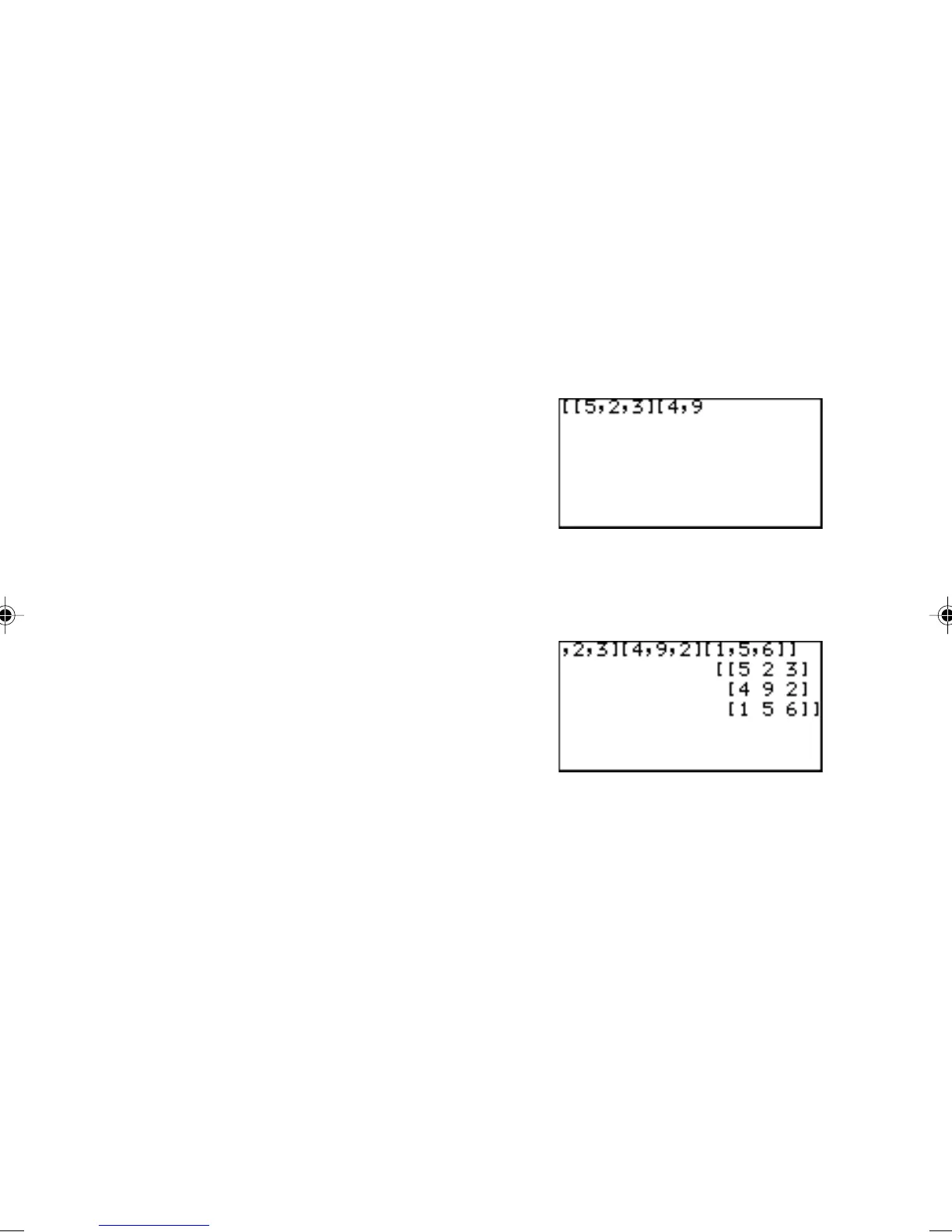
Using [ ] menus, you can manually enter a matrix on the calculation screen.
1. Press @ m E 1 ( [ ) at the beginning of the
matrix.
2. Press @ m 1 ( [ ) to indicate the beginning of the
first row.
Once you enter the manual matrix entry mode, you can
directly enter “or” by selecting 1 or 2.
3. Enter a number or expression for each element. Separate
each element with commas.
4. Press @ m 2
( ] ) to indicate the end of the
first row.
5. Repeat above steps 2 to 4 to enter all the rows.
6. Press @ m 2 ( ] ) to indicate the end of the
matrix.
7. Press E.
The matrix will be displayed.
To use a matrix in an expression, you can do any of the follow-
ings:
• Select a matrix from the m NAME menu.
• Enter the matrix directly using the [ ] function menus.
Using a Matrix in
an expression



 To Next Page