36
Chapter 3: Basic Calculations — Basic Keyboard
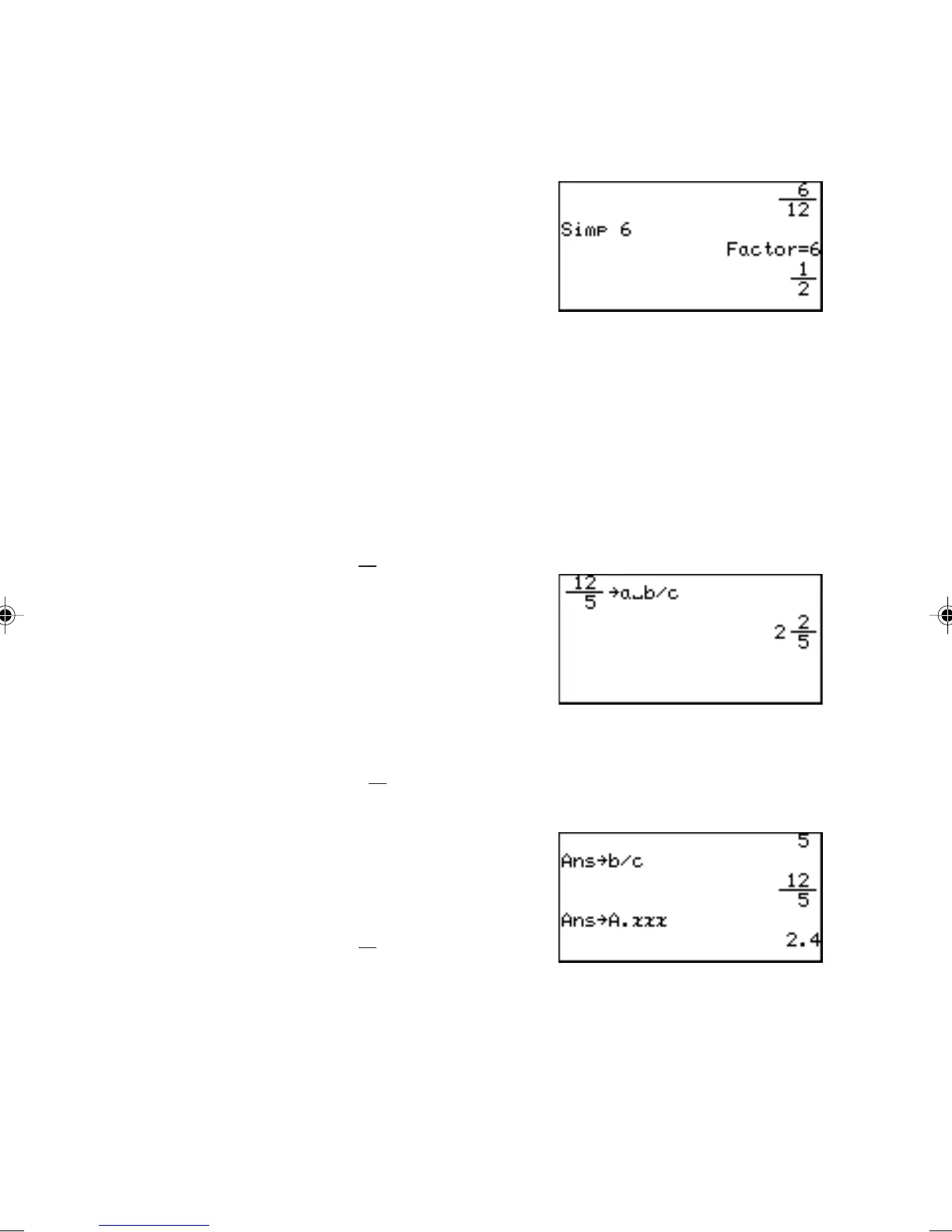
Specifying a common factor
Simplify the fraction using the specified common factor.
Example
1 b 12 ' + 5
b 12 E
Q 6 E (Manually
specify 6, the Greatest Com-
mon Factor of 12 and 6, to
simplify the fraction.)
Note: If the wrong number is specified for a common factor, an error will
occur.
Q is effective in a fraction calculation mode only (when the
ANSWER mode is set to Mixed or Improp in the SETUP menu).
/ Converts an improper fraction to a mixed number.
Example
• Change
12
5
to a mixed
number.
12 b 5 ' /
E
< Converts a mixed number to an
improper fraction.
Example
• Change
2
5
2
to an improper fraction.
< E
> Converts a fraction to a decimal
number.
Example
• Change
12
5
to a decimal
number.
> E
Note: Above three conversions will not affect the ANSWER settings in
the SET UP menu.
If a decimal number is not rational, fraction conversion will not
function and display the answer in decimal format.



 To Next Page