62
Chapter 4: Basic Graphing Features — Basic Keyboard
2. Press @, and d to enter the DRAW menu, then press
G to select G SHADE. The SHADE sub-menu appears.
3. Press 1 to select 1 SET.
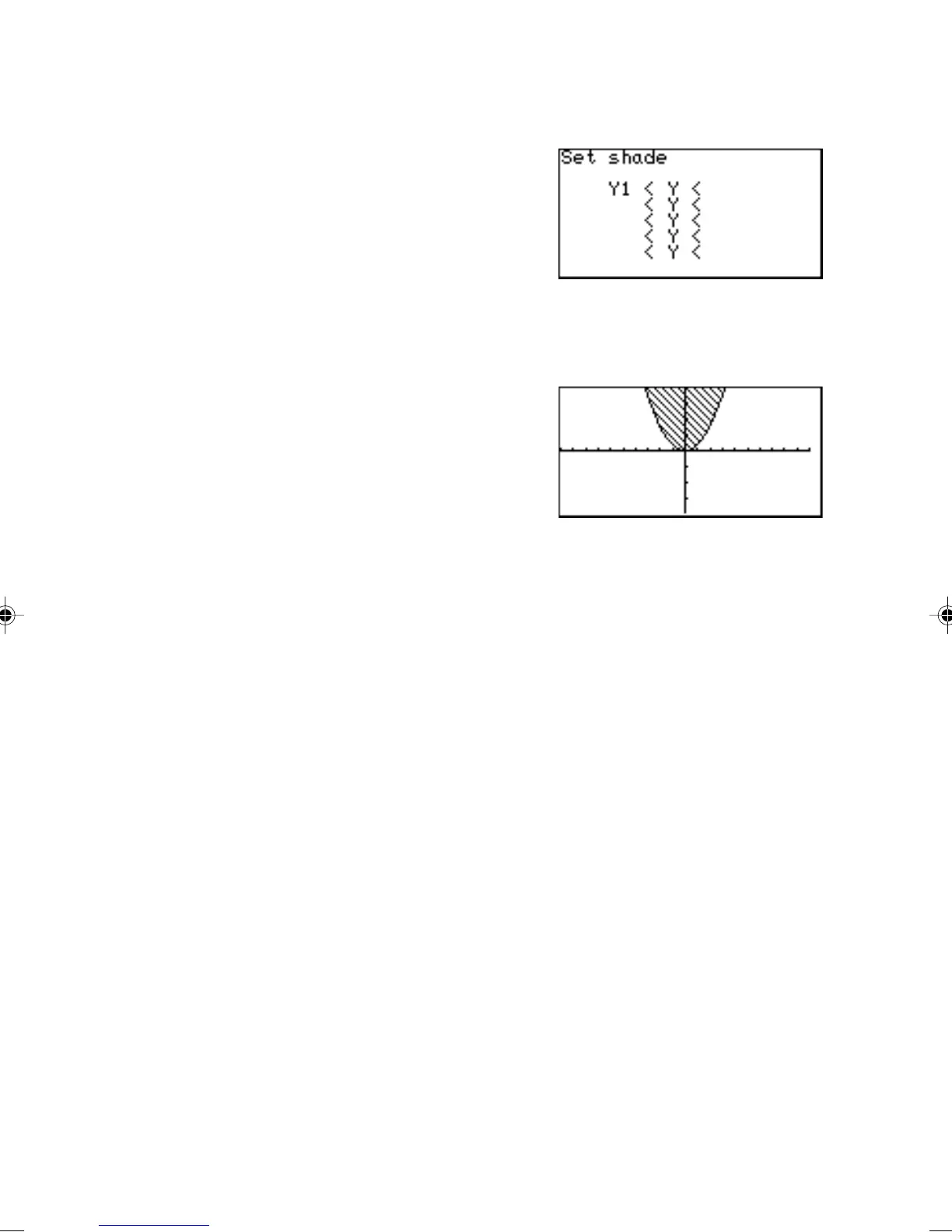
The “Set shade” window
appears.
4. Using the cursor keys, move
the cursor pointer to the
appropriate position.
5. Press @ z A.
6. Press 1 to select Y1.
7. When the value is set, press
the G key. The graph will
be redrawn.
8. Let’s add another inequation,
so that the area where the
two inequality overlap can be shaded. Press the Y key,
and enter another simple graph equation such as “X
+ 4” for
“Y2”.
9. Now, return to the SHADE menu by pressing @ d,
and G. Press 1 to select “1 SET”.
10
. Within the “Set shade” window, add the second equation at the
right of the topmost inequation. Use the ' or ; key to
position the underscore cursor, then select “Y2” using the
VARS menu.
11
. Press the G to redraw the graph with the new shading
appearance.



 To Next Page