69
Chapter 5: Advanced Calculations — Advanced Keyboard
The following math functions can be accessed with the use of @ key. To learn the
basic steps of how to access the second function of each key, refer to the section
“Second Function Key” of Chapter 2.
s Enters an arcsine function to be used in a trigonometric expres-
sion.
Example
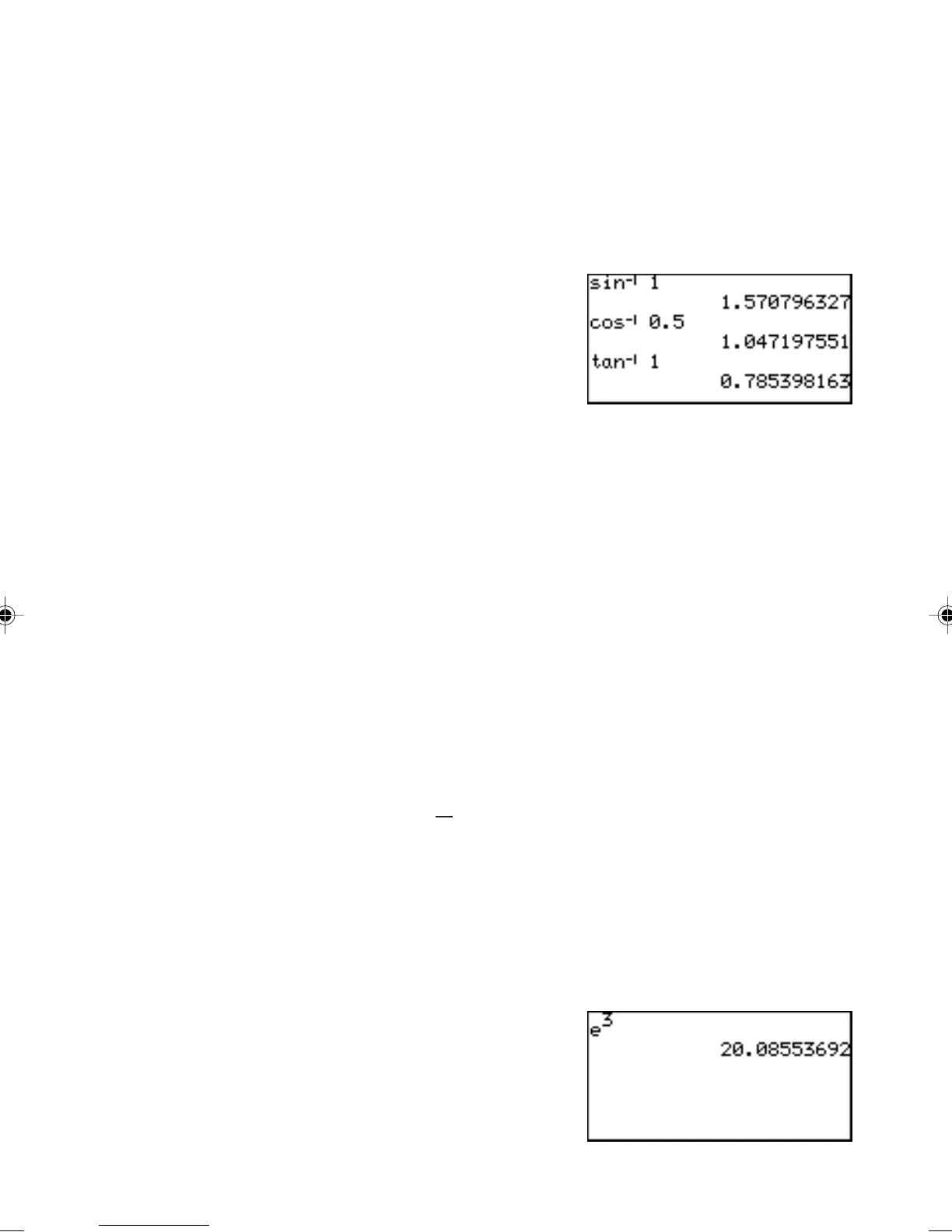
• Calculate arcsine 1.
@ s 1 E.
c Enters an arccosine function to
be used in a trigonometric
expression.
Example
• Calculate arccosine 0.5.
@ c 0.5 E.
t Enters an arctangent function to be used in a trigonometric
expression.
Example
• Calculate arctangent 1.
@ t 1 E.
Note: Expressions with inverse trigonometric functions evaluate in the
following ranges.
θ
= sin
-1
x,
θ
= tan
-1
x
θ
= cos
-1
x
Deg: 0 ≤ |
θ
| ≤ 90 Deg: 0 ≤ |
θ
| ≤ 180
Rad: 0 ≤ |
θ
| ≤
π
2
Rad: 0 ≤ |
θ
| ≤ π
Grad: 0 ≤ |
θ
| ≤ 100 Grad: 0 ≤ |
θ
| ≤ 200
0 Raises 10 to the power of x.
@ Enters the Euler Number
e (2.71…) to a power. The cursor will
then be placed at the exponent.
Example
• Obtain a value of e
3
.
@ @ 3 E.



 To Next Page