78
Chapter 5: Advanced Calculations — Advanced Keyboard
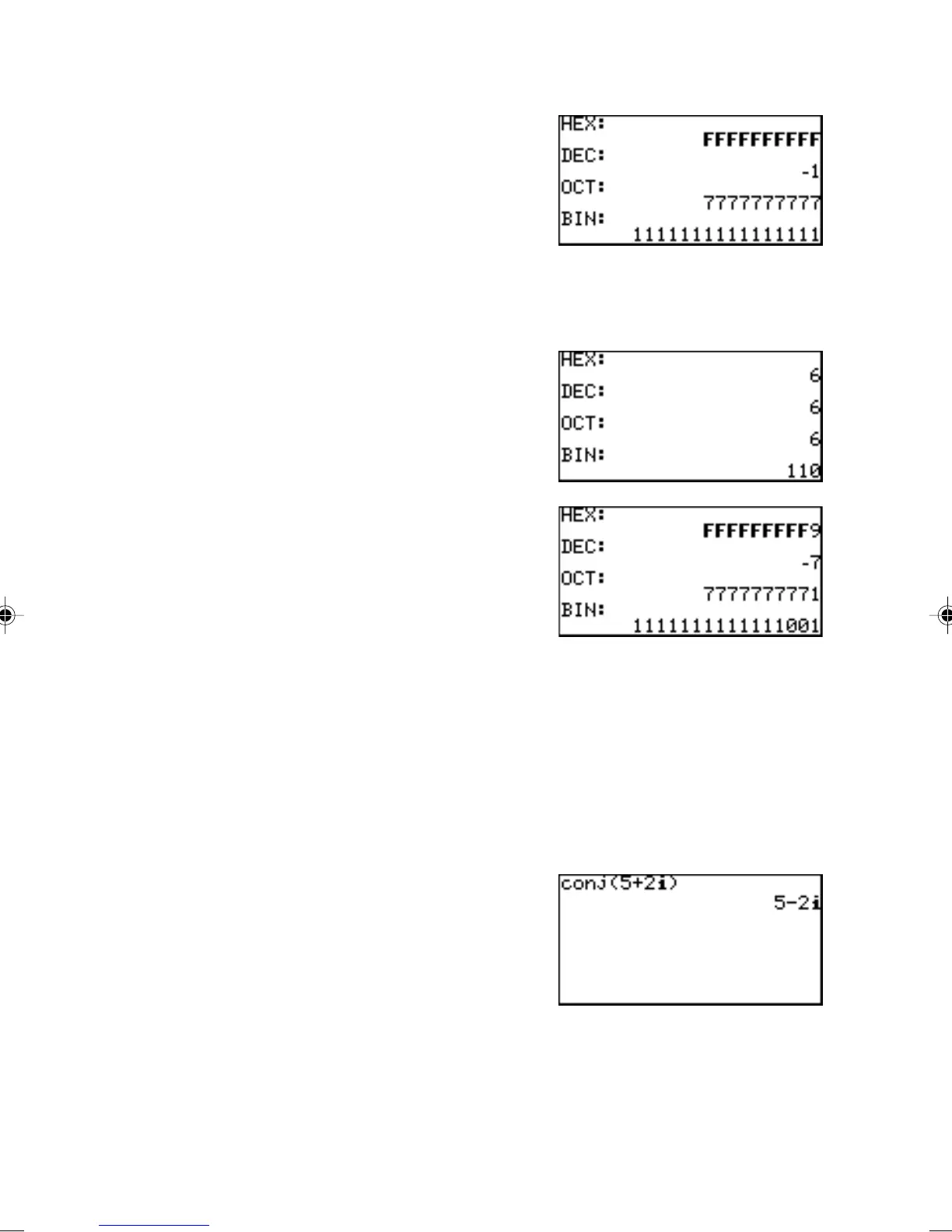
4 neg neg
value
Enters a “neg” logic
figure.
M 4 1
E
Note: “4 neg” menu
appears only in the N-base calculation (binary, octal,
decimal and hexadecimal) mode.
5 xor
value A
xor
value B
Enters an Exclusive-
OR (xor) logic figure.
1100 M 5
1010 E
6 xnor
value A
xnor
value B
Enters an Exclusive-
NOR (xnor) logic
figure.
1100 M 6
1010 E
H COMPLX In order to use the sub-menu items within the COMPLX menu,
the calculator must be set up to handle complex numbers.
Otherwise the result will be a data type error.
Refer to the section “6. SETUP Menu” in this chapter for chang-
ing/verifying the calculator’s setup to enable complex number
answers, in either rectangular or polar coordinates.
1 conj( conj(
complex number
)
Returns the complex
conjugate of the
specified complex
number (or list of
complex numbers).



 To Next Page