Entering and Using Programs
117
5. Special
Functions
4
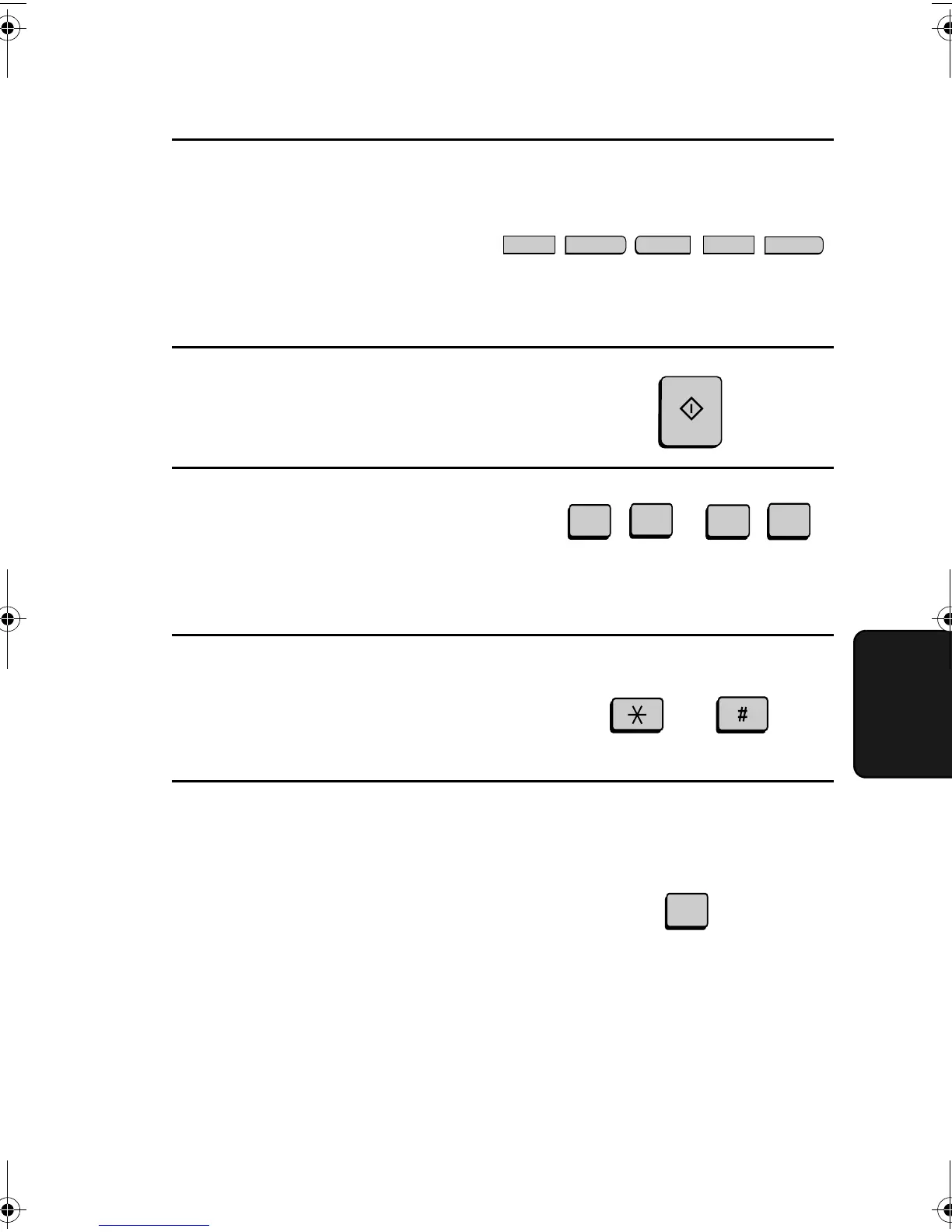
Enter a name for the program by
pressing the letter entry keys. (If you
don’t want to enter a name, go
directly to Step 5.)
Example: SHARP
A
S
H
R
P
5
Press the START key.
6
If you want to include a timer setting,
enter a two-digit number for the hour
(“01” to “12”) and a two-digit number
for the minute (“00” to “59”). (If not,
go directly to Step 9.)
Example: 9:25
7
Press the * key to select A.M. or the
# key to select P.M.
0
5
2
9
or
A.M. P.M.
8
Enter a 1-digit number for the day of
the operation (skip this step if the
operation will be performed within
the next 24 hours):
0: Sunday
1: Monday
2: Tuesday
3: Wednesday
4: Thursday
5: Friday
6: Saturday
1
Example: Monday
START
all-FO4700.book Page 117 Friday, November 4, 2005 9:17 AM



 To Next Page