Entering and Using Programs
119
5. Special
Functions
14
Adjust the resolution and or contrast
if desired, and then press the START
key.
13
Press the START key.
Transmission
(Continued from Initial procedure.)
12
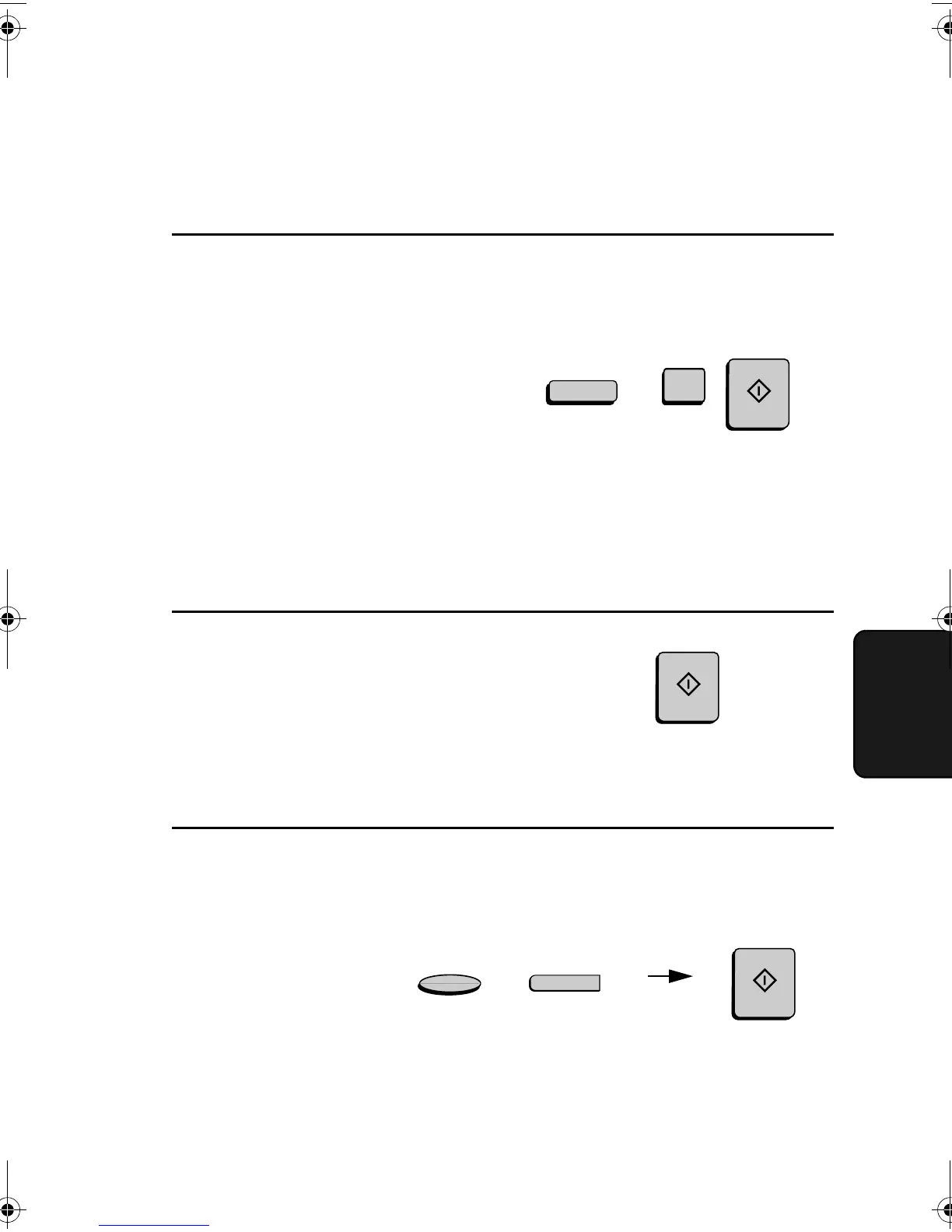
Dial the receiving machine using one
of the following methods:
• Press a Rapid Key.
• Press the SPEED DIAL key and
enter a Speed Dial number (if you
enter less than 3 digits, press the
START key to complete the entry).
• Enter a full fax number with the
numeric keys.
(Example)
.
SPEED DIAL
1
RESOLUTION
Q
CONTRAST
START
START
START
all-FO4700.book Page 119 Friday, November 4, 2005 9:17 AM



 To Next Page