01/8/30 3.fm
23
MD-MT888H
Basic Operation
-Playback-
Notes:
z
If power failure occurs whilst playing a disc using the
AC adaptor, disconnect it from the wall socket. Other-
wise, playback may start automatically when electricity
resumes.
z
If you connect the AC adaptor without installing the
rechargeable battery, playback may start automati-
cally. Be sure to turn off the power.
To interrupt playback
During playback, move the M button toward .
z
You can perform the same operation by pressing the
button on the main unit.
z
Playback starts by moving the M button toward
again.
To stop playback
During playback, move the M button toward .
z
You can perform the same operation by pressing the
button on the main unit.
z
If the unit is not operated for at least 2 minutes whilst
in the stop mode, the power will shut off automatically.
To turn off the power
Whilst in the stop mode, move the M button toward .
z
You can perform the same operation by pressing the
button on the main unit.
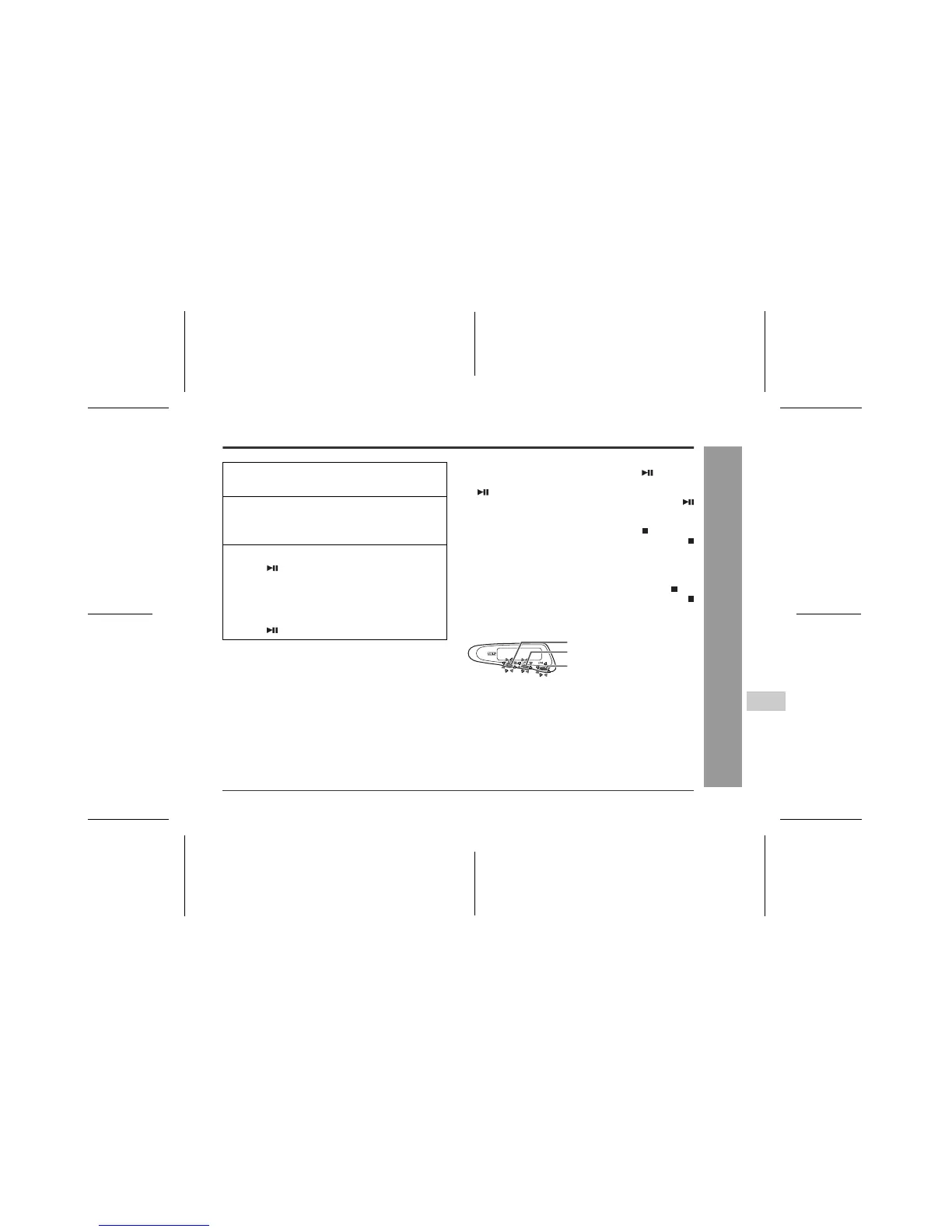
„ 3-colour indicators
Green light flashing
Stereo playback or monaural playback
Yellow light flashes twice
2 times long playback (stereo)
Orange light flashes four times
4 times long playback (stereo)
Light flashes in order from green
Fast forward
Light flashes in order from orange
Fast reverse
1
Plug the remote control and earphones
into the unit.
2
Insert a MiniDisc (page 13).
Inserting a group-recorded MD automatically sets
the unit to the group mode.
3
Start playback by moving the M button to-
ward .
z
Playback starts automatically with a playback
only MiniDisc or a MiniDisc which is protected
against accidental erasure (Auto-play function).
z
You can perform the same operation by pressing
the button on the main unit.
Green
Yellow
Orange



 To Next Page