01/8/30 4.fm
25
MD-MT888H
Useful Features
-Advanced Playback-
Advanced Playback
„ To locate the desired portion
„ To locate the beginning of a track
For audible fast forward:
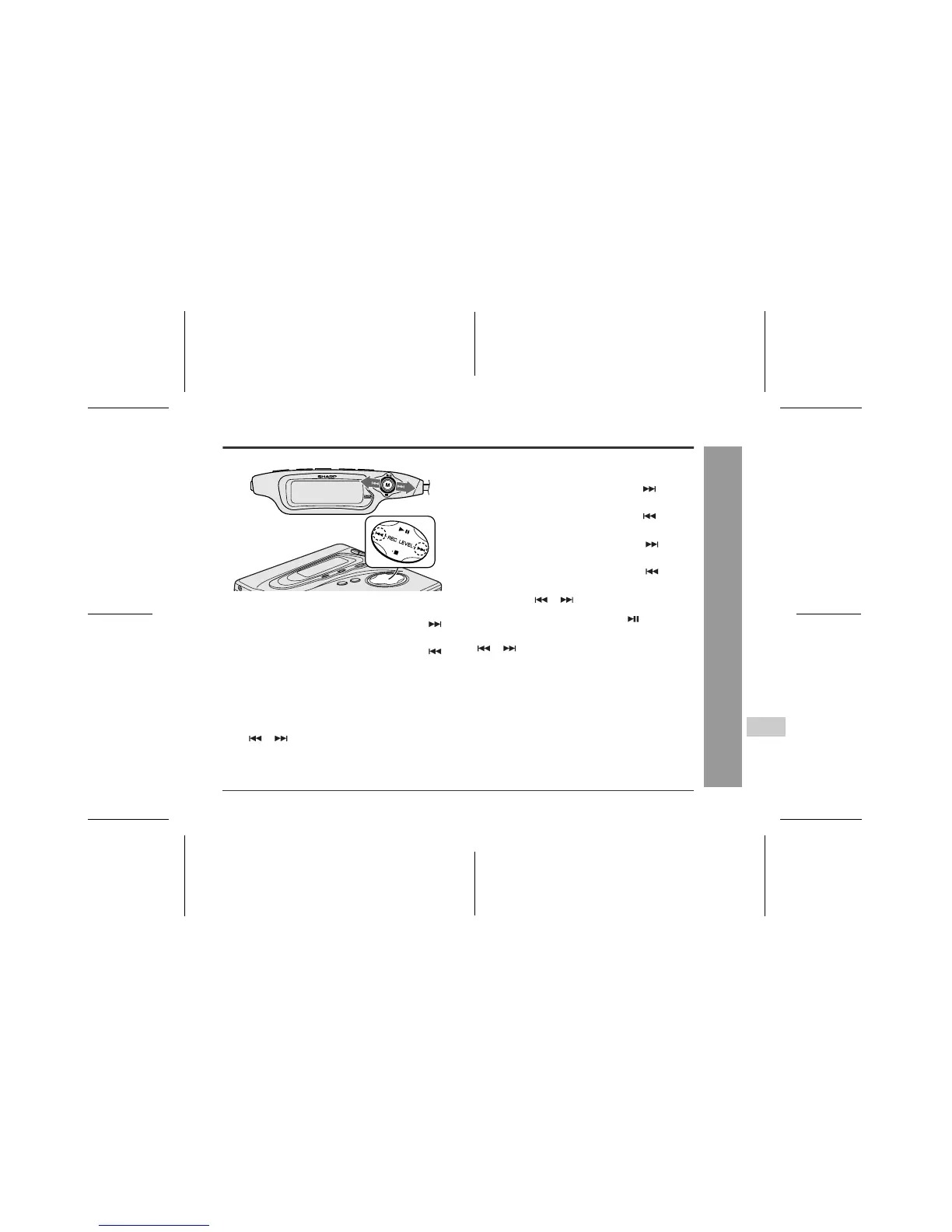
During playback, keep moving the M button toward .
For audible fast reverse:
During playback, keep moving the M button toward .
z
Normal playback will resume when the M button is re-
leased.
z
When the end of the last track is reached during fast
forward, the unit will enter the pause mode. When the
beginning of the first track is reached during fast re-
verse, the unit will enter the playback mode.
z
You can perform the same operation by holding down
the or button on the main unit.
To move to the beginning of the next track:
During playback, move the M button toward once.
To restart the track being played:
During playback, move the M button toward once.
To locate the next track:
In the stop mode, move the M button toward once.
To locate the previous track:
In the stop mode, move the M button toward once.
z
To skip a number of tracks at one time, move the M
button toward or repeatedly until the desired
track number is shown.
z
When you move the M button toward , playback
starts from the beginning of the track.
z
You can perform the same operation by pressing the
or button on the main unit.



 To Next Page