01/8/30 4.fm
27
MD-MT888H
Useful Features
-Advanced Playback-
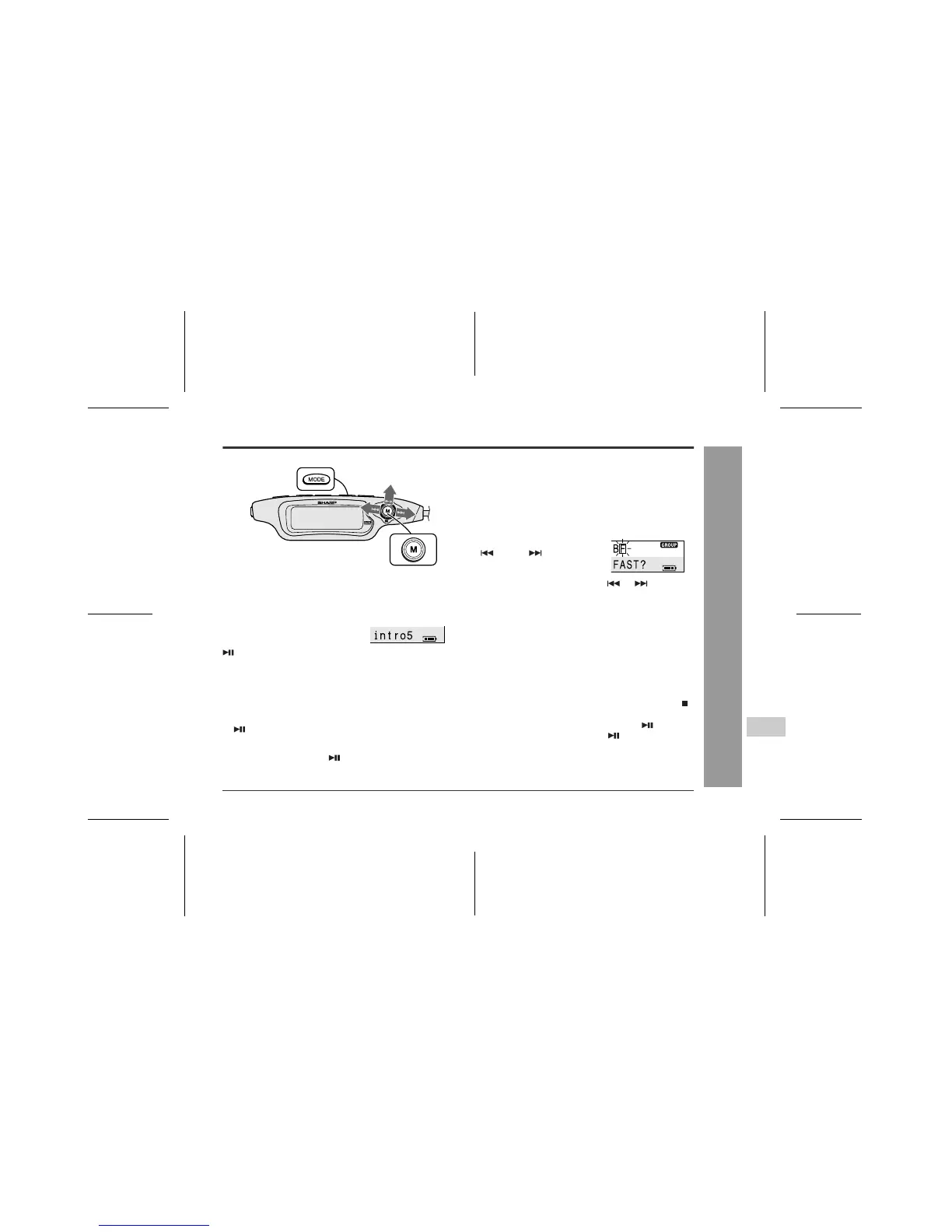
„ Intro play
You can listen to the beginning of each track for 5 sec-
onds in the recorded order.
To return to normal playback
Move the M button toward .
„ To play at double speed
A MiniDisc recorded in the monaural mode can be played
back at double speed audibly. (Monaural recording, page
29)
z
Complete the operation within 25 seconds whilst
selecting the menus.
z
If you press the CLEAR button during the operation,
the previous display appears.
z
To cancel the operation, move the M button toward .
To interrupt fast playback
During playback, move the M button toward .
z
If you move the M button toward again, the double-
speed playback starts.
To return to normal playback
Select "N(NORMAL)" in step 3 and press the M button.
Whilst the playback is stopped or
paused,
Keep moving the M button toward
for 2 seconds or more.
z
Intro play cannot be performed whilst the random, ran-
dom repeat, or one-track repeat mode is selected. In
this case, normal playback starts.
z
If any operation is performed whilst in the pause mode,
intro play starts from the next track.
z
The same operation can be performed by pressing the
button on the main unit for 2 seconds or more.
1
During playback, press the M button.
The unit enters the menu select mode.
2
Move the M button toward
or to select
"F(FAST)" and press it.
3
Move the M button toward or to select
"F(FAST)" and press it.
z
If a track recorded in the stereo mode is reached
during the double-speed playback, it will be can-
celled.
z
Depending on the recorded materials, it may be
difficult to hear them.



 To Next Page