01/8/30 5.fm
52
MD-MT888H
Advanced Features
-Changing Default Settings-
Changing Default Settings
z
Complete the operation within 25 seconds whilst
selecting the menus.
z
If you press the CLEAR button during the operation,
the previous display appears.
z
To cancel the operation, move the M button toward .
(*) indicates default setting.
1
Insert a MiniDisc.
2
Whilst in the stop mode, press the M button.
The unit enters the menu select mode.
3
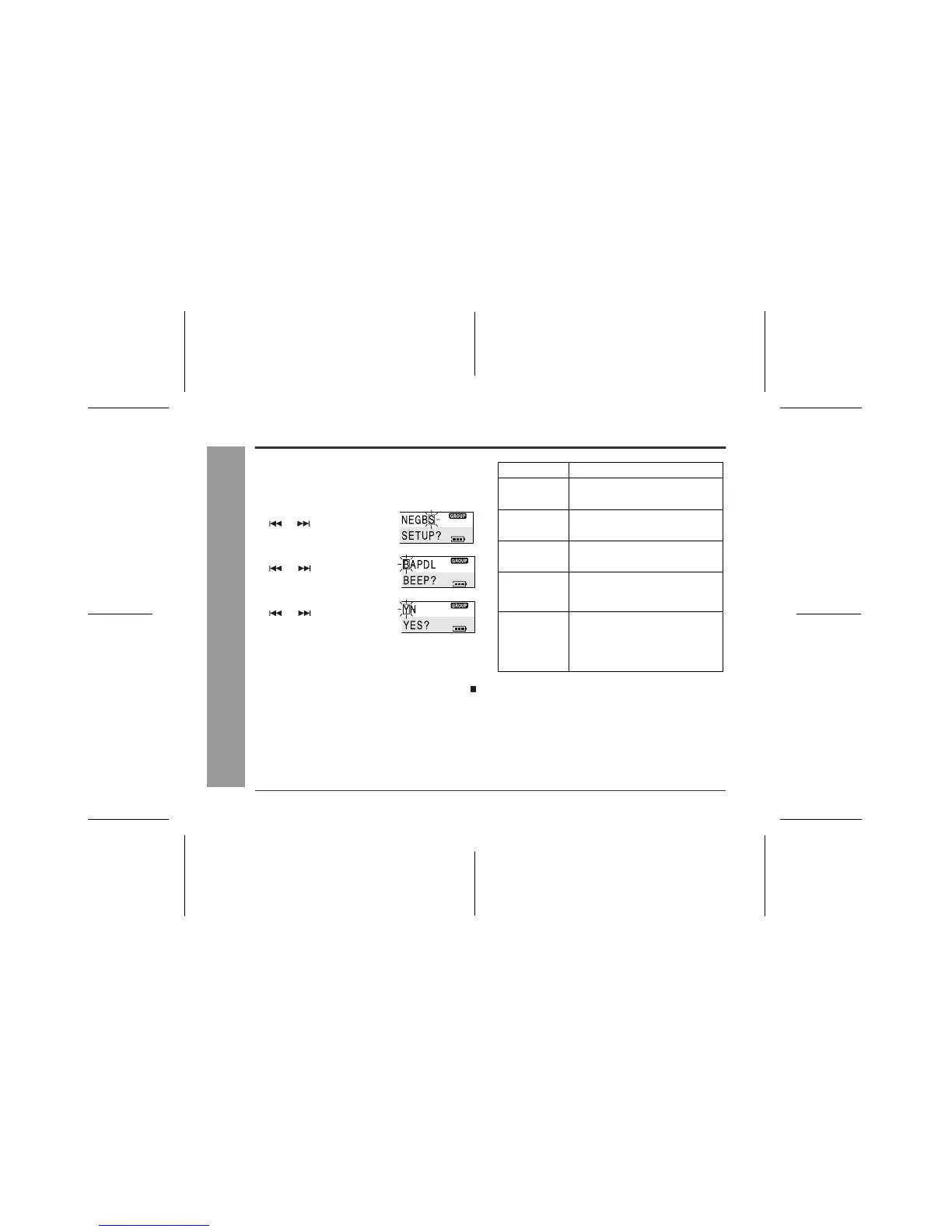
Move the M button toward
or to select "S(SET-
UP)" and press it.
4
Move the M button toward
or to select a menu
and press it.
5
Move the M button toward
or to select an item
and press it.
Menu Item
B(BEEP) Y(YES) * Beep on
Beep sound
N(NO) Beep off
A(AUTO PLAY) Y(YES) * Set
Auto play
N(NO) Cancelled
P(PowerSave) Y(YES) * Set
Auto power save
N(NO) Cancelled
D(D-LEVEL) 1(D.L 1)* Setting retained
Digital recording
level
2(D.L 2) Cancelled
L(LIGHT) N(NORM)* See the next
page
3-colour indica-
tors/Backlight on
the remote con-
trol
A(ALL)
O(OFF)



 To Next Page