01/8/30 4.fm
32
MD-MT888H
Useful Features
-Advanced Recording-
Advanced Recording (continued)
„ About track numbers
z
Track numbers may not be created in proper places,
depending on the source to be recorded from, such as
signals with noise.
z
The track numbers on the playback side may not
match the track numbers recorded on the MiniDisc.
z
When recording, if a programmed playback is per-
formed by the source or playback is performed by
selecting tracks manually, the MiniDisc track numbers
may not be the same as on the source.
z
Track numbers may not be created properly, depend-
ing on the connected stereo system.
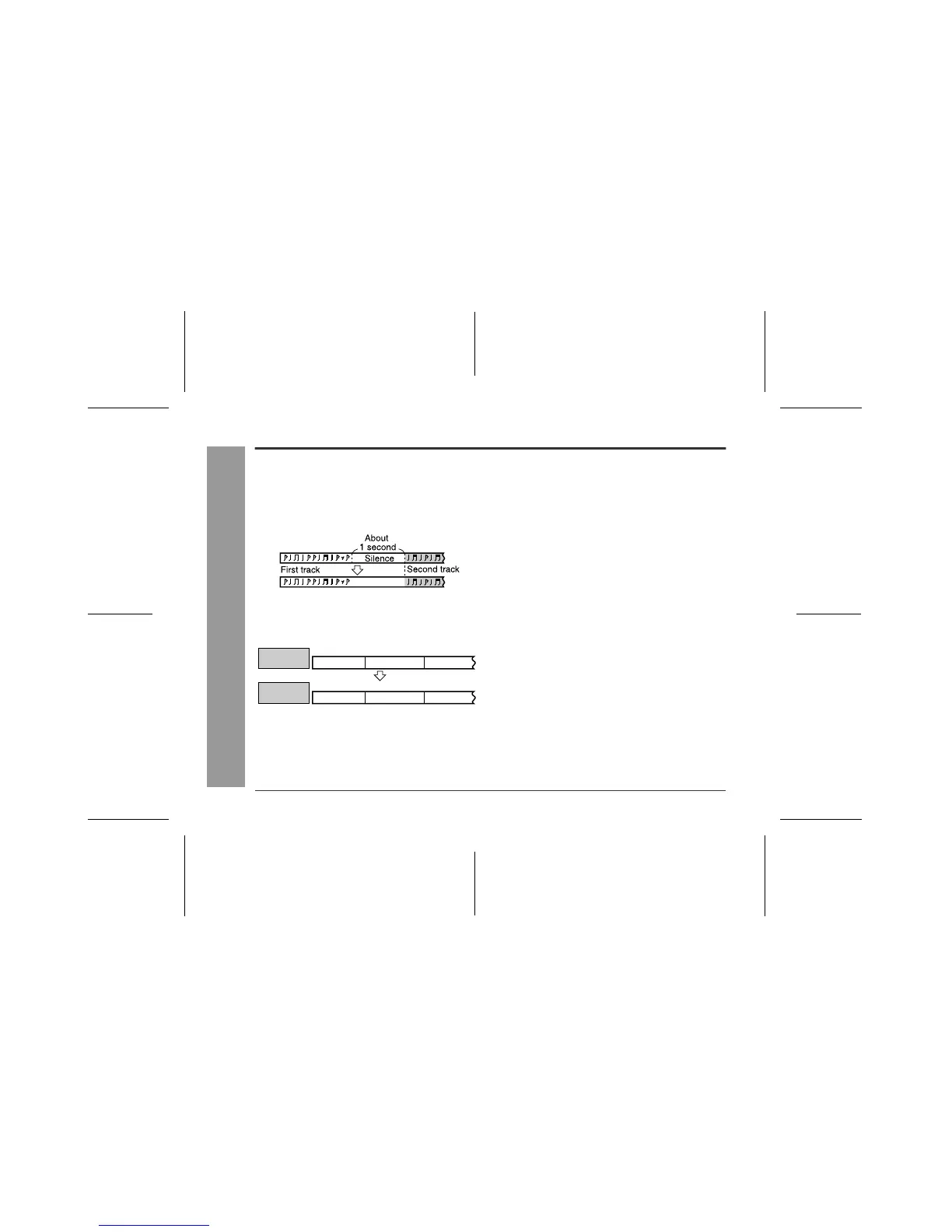
1. Track numbers are created automatically during re-
cording via the analogue connection when a silence
of 1 second or more is detected (Auto marker func-
tion). A series of tracks can be recorded as one by
disabling the auto marker function, see page 31.
2. When recording from a CD or a MiniDisc using the
digital connection, track numbers will be created at
the same points as on the CD or MiniDisc (Synchro
marker function).
First track Second track Third track
Track A Track B Track C
Playback
side
First track Second track Third track
Track A Track B Track C
Recording
side



 To Next Page