01/8/30 5.fm
50
MD-MT888H
Advanced Features
-Editing a Recorded MiniDisc-
Editing a Recorded MiniDisc (continued)
„
Moving non-group tracks to after
group-recorded tracks
If non-group tracks are found in the middle of a group-
recorded MD, they can be moved to after group-recorded
tracks. (Group arrange)
Note:
As the GROUP ARRANGE function moves all the non-
group tracks to the end of the MD, the order of tracks will
be completely changed.
„
Erasing group information
You can erase the entire group information of a group-
recorded MD. By erasing the group information of a MD, it
will be a non-group MD. (Group cancel)
Caution:
The GROUP CANCEL function erases all the group infor-
mation. Check carefully before you erase it.
1
Whilst in the stop mode, press the M button.
The unit enters the menu select mode.
2
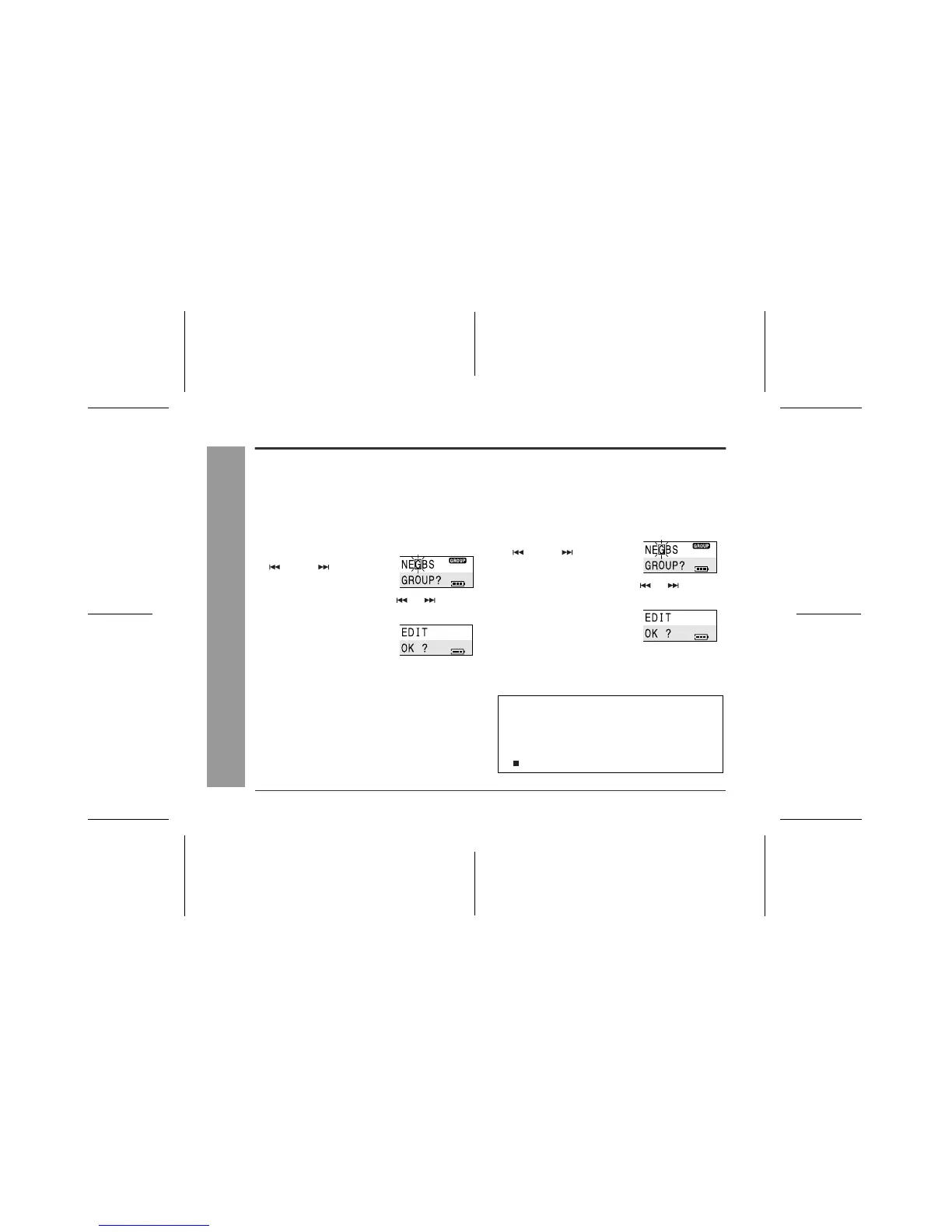
Move the M button toward
or to select
"G(GROUP)" and press it.
3
Move the M button toward or to select
"A(GrARRANGE)" and press it.
4
Press the M button.
Non-group tracks are moved to
after group-recorded tracks.
1
Whilst in the stop mode, press the M button.
The unit enters the menu select mode.
2
Move the M button toward
or to select
"G(GROUP)" and press it.
3
Move the M button toward or to select
"C(GrCANCEL)" and press it.
4
Press the M button.
The group information will be
erased.
z
Complete the operation within 25 seconds whilst se-
lecting the menus.
z
If you press the CLEAR button during the operation,
the previous display appears.
z
To cancel the operation, move the M button toward
.



 To Next Page