01/8/30 4.fm
34
MD-MT888H
Useful Features
-Recording from a Microphone-
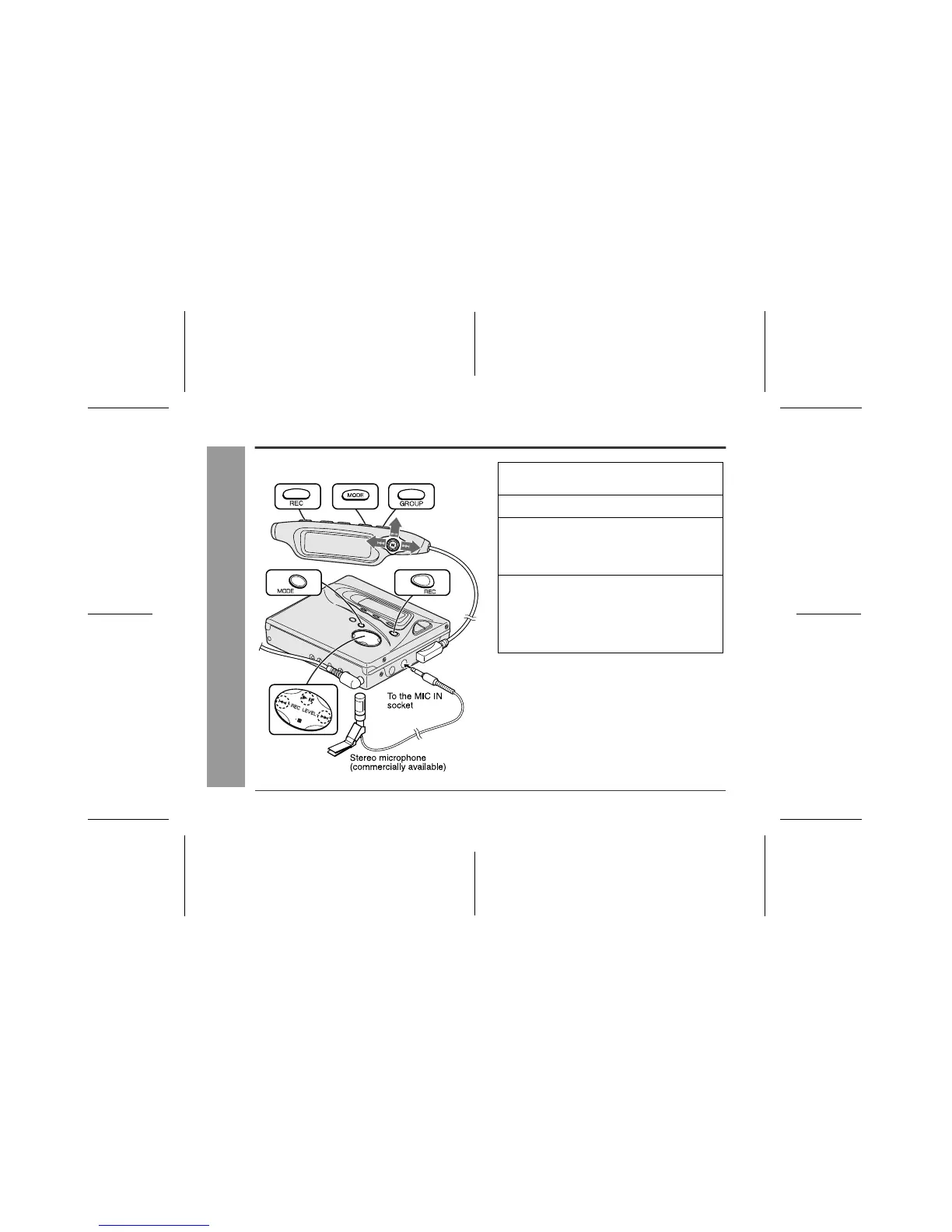
Recording from a Microphone
„ To record from a microphone
1
Connect a stereo microphone to the MIC
IN socket.
2
Insert a recordable MiniDisc (page 13).
3
Hold down the REC button for 2 seconds
or more.
You can perform the same operation by simply
pressing the REC button on the main unit.
4
To perform group recording, hold down
the GROUP button for 1 second or more so
that "GROUP" is lit.
When group recording is not performed, hold down
the GROUP button for 1 second or more so that
"GROUP" goes out.



 To Next Page