01/8/30 5.fm
41
MD-MT888H
Advanced Features
-Titling a MiniDisc-
„
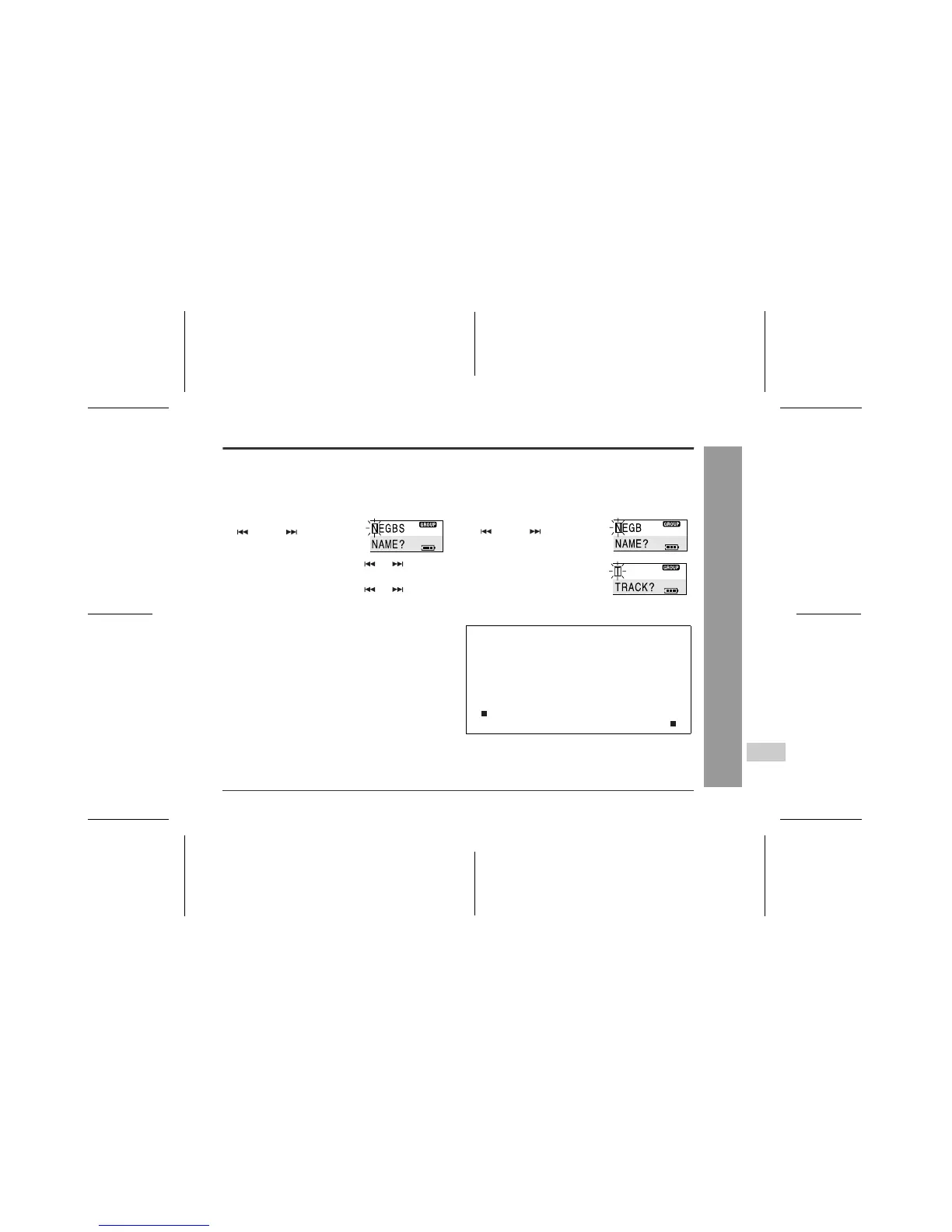
Creating a group name
Select the group mode.
„
Creating a track name
1
Whilst in the stop mode, press the M button.
The unit enters the menu select mode.
2
Move the M button toward
or to select
"N(NAME)" and press it.
3
Move the M button toward or to select
"G(GROUP)" and press it.
4
Move the M button toward or to select
the group you want to name and then press it.
The unit will enter the character input mode.
5
Enter the characters (page 40, steps 4 - 8).
1
Whilst the track to be named is paused, press
the M button.
The unit enters the menu select mode.
2
Move the M button toward
or to select
"N(NAME)" and press it.
3
Press the M button.
The unit will enter the character
input mode.
4
Enter the characters (page 40, steps 4 - 8).
z
Complete the operation within 25 seconds whilst se-
lecting the menus.
z
If you press the CLEAR button during the operation,
the previous display appears. (If you press this but-
ton whilst entering characters, the display you see
before entering characters appears.)
z
To cancel the operation, move the M button toward
. (Whilst entering characters, press the CLEAR
button first and then move the M button toward .)



 To Next Page