01/8/30 5.fm
46
MD-MT888H
Advanced Features
-Editing a Recorded MiniDisc-
Editing a Recorded MiniDisc (continued)
„
Moving a track to another group
On a group-recorded MD, you can move a track to a dif-
ferent group. (Group change)
Notes:
z
When all the tracks in a group are moved to different
groups, the group and the group name will be erased.
z
Non-group tracks can also be moved to a group using
the GROUP CHANGE function.
„
Moving a group to the top
On a group-recorded MD, group-recorded tracks can be
moved to the beginning of the MiniDisc. (Group top
move)
Notes:
z
If the group name has been recorded, the group name
will not be changed even if the GROUP TOP MOVE
function is performed.
z
The GROUP TOP MOVE function cannot be per-
formed with non-group tracks or groups without tracks.
1
Play back the track to be moved, and move
the M button toward to pause it.
2
Press the M button.
The unit enters the menu select mode.
3
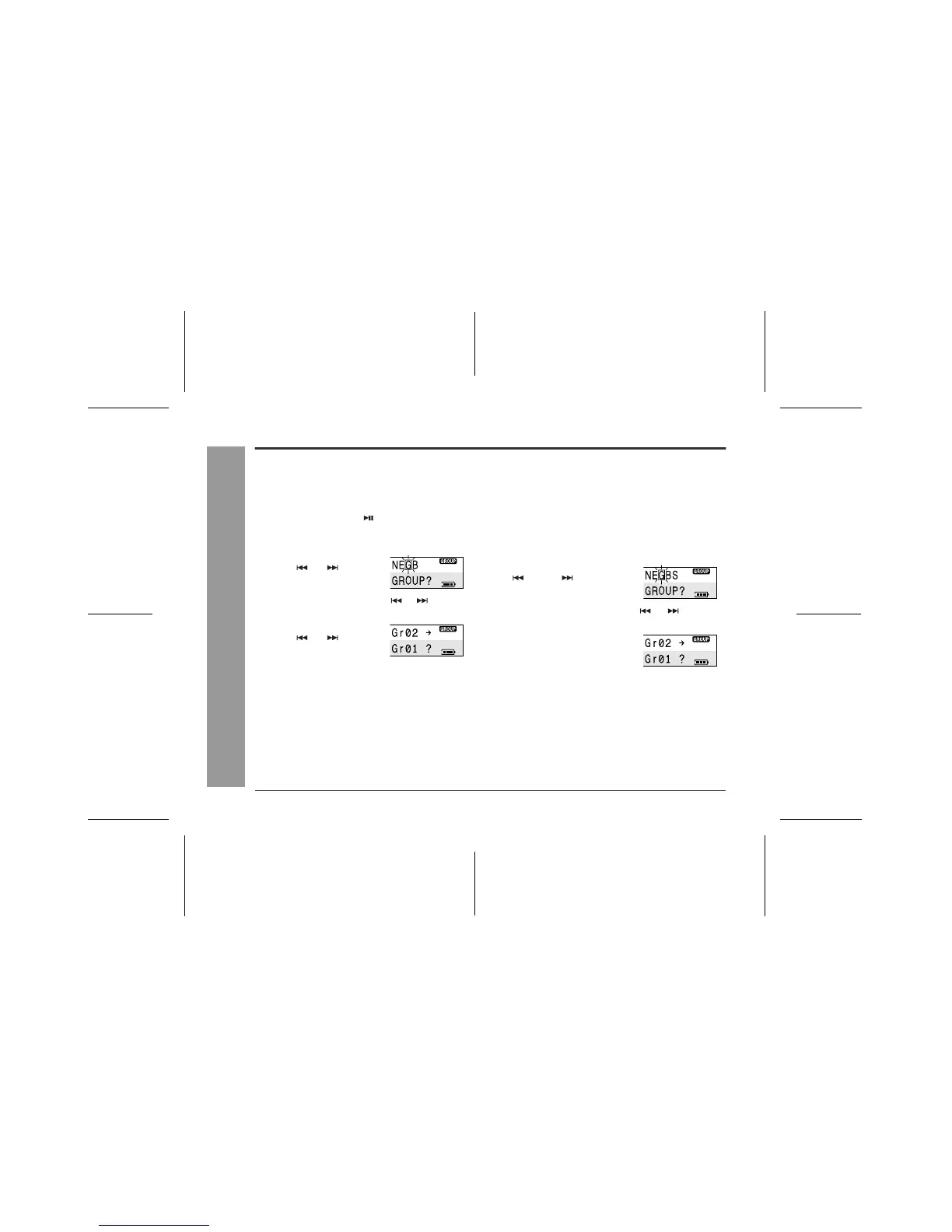
Move the M button to-
ward or to select
"G(GROUP)" and press
it.
4
Move the M button toward or to select
"C(GrCHANGE)" and press it.
5
Move the M button to-
ward or to select
the group the track is
moved to.
6
Press the M button.
The track is moved to the end of the selected group,
and the playback is paused at the beginning of the
moved track.
1
Whilst in the stop mode, select the group to be
moved (page 24).
2
Press the M button.
The unit enters the menu select mode.
3
Move the M button toward
or to select
"G(GROUP)" and press it.
4
Move the M button toward or to select
"T(GrTOPMOVE)" and press it.
5
Press the M button.
The group will be moved to the
top of the MD.



 To Next Page