8-25
SYSTEM SETTINGS►SETTING MODE LIST
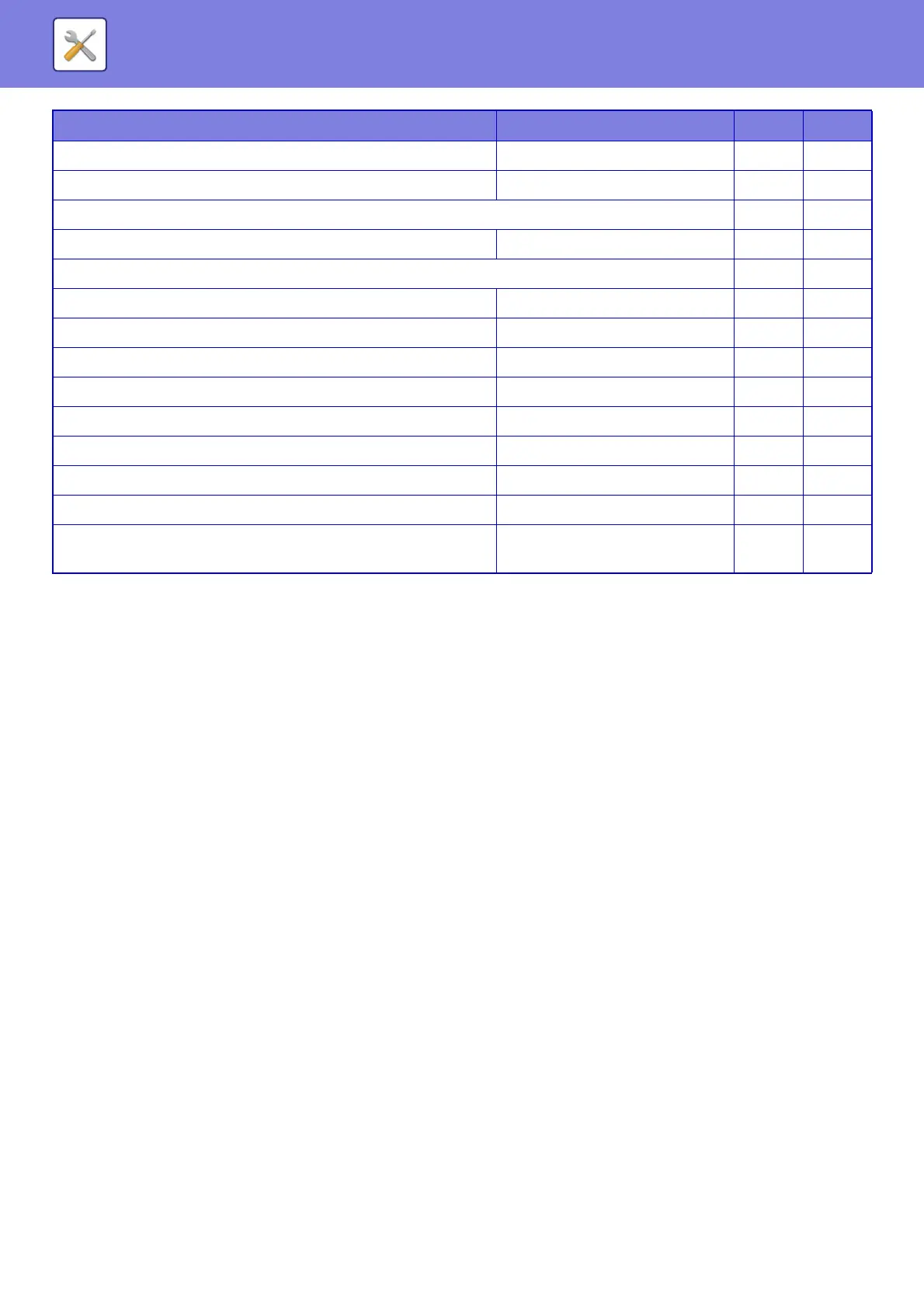
*1 When an internet fax expansion kit is installed
*2 When a facsimile expansion kit is installed
*3 This setting is configured in setting mode on the machine.
• Fax Send(Incl. PC-Fax)*
2
Disabled No Yes
• Scan to HDD Enabled No Yes
Internet Fax Send*
1
No Yes
• Internet Fax Send(Incl. PC-I-Fax) Enabled No Yes
Fax Send*
2
No Yes
• Copies Disabled No Yes
•Printer Disabled No Yes
• Scan Send Disabled No Yes
• Internet Fax Send(Incl. PC-I-Fax)*
1
Disabled No Yes
• Fax Send(Incl. PC-Fax) Enabled No Yes
• Scan to HDD Disabled No Yes
X Document Filing Control*
3
– Yes Yes
X Automatic Deletion of File Settings All Invalid No Yes
Executing automatic deletion during Auto Power
Shut-Off
Disabled
No Yes
Setup Items Factory default setting U A


 To Next Page