8-33
SYSTEM SETTINGS►SETTING MODE LIST
*10 When a finisher/saddle stitch finisher is installed and a punch module is installed
*11 When a color-related problem has occurred
*12 When a large capacity tray is installed
*13 When an Inserter is installed
*14 When a folding unit is installed
*15 When a trimming module is installed
*16 This setting is configured in setting mode on the web page.
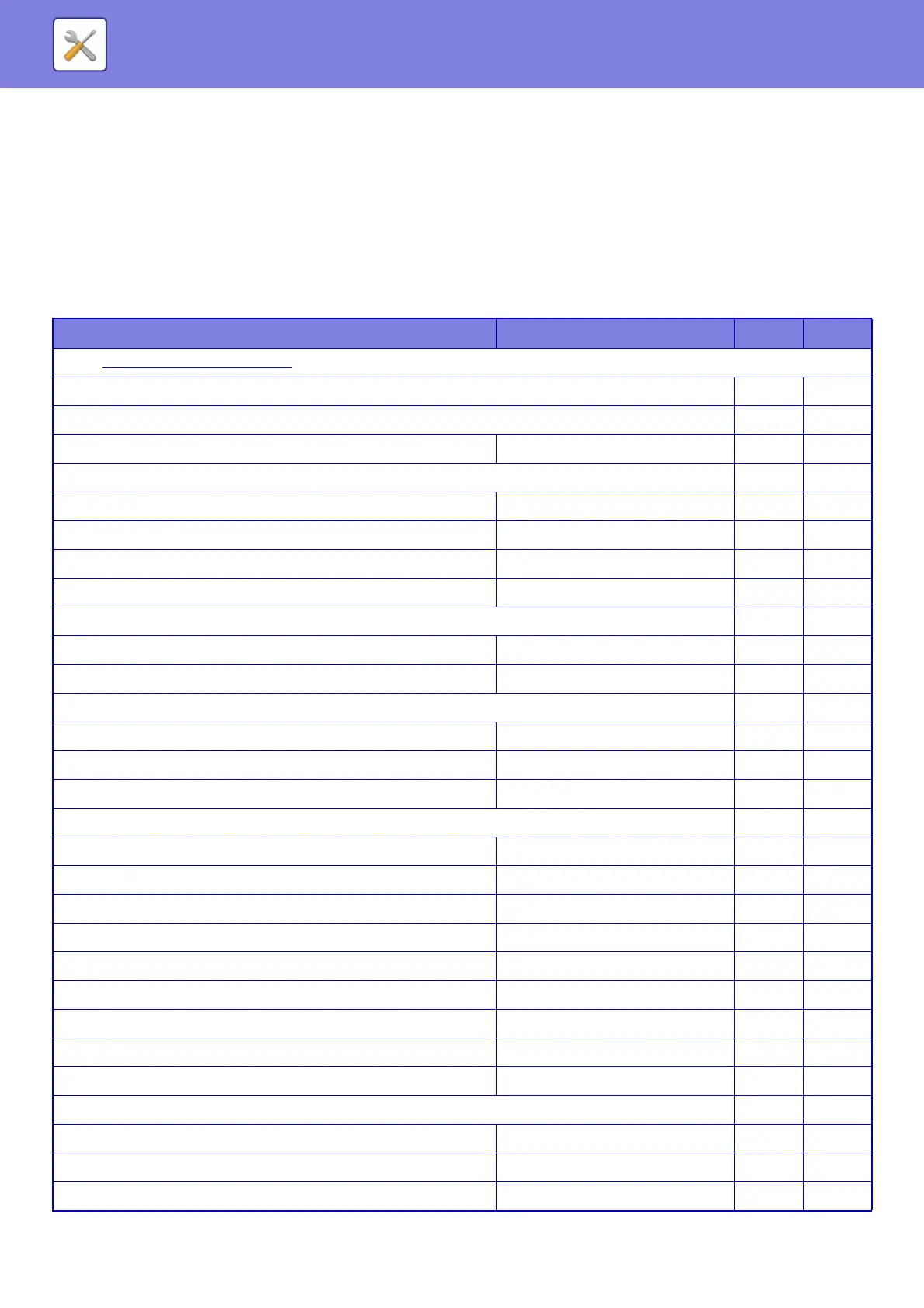
Network Settings
U: General user; A: System administrator/Administrator
Setup Items Factory default setting U A
● Network Settings (page 8-141)
X Quick Settings No Yes
Wireless Settings No Yes
• Connection Type Wired Only No Yes
IPv4 Settings No Yes
• DHCP Enabled No Yes
• IPv4 Address 0.0.0.0 No Yes
• Subnet Mask 0.0.0.0 No Yes
• Default Gateway 0.0.0.0 No Yes
Network Name Settings No Yes
• Device Name – No Yes
• Domain Name – No Yes
DNS Settings No Yes
• Primary Server – No Yes
• Secondary Server – No Yes
• Domain Name – No Yes
SMTP Settings No Yes
• Primary Server – No Yes
• Sender Name – No Yes
• Sender Address – No Yes
• Enable SSL Disabled No Yes
• SMTP Authentication Disabled No Yes
• User Name – No Yes
•Password – No Yes
- Change Password Disabled No Yes
• Connection Test – No Yes
LDAP Settings No Yes
•Name – No Yes
• Search Root – No Yes
• LDAP Server – No Yes


 To Next Page