MX-C250 ADJUSTMENTS 5 – 36
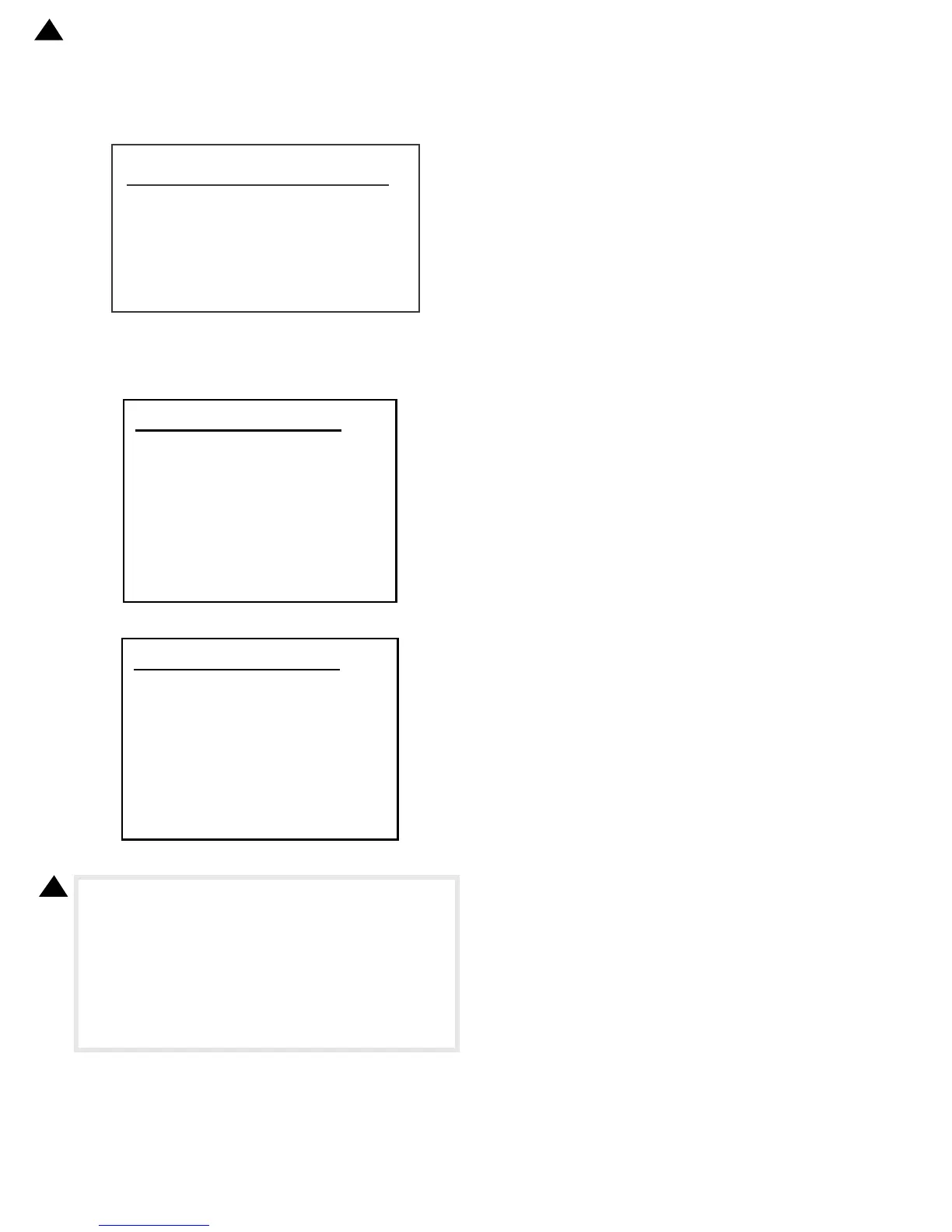
8) Use SIM 44-26 to execute the halftone image correction.
(Forcible execution)
Enter the SIM 44-26 mode and press [PRINT] key.
[EXECUTE] key is highlighted and the operation is started.
It takes several minutes to complete the operation. After com-
pletion of the operation, "COMPLETE" is displayed.
(Normal end (Auto transition))
(Abnormal end (Auto transition))
After completion of the operation, the simulation is canceled.
9) Make a copy of the servicing color test chart (UKOG-
0317FCZZ/UKOG-0317FC11) and a user's document accord-
ing to necessity in the Text/Printed Photo mode (Manual) and
check the adjustment result again. (Refer to the item of the
copy color balance/density check.)
If the copy color balance and density are not adjusted to the
specified level, there may be another cause.
Troubleshoot the cause, and repair or perform proper treat-
ments, and try all the procedures of the print image adjustment
from the beginning.
6LP'(16,7<&255(&7>@
㻷㻝㻙㻷㻠㻌㼚㼚㼚㼚㻘㼚㼚㼚㼚㻘㼚㼚㼚㼚㻘㼚㼚㼚㼚
㻌
㻷㻡㻙㻷㻤㻌㼚㼚㼚㼚㻘㼚㼚㼚㼚㻘㼚㼚㼚㼚㻘㼚㼚㼚㼚㻌
㻷㻥㻙㻷㻝㻞㻌㼚㼚㼚㼚㻘㼚㼚㼚㼚㻘㼚㼚㼚㼚㻘㼚㼚㼚㼚
㻌
㻻㻷


 To Next Page