SIO-Mode:&USB&PC-Adaptor&Cable&with&Hardware-Handshake&&
!
An elegant, hence powerful DIY-alternative for the connection of the PC-G850V(S) with a
modern PC is based on a pre-built USB-UART adaptor cable with open endings.
Specification:
FTDI USB-UART/TTL adaptor cable based on FT232R-chip, 5V, 6 pins
(GND,5V,RXD,TXD,RTS,CTS)
For physical connection with the 11-pin interface of the PC-G850V a common multi-pin-
connector with 2.54mm spacing can be used. You need to solder the UART-lines of
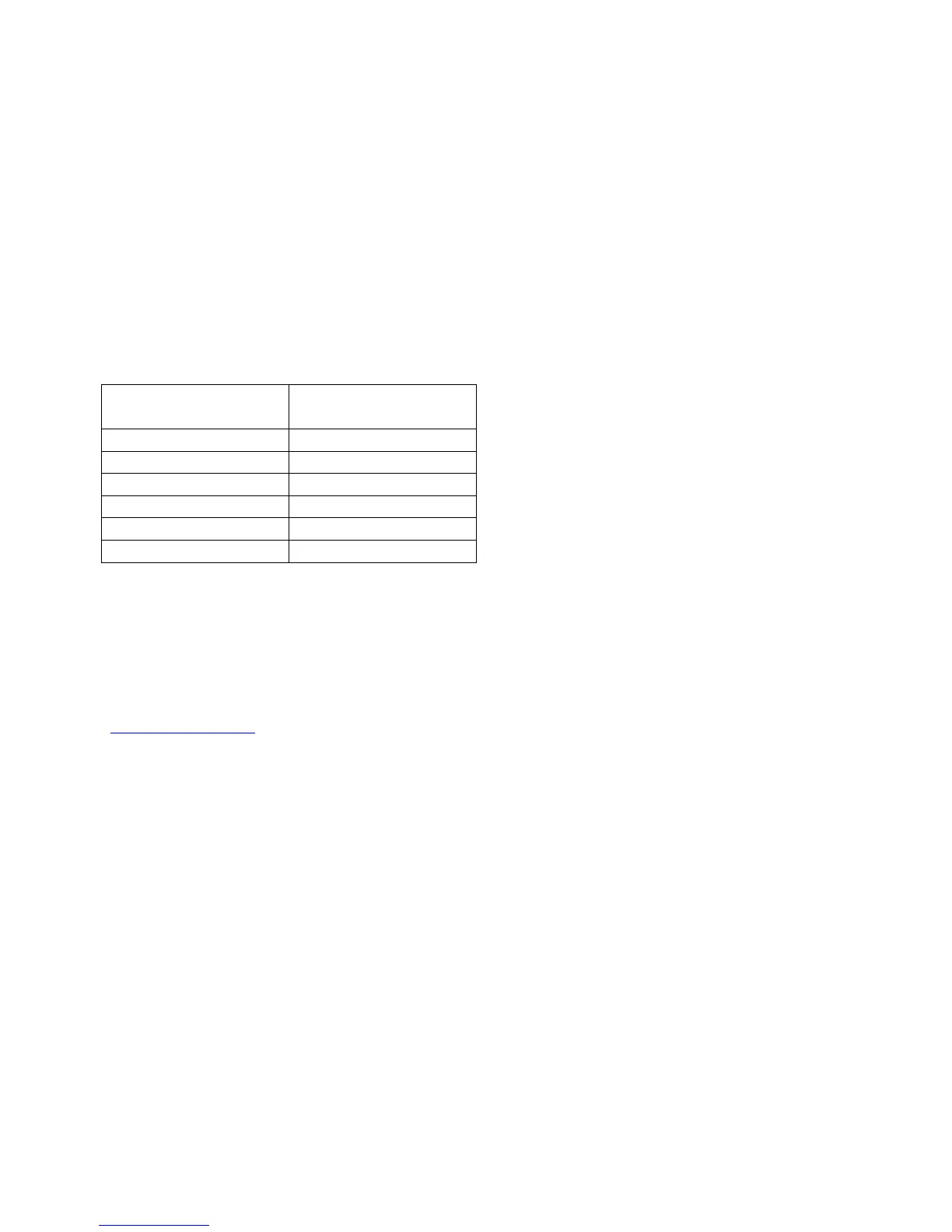
adaptor to the multi-pin-connector by using a null-modem wiring then:
Additionally there should be a 10kOhm resistor between pin-4 and pin-3 of the multi-pin-
connector. It serves as a pulldown for the RTS-signal, to get a defined LOW level.
Without it, you might experience I/O-errors when transferring data from a PC to the PC-
G850V(S), because the PC may not receive wait requests from the pocket computer.
Finally you have to download the tool FT_PROG from the website of the manufacturer:
www.ftdichip.com. With this tool you must logically invert the signals RXD, TXD, RTS and
CTS of the FTDI-chip, because the SIO-mode (RS-232 interface) of the PC-G850V(S)
operates on inverted UART-logic (see above). This is a one-off process and the settings
are persisted within the integrated EEPROM of the FTDI-chip.



 To Next Page