43
PeriodicReportSample
■
Generalinformation
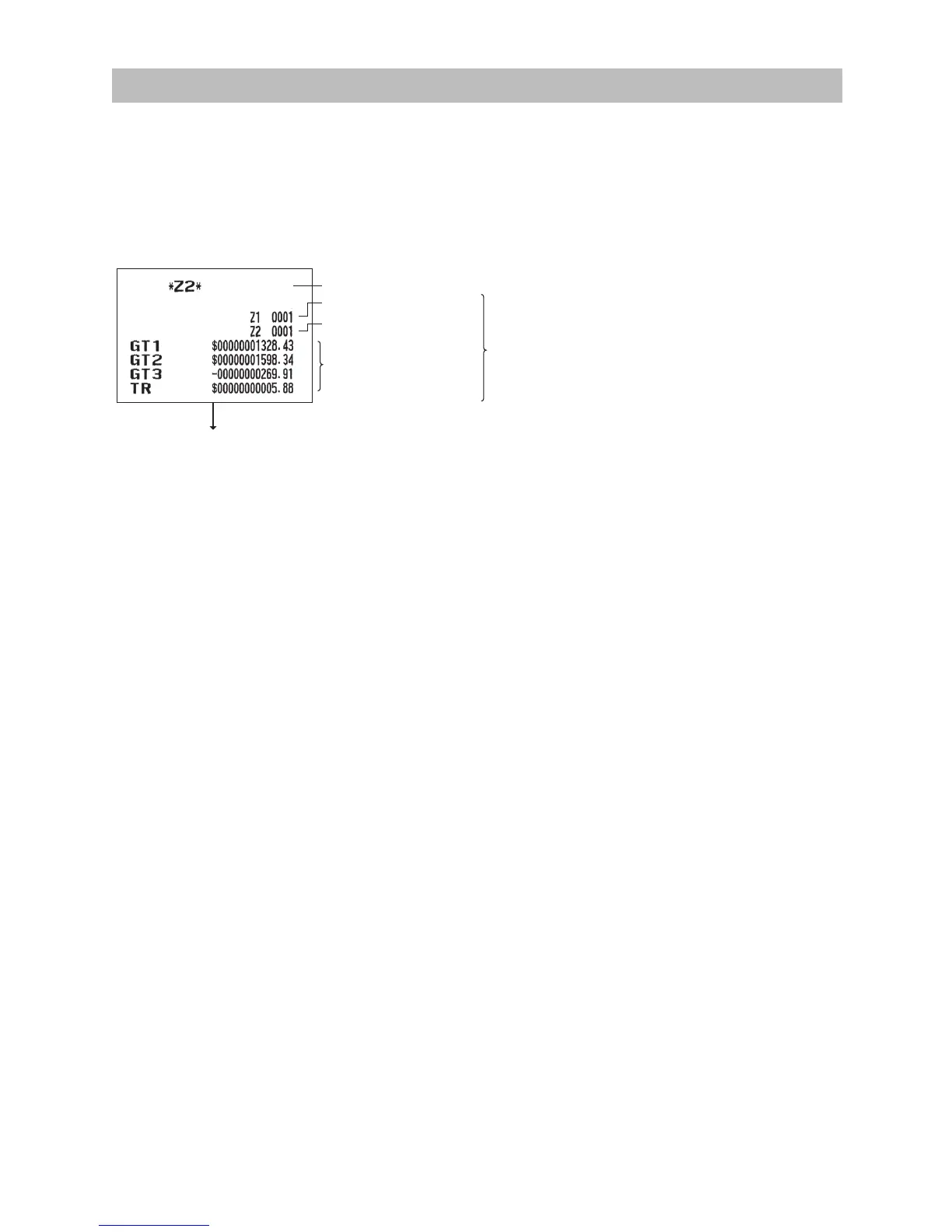
The periodic reading or resetting reports are the same in format as those in the X1/Z1 report for daily sales.
The mode indicator will read “X2” or “Z2”.
•Samplereport
(Full sales report)
Grand totals
Reset counter of daily total
Reset counter of
periodic consolidation
Mode title
*1
The subsequent printouts are the same in format
as those in the X/Z report for daily totals.
*1: When you take X2 report, “X2” is printed.
*2: Printed in the Z2 report only
*2












 To Next Page