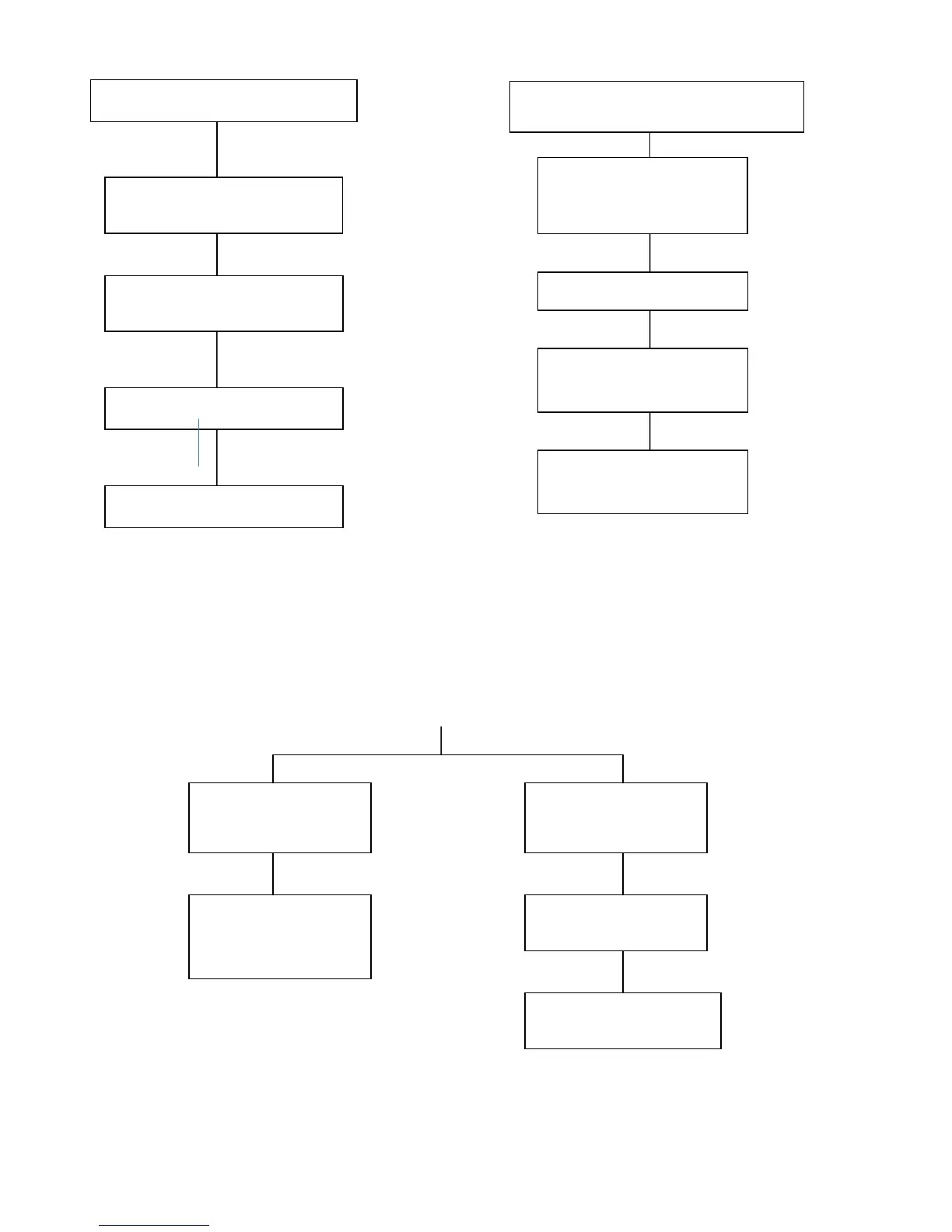
PARTS LIST / SCHEMATICS / DIAGRAMS
Shelti Eye
2
Manual 29
SYMPTOMS
CHANGING
AUTOMATICALLY.
PLAYERS
ERRATICALLY.
Features set-up.
Check all grounding wires for
clean and tight connections.
Check connection of antenna to
Player Change Board.
Check power & data cables between
Upper Display Board & Controller Board.
Perform a 10-second main power OFF/ON
cycle.
Replace Upper Display Board.
GARBLED.
CREDIT ACCEPTANCE SYMPTOMS
BUT NOT
GIVING CREDIT.
Check coin cable harness.
Check coin door microswitches for
closure when coin passes.
Coin switches not programmed.
(Refer to Administration, Options
programming).


 To Next Page