26(33)
Motor overload alarm
When an overload alarm occurs, it
alarms for shutdown.
1) If the motor is damaged, replace the motor.
2) The setting of thermal overload is wrong,
adjust the setting value again.
Check the cause of motor overload and turn on
the power again;
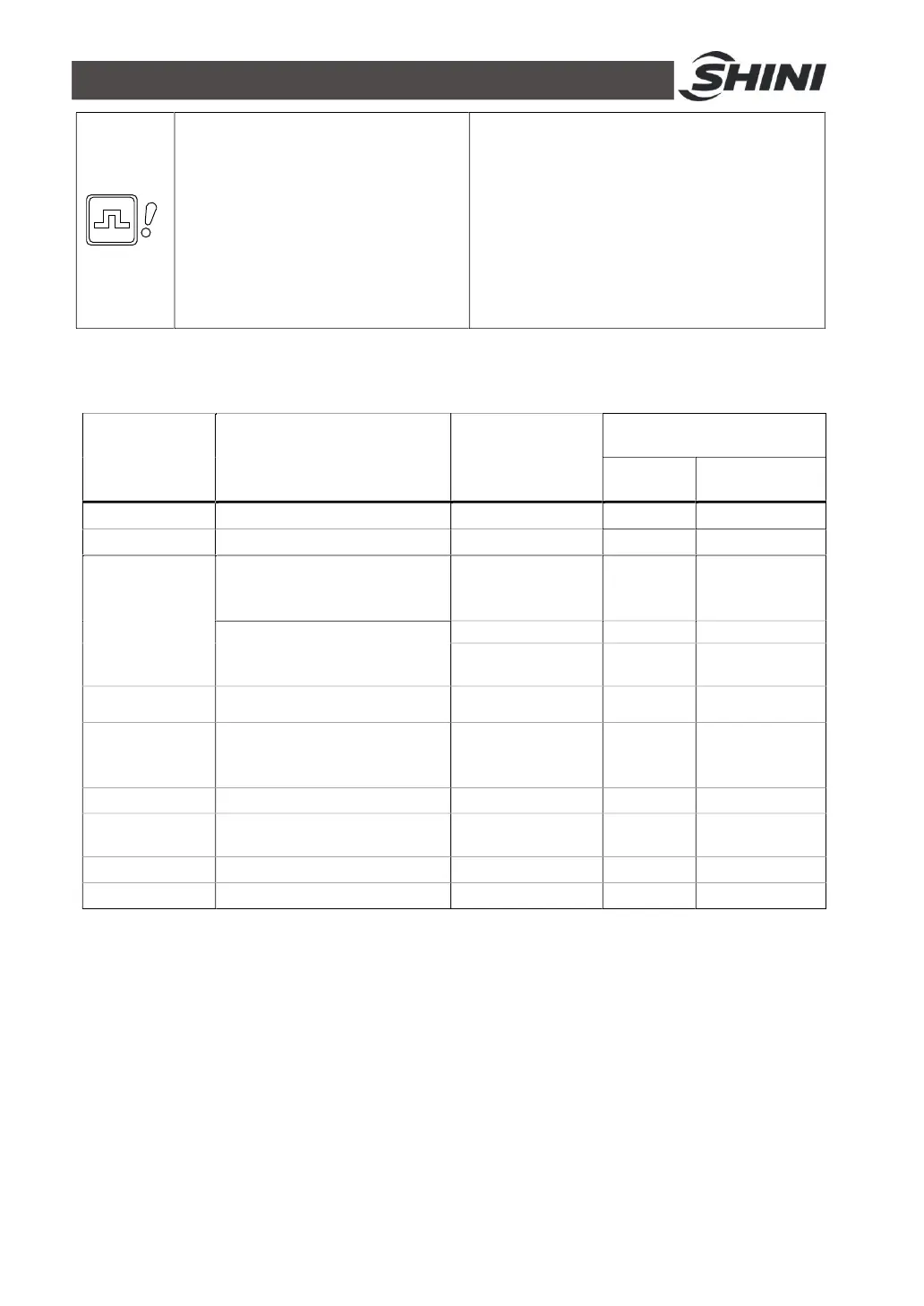
4.3 Operation Procedure Description
4.3.1 Oeration procedure
Panel Code
Function
Description
Corresponding
Parameters
Parameter
Values
Default
Value
Range
R01 Filter screen cleaning F.06 3 secs. 0-99 secs.
R02 Wait for motor stop F.12 3 secs. 0-99 secs.
D
Sucking materials
(vacuum breaking valve
works)
F.01 15 secs. 5-127 secs.
Sucking master batch (The
vacuum breaking valve closes
after this action)
F.03 0% 0-100%
F.05 3 1-9 times
N01 Waiting time F.12 3 secs. 0-99 secs.
R11
Filter screen cleaning, and the
materials discharge into the
hopper
F.07 0 secs. 0-99 secs.
R12 Wait for motor stop F.12 3 secs. 0-99 secs.
N02
Wait for materials completely
discharge into the hopper
F.20 10 secs. 5-99 secs.
N03 Suction cycle waiting F.09 0 secs.
0-9990 secs.
P Wait for suction confirmation
4.3.2 Date Reset
1. Turn off the machine power.
2. Short circuit two pins of J2.
3. Turn on the machine power.
4. Wait for three secs., and then remove the short-circuit two pins of J2.
5. Finished
Notes: All parameter settings will be reset to factory default.
Please use this function carefully.


 To Next Page