9
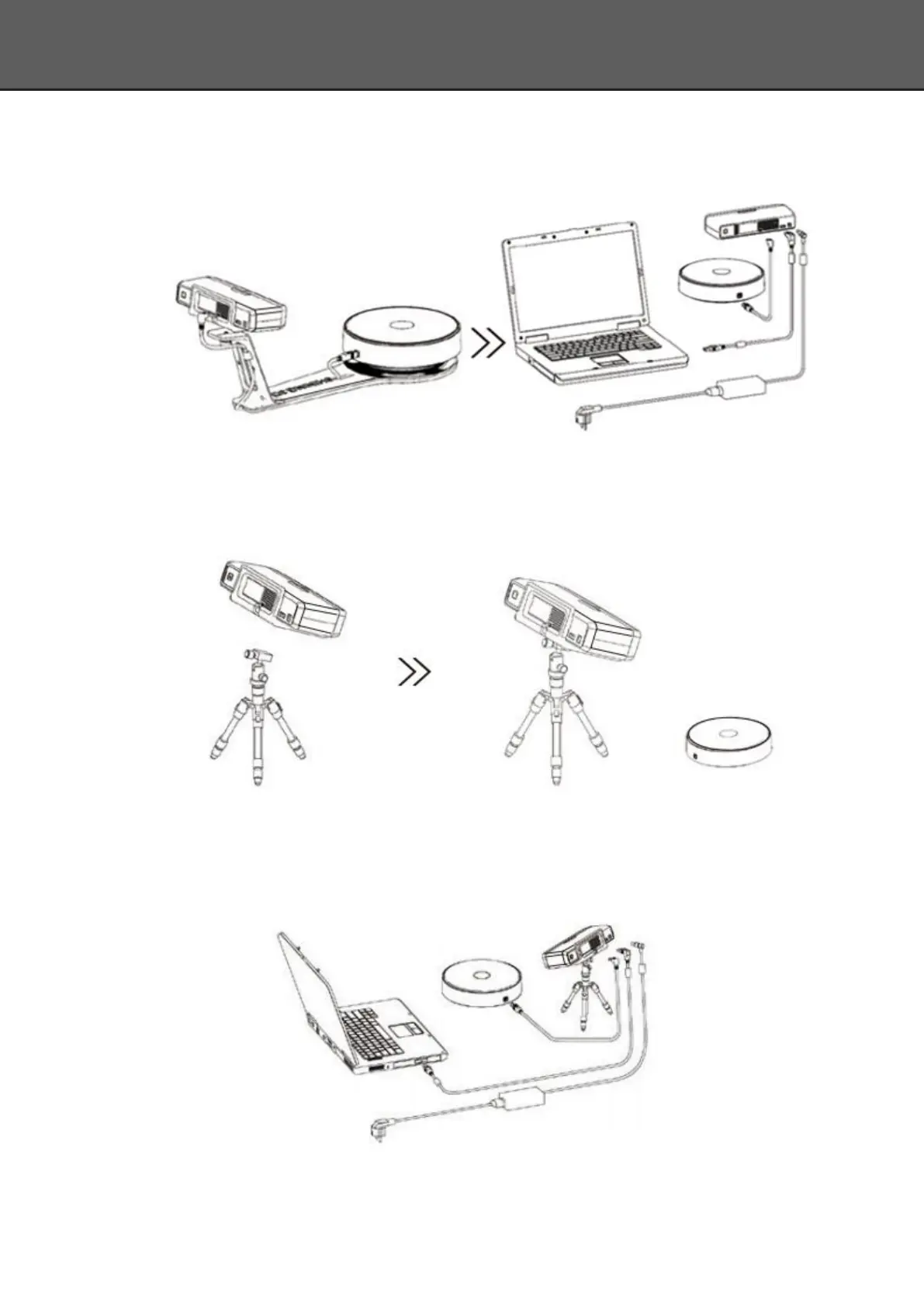
3) Plug power cord into outlet and the back of scanner;Plug USB cable into back of
scanner and computer USB port;Plug USB cable into back of scanner, and turntable.
Step3-2. Setting scanner on tripod for fixed scan, turntable coded targets and markers align
mode.
1) Screw the scanner head onto tripod.
2) Plug power cord into outlet and the back of scanner;Plug USB cable into back of scanner and
computer USB port;Plug USB cable into back of scanner, and turntable.














 To Next Page