26
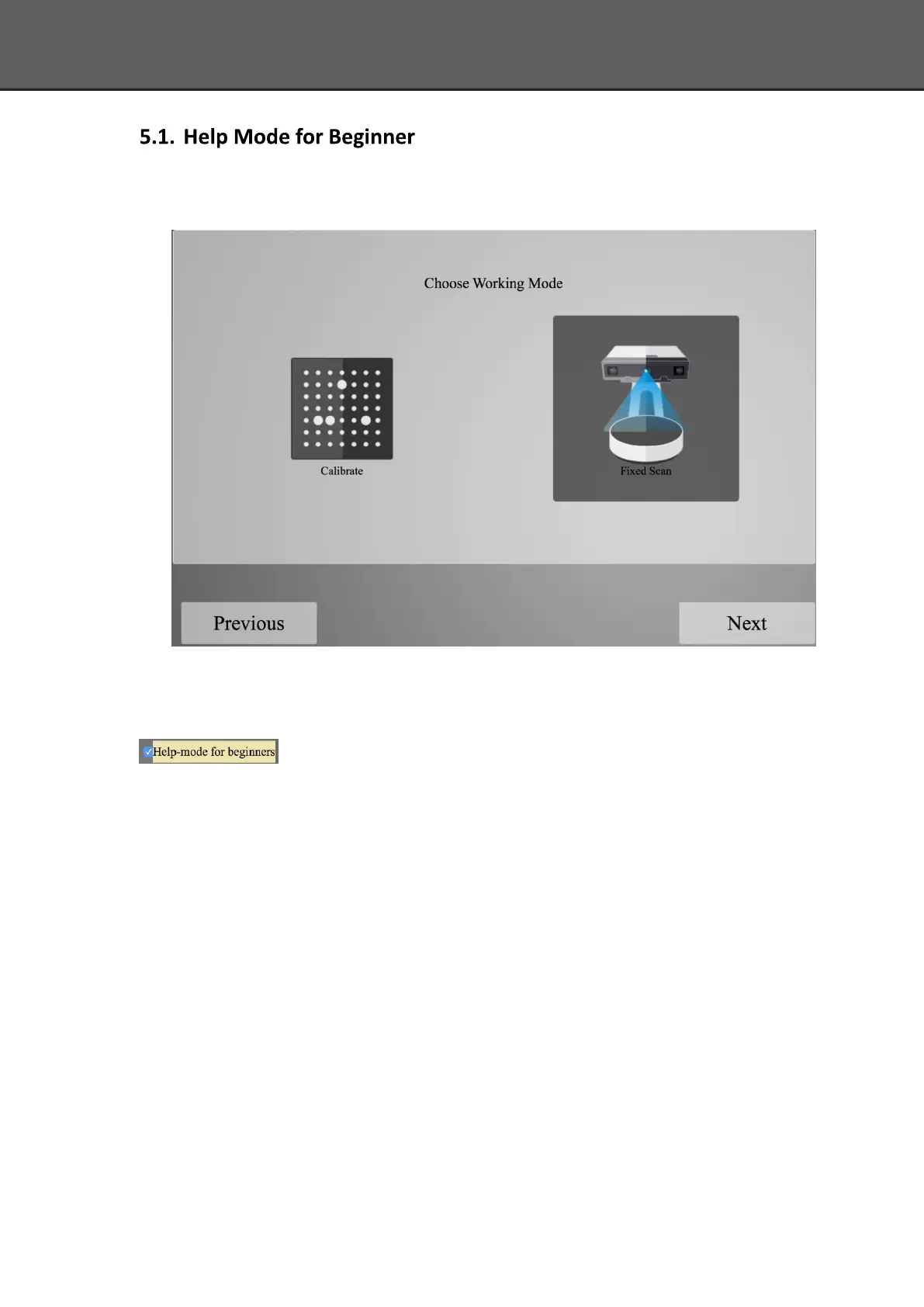
Choose Fixed Scan, as shown below, click “Next”.
Help Mode for Beginner is the default selection, which is to guide the new users make a scan
completely step by step. Close Help Mode for Beginner by clicking the top right corner
. To open Help Mode for Beginner, go to Setting -> User Setting ->Help-mode
for beginners
Under the Help Mode for Beginner, following the guidance step by step, you will finish a scan
following: New Project -> Texture/Non-texture ->adjust brightness -> start scanning -> Edit ->
->Continue Scan/Mesh -> Mesh type: Watertight/ Un-watertight -> Post Processing -> Save data














 To Next Page