8
Scanner Set-up
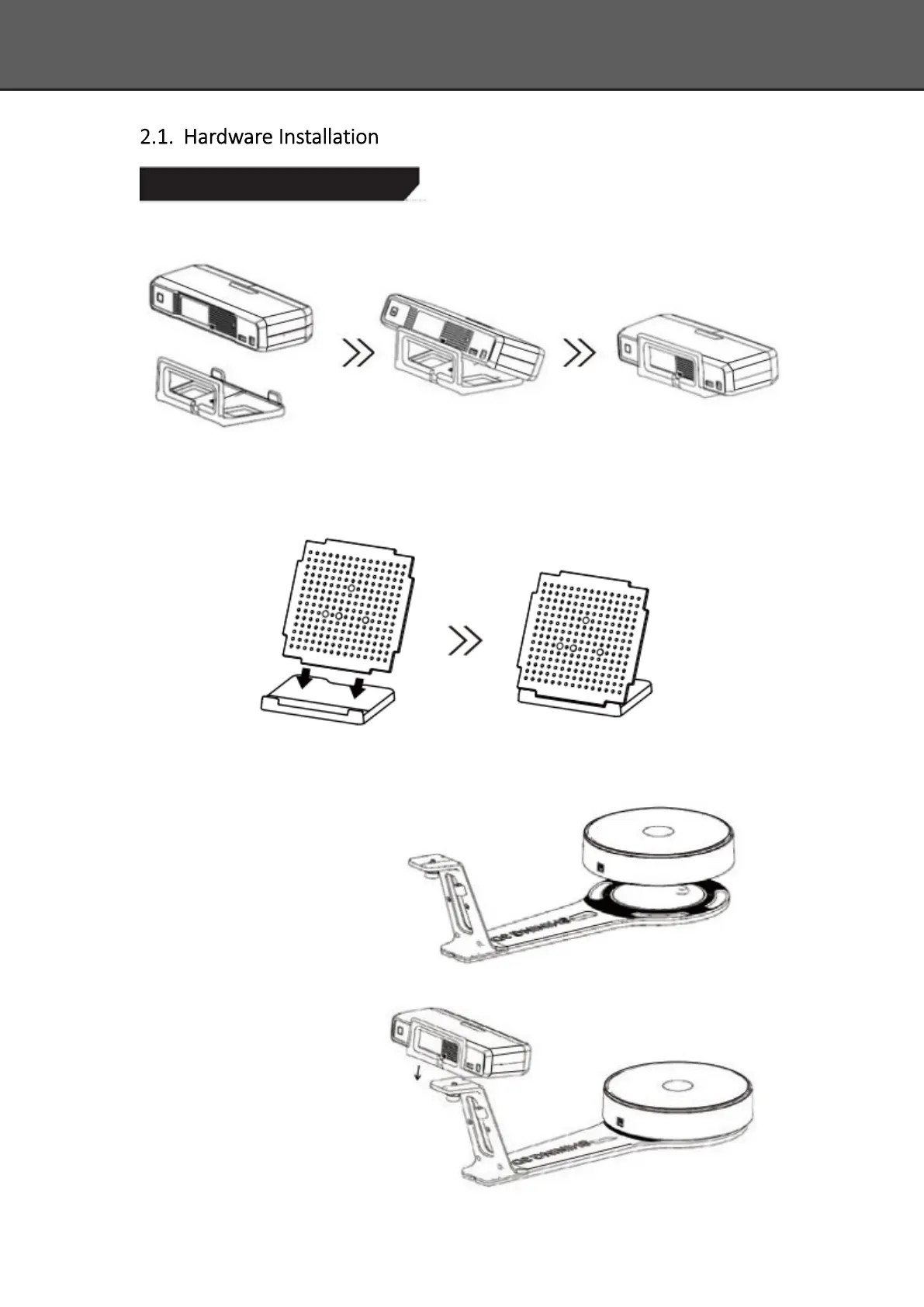
Step 1. Place the scanner head onto the bracket.
Step 2. Insert calibration board onto the board holder .
NOTE : Rotate the calibration board only while calibration.
Step 3-1. Turntable and Scanner installation.
1) Place the turntable onto
scanner stand.
2) Screw the scanner into
the socket on the
stand.














 To Next Page