38
5.5.3. Points and Triangles
Current Points and Triangles
When scanning it will show the current points and current
triangles in the lower right corner. When you edit the scan
data, the current points and the current triangles change in real time.
5.5.4. Help
Click this button to get the operation manual and notes in more detail under the
current step.
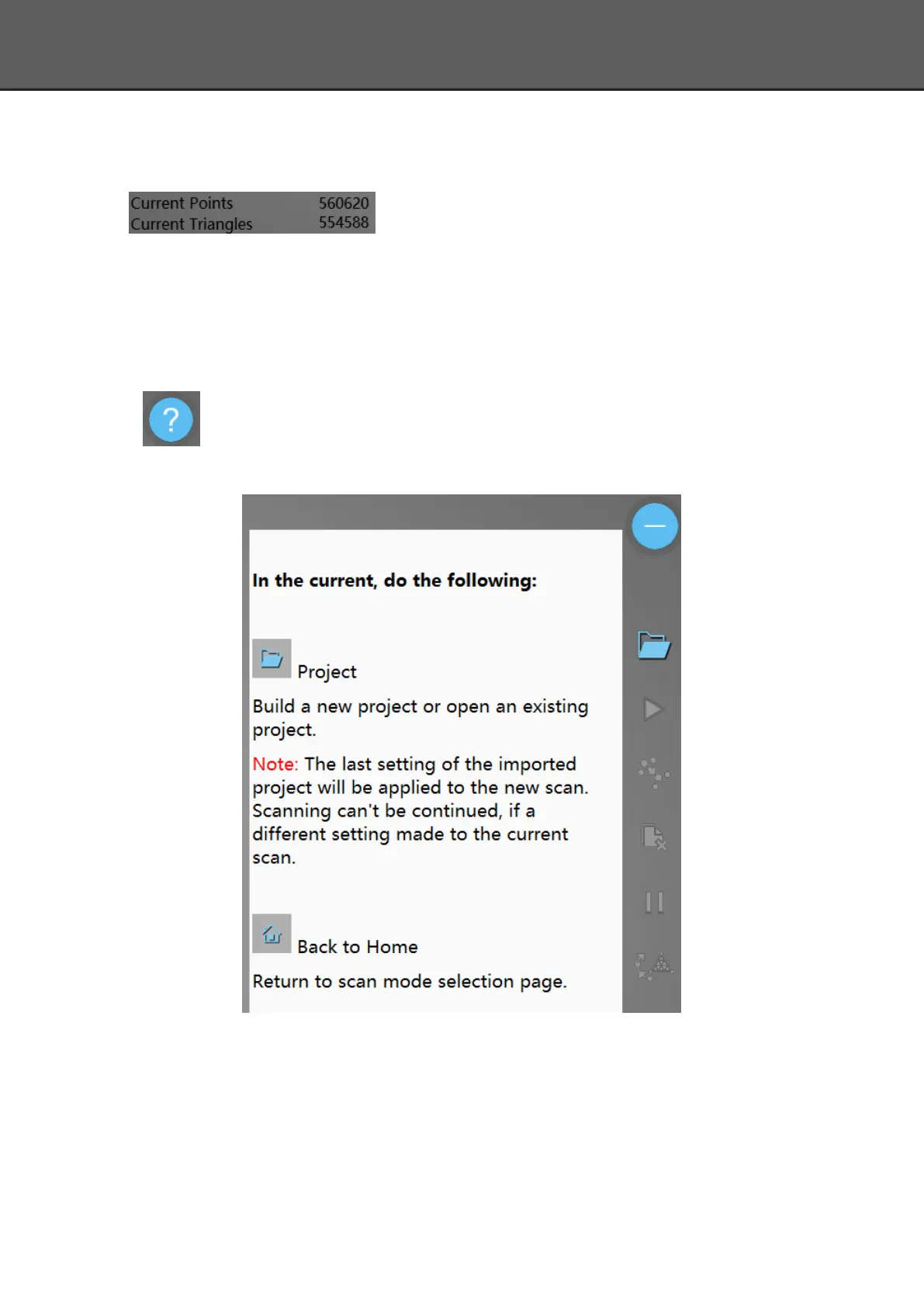
The following picture shows the help information of new project.
5.5.5. Model Viewer
Einscan software can be a 3d viewer for ASC, OBJ, STL format file. Drag the 3d model to
Einscan software under scanning mode interface.














 To Next Page