17
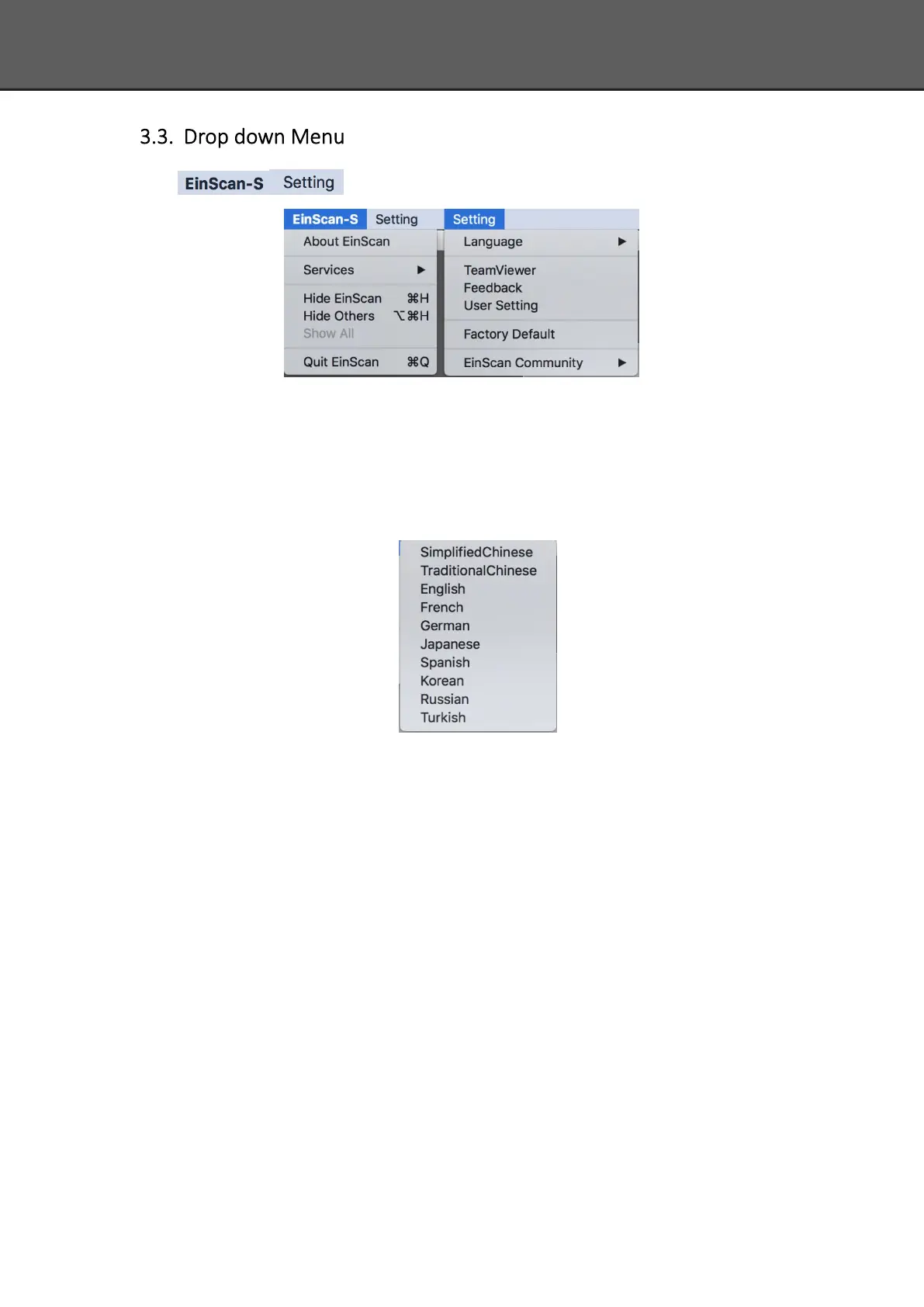
Click from the upper left to open drop down menu.
3.3.1. Language
This software version is including Simplified Chinese, Chinese, English, German, Japanese,
Spanish, French, Korean, Russian and Turkish. Language can be switched in the choose device
type interface.
3.3.2. TeamViewer
By clicking TeamViewer, you can go to the TeamViewer interface directly without installation.
3.3.3. Feedback
If you have any questions, or suggestions, please share with us by clicking “Feedback”. Leave
your email in “ My E-mail”














 To Next Page