29
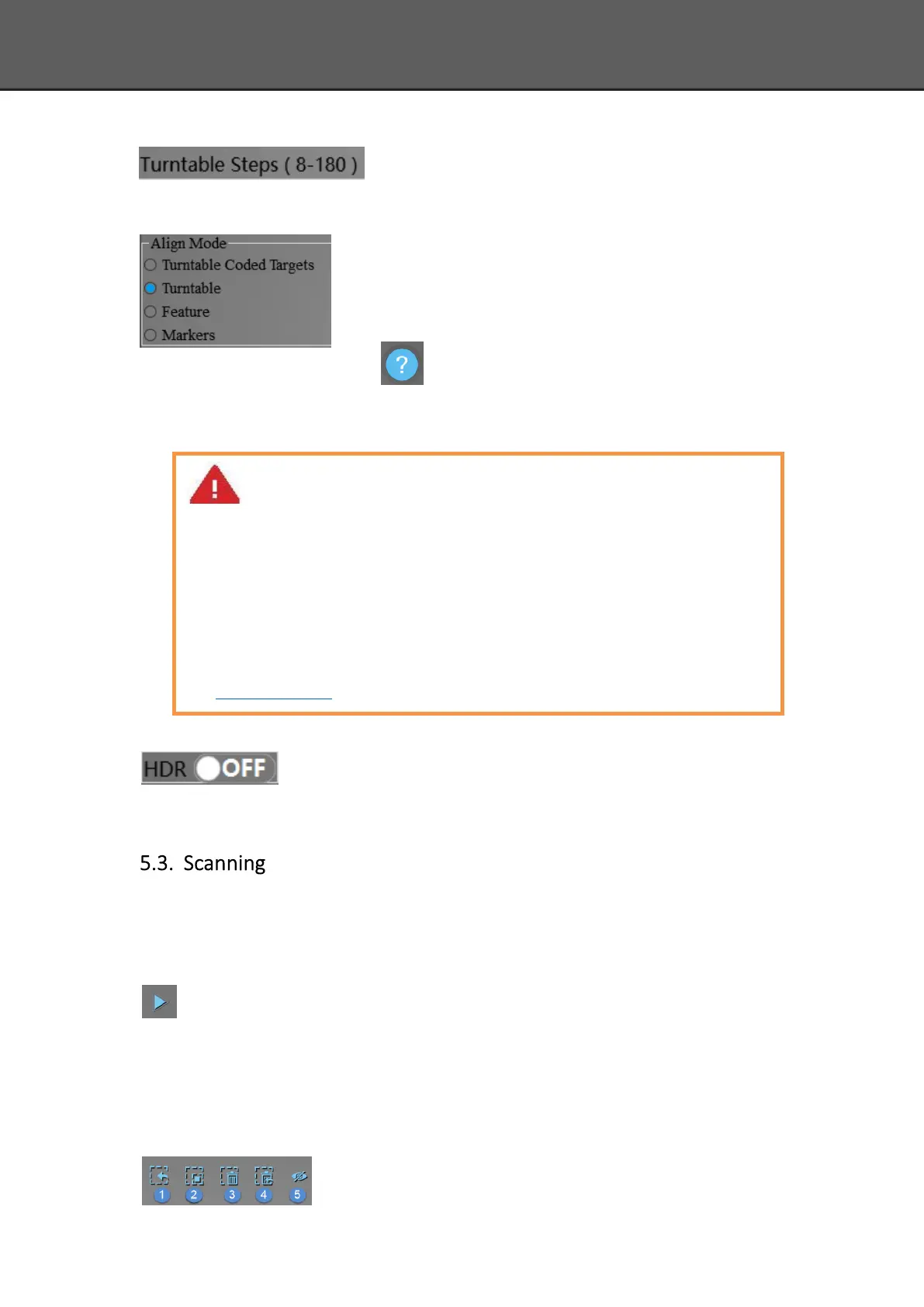
Turntable Steps
Before scanning, you can set the scan times per round under
turntable scan. The default setting is 8 times.
Align Mode
The default is turntable align mode,you can also choose markers,
turntable coded targets and feature align mode. Align mode can
be re-selected after the turntable has rotated one circle. You can
click for help.
If you choose turntable coded targets, you must set the scanner on tripod.
HDR
Enable HDR brightness can scan bright and dark objects. The function is
the same as Adjust brightness “Bright&Dark”.
5.3.1. Start Scan
Click the button or press space button to start scanning. After the turntable has rotated
one circle,you can change with turntable or not, turntable steps and align mode.
5.3.2. Edit Tool
Edit buttons:①Deselect ②Revert ③Delete ④Undo⑤Show/Hide
Note:
1. Choose turntable coded targets align mode, Please make sure that the object won’t
block the coded targets on the turntable. You can set scanner on tripod. Or, there
will be no fringe pattern, while turntable will be still rotating.
2. If the scanned object is too high and will block the coded targets on turntable, you
can stick mark points on it (if allowed) to continue auto scan. At this time, please
make sure that the coded targets on the turntable are covered, so as not to affect
the scanning. Make sure that in each single scan area has at least 4 points. Refer to
Scan Preparation.














 To Next Page