18
3.3.4. User Setting
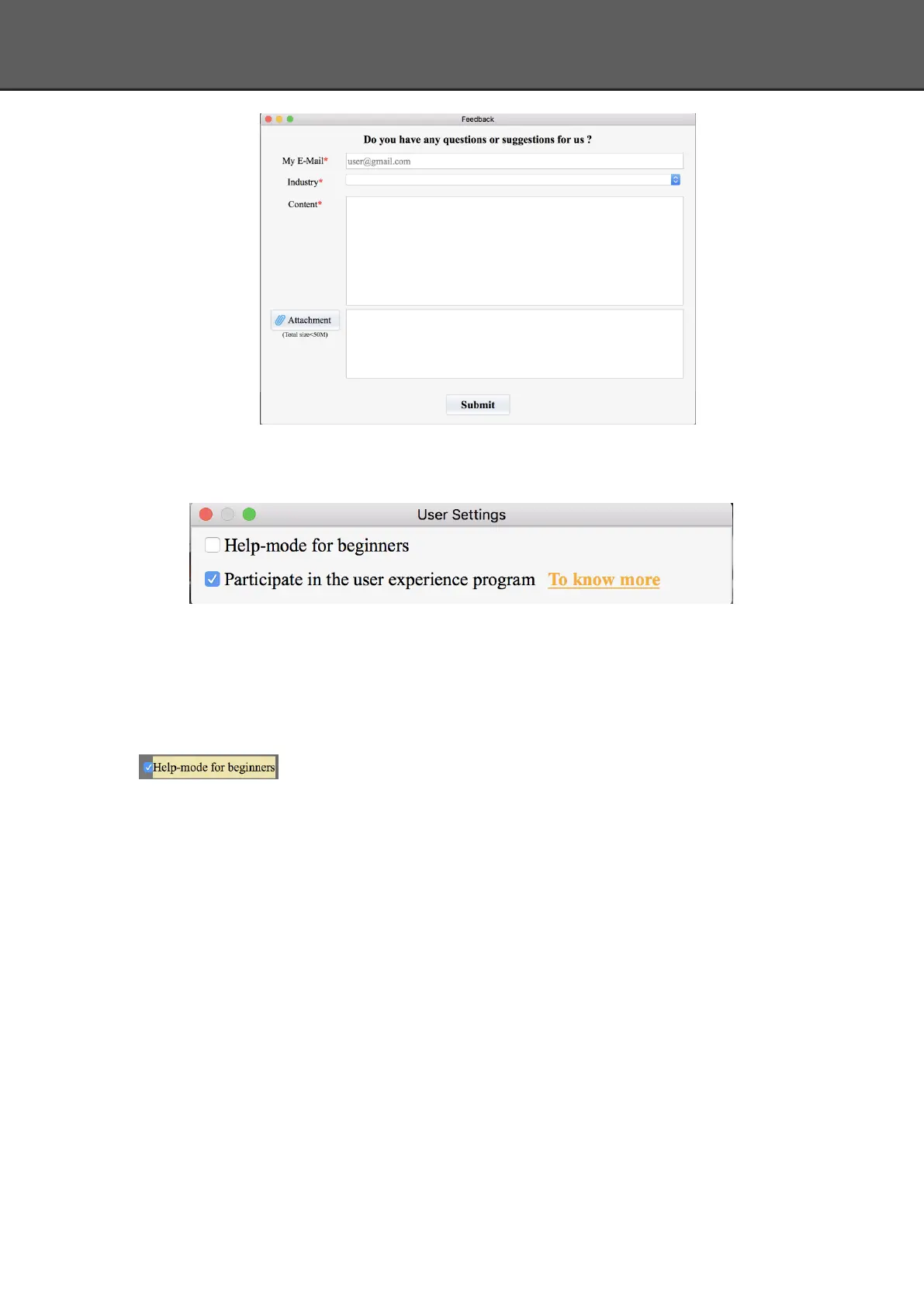
Help Mode for Beginners
Help Mode for Beginner is the default selection, which is to guide the new users make a scan
completely step by step. Close Help Mode for Beginner by clicking the top right corner
. To open Help Mode for Beginner, go to Setting -> User Setting ->Help-mode
for beginners
User Experience Program
To help us improve the quality and user experience of Einscan, we hope to be allowed to
collect usage information to Einscan Team. This information will not identify you and does not
include your project data. By default, this checkbox is selected, and we strongly recommend you
to select it.
3.3.5. Factory Default
System setting (brightness, turntable steps), calibration data will restore to the factory
default settings. Language will be changed into English as default. Factory Default will require
software restart.














 To Next Page