36
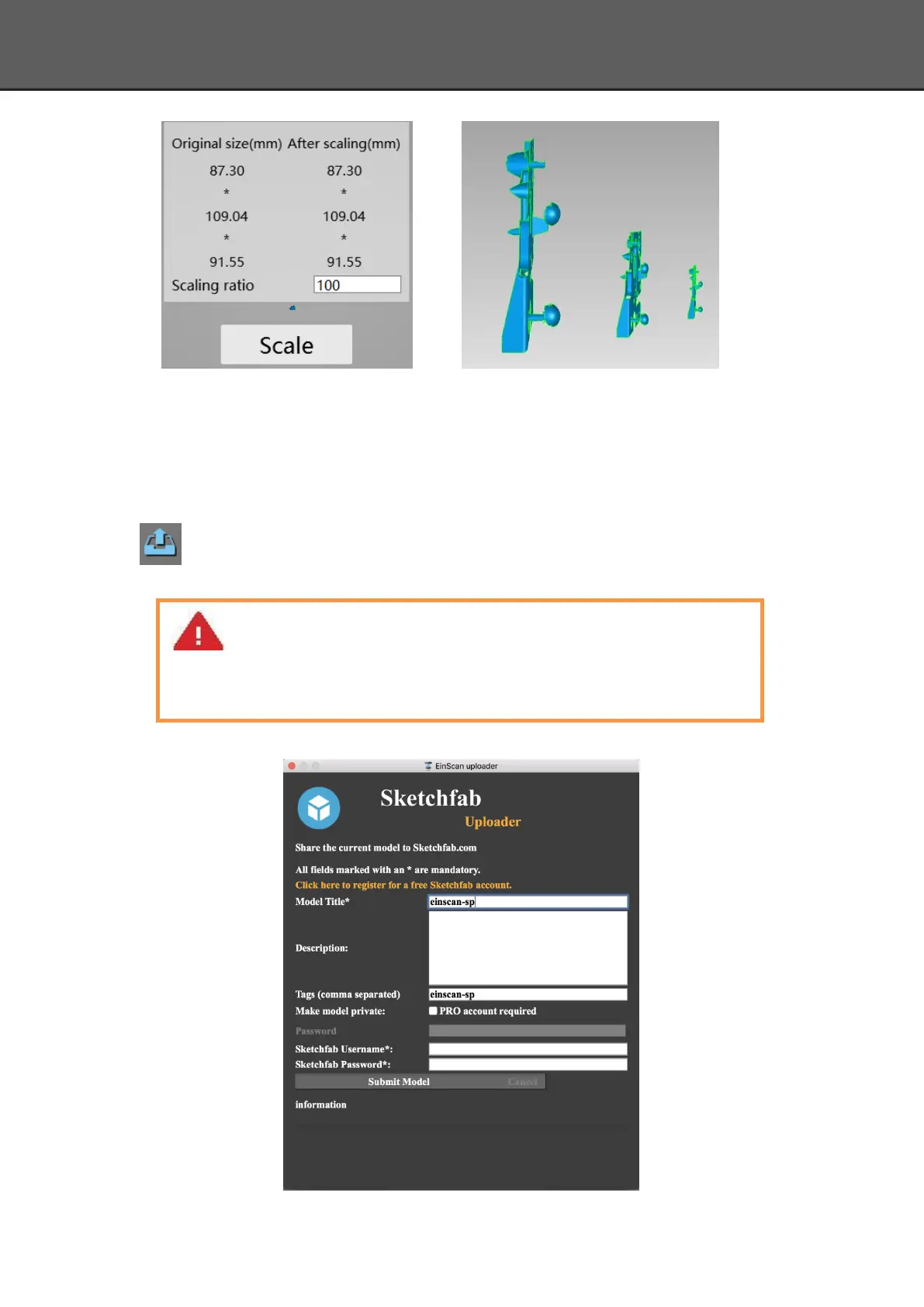
Scale window Scale result
5.4.4. Share Your Data
Click the button after merging to share data, it will show the dialog as below.
You can share your model to Sketchfab, while model title, username and user password
are required. Register an account and look at the shared model at http://sketchfab.com.
Note:
Sketchfab Normal account can only upload data maximum 50M, while Professional
account can share maximum 200M, and set model as private.














 To Next Page