28
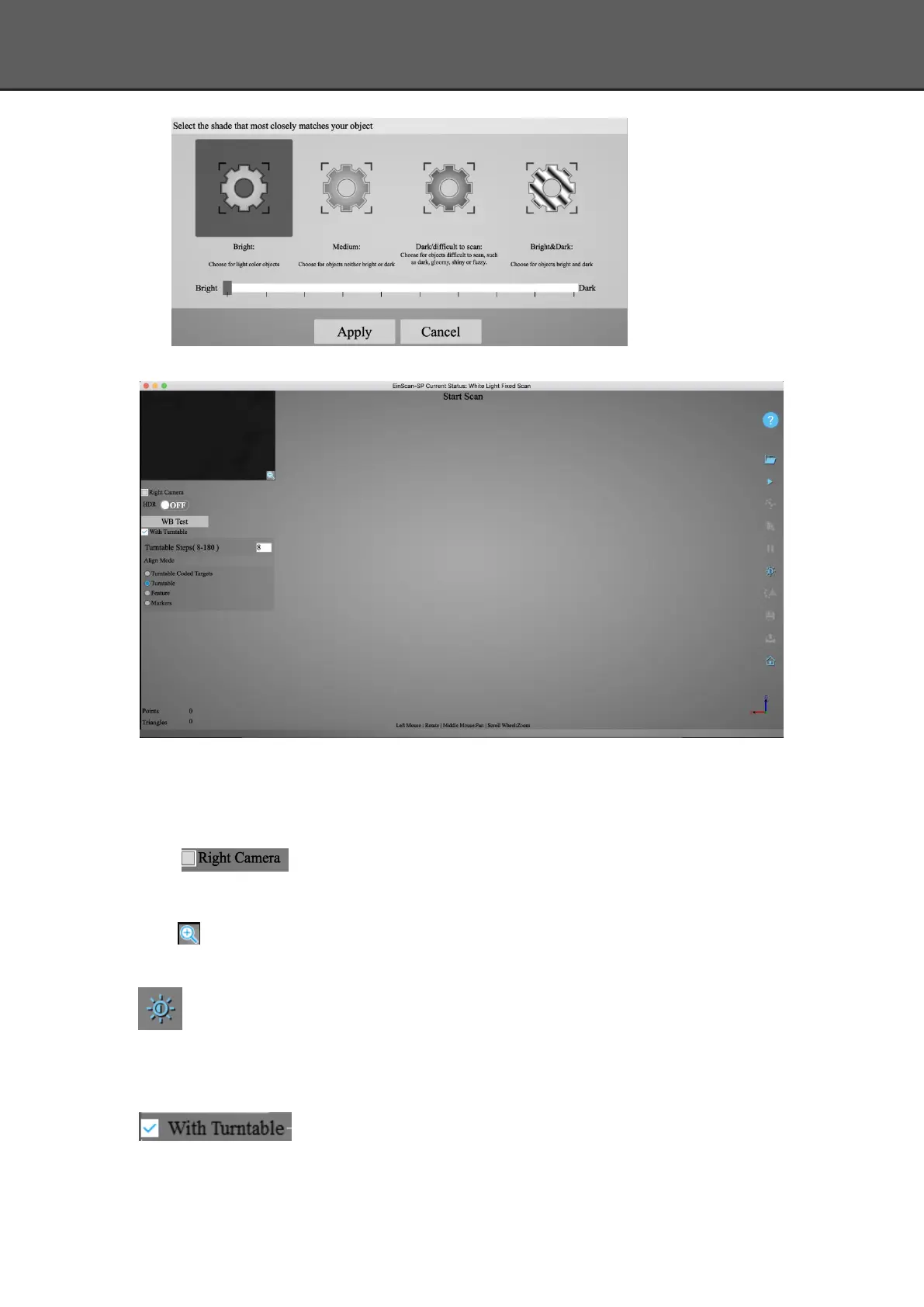
Enter the interface of fixed scan, check “With Turntable”
Work distance:Adjust the distance between the object and device (suitable working distance is
290 ~ 480mm), until the cross is clearly to be seen on the object.
Camera viewport
Tick to display the right camera viewport and texture camera viewport. The
left camera viewport always display.
Click in the lower right corner of the camera viewport to zoom the camera viewport
Adjust Brightness
Drag the button to adjust the brightness. The brightness is appropriate at the right scan
distance: equipment against objects, the cross is clearly in the brightness viewing window. This
function is the same as the adjust brightness when new a project.
If you don’t choose “With Turntable” option, you will get single piece of
data; if choose this option, the scanner will use turntable to scan and choose turntable steps.














 To Next Page