22
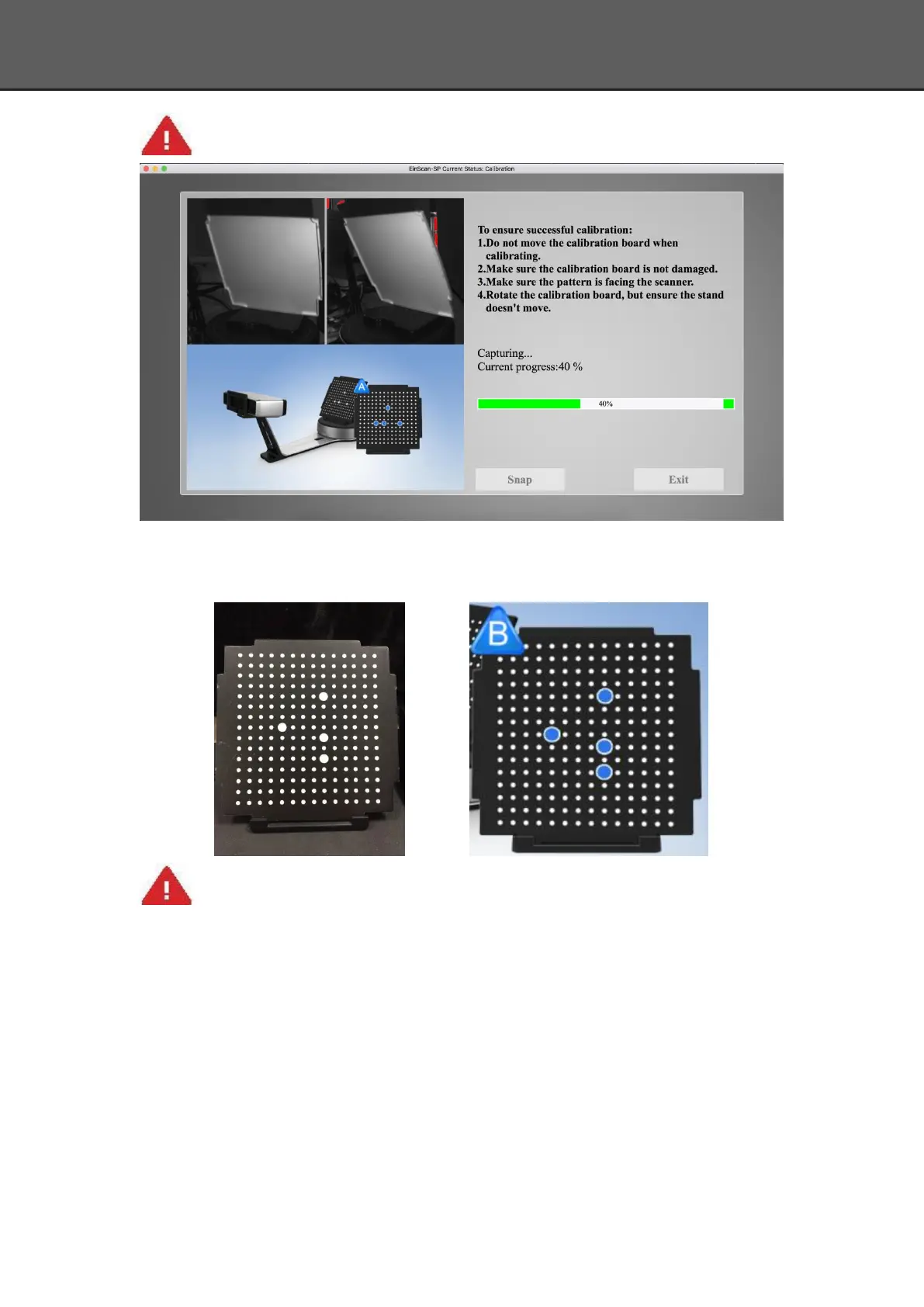
Don’t move the support. Only rotate the calibration board.
After the 1st calibration sequence, the turntable will stop and the display will show what is in
FigureB. Being careful not to move the support, remove the calibration board, rotate it 90°
counterclockwise and place the board back onto the support as shown in Fig. B.
Note:Don’t move the support. Only rotate the calibration board.
Being careful not to move the support, remove the calibration board, rotate it 90°
counterclockwise and place the board back onto the support as shown in Figure C.














 To Next Page