32
Watertight
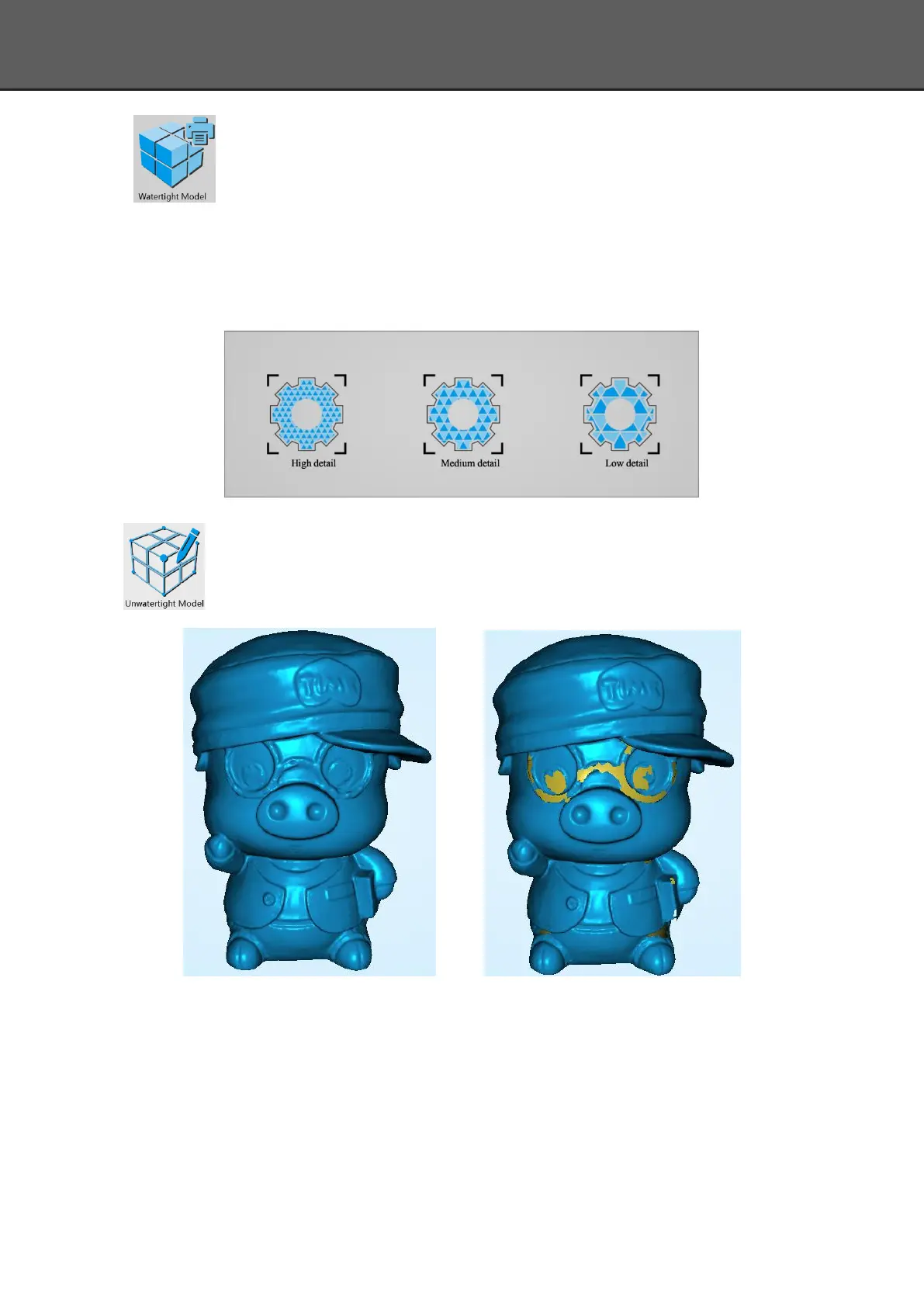
Closed model can be printed directly. After choose this mode, you should select the
object details.
Select High for objects with fine texture, select Med or Low for objects in smooth
surface or with less detail. The time for data processing is in relation to the detail setting. The
higher the level of details is, the longer time the processing takes. It may keep for a long time in
95%, please be patient.
Select the object details:
Unwatertight
Unclosed model. The following picture is the watertight and unwatertight model.
Watertight Unwatertight
Texture watertight results :














 To Next Page