34
Before simplification After simplification
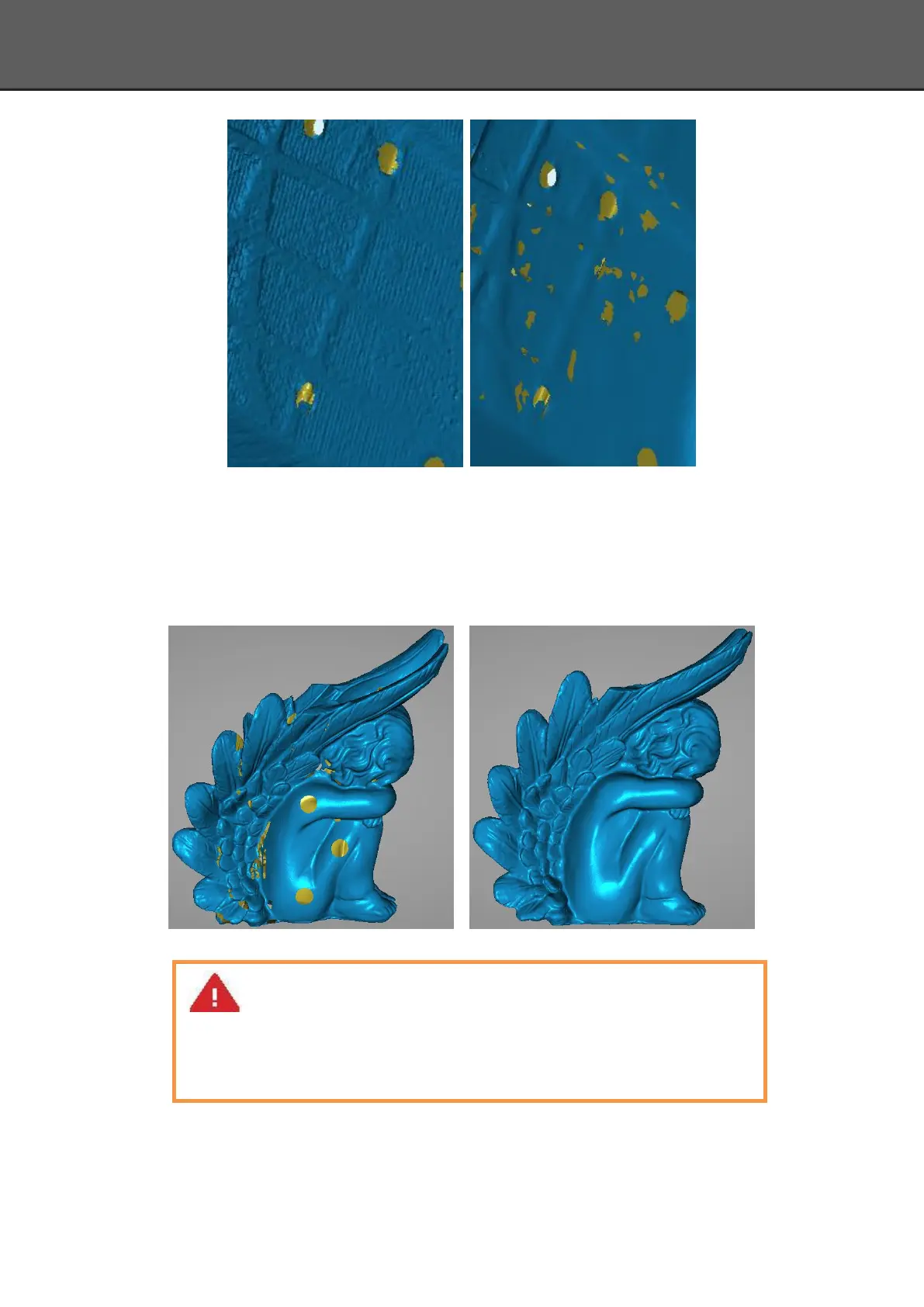
Fill holes
The default does not check the mark point and fill hole, check the fill hole you need set
perimeter, choose 10-100mm perimeter to fill the hole, less than the perimeter of the hole will
be filled. Mark point fill hole as an example.
After Before
Smooth
The data to denoise processing, improve data quality, the figure before and after smoothing:
Note:
1. If the edge of the hole is not smooth may cause the effect is not good, not
recommended to fill hole.
2. Hole-filling: choose 10-100mm perimeter to fill the hole;














 To Next Page