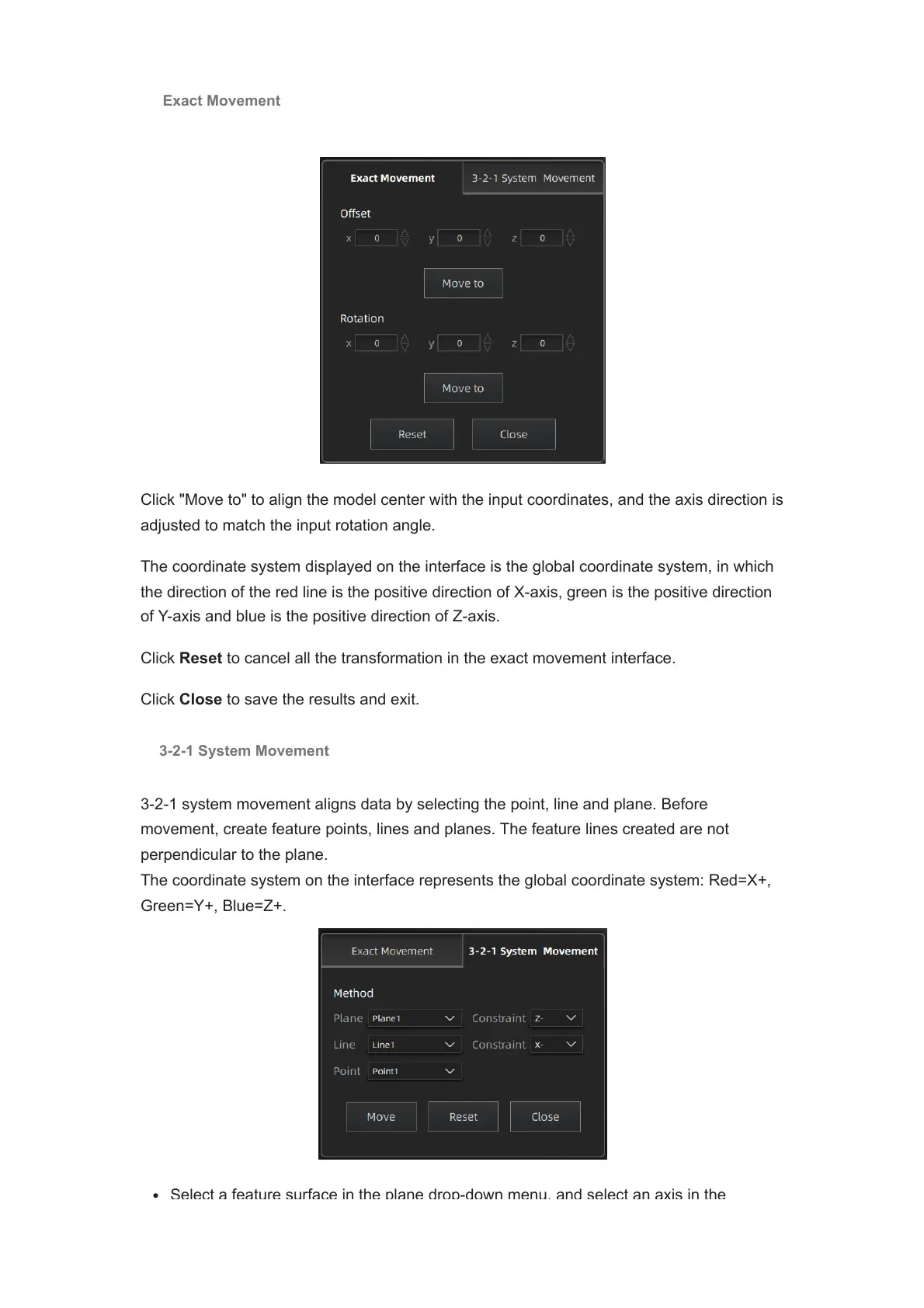
Click "Move to" to align the model center with the input coordinates, and the axis direction is
adjusted to match the input rotation angle.
The coordinate system displayed on the interface is the global coordinate system, in which
the direction of the red line is the positive direction of X-axis, green is the positive direction
of Y-axis and blue is the positive direction of Z-axis.
Click Reset to cancel all the transformation in the exact movement interface.
Click Close to save the results and exit.
3-2-1 System Movement
3-2-1 system movement aligns data by selecting the point, line and plane. Before
movement, create feature points, lines and planes. The feature lines created are not
perpendicular to the plane.
The coordinate system on the interface represents the global coordinate system: Red=X+,
Green=Y+, Blue=Z+.
Select a feature surface in the plane drop
-
down menu, and select an axis in the
Exact Movement














 To Next Page