EasyManua.ls Logo

Shop fox W1855 - User Manual

Shop fox W1855
44 pages
Print Icon
To Next Page IconTo Next Page
Loading...
Phone: (360) 734-3482 Online Technical Support: techsupport@woodstockint.com
COPYRIGHT © JULY, 2017 BY WOODSTOCK INTERNATIONAL, INC.
WARNING: NO PORTION OF THIS MANUAL MAY BE REPRODUCED IN ANY SHAPE OR FORM WITHOUT
THE WRITTEN APPROVAL OF WOODSTOCK INTERNATIONAL, INC.
OWNER'S MANUAL
(FOR MODELS MANUFACTURED SINCE 6/17)
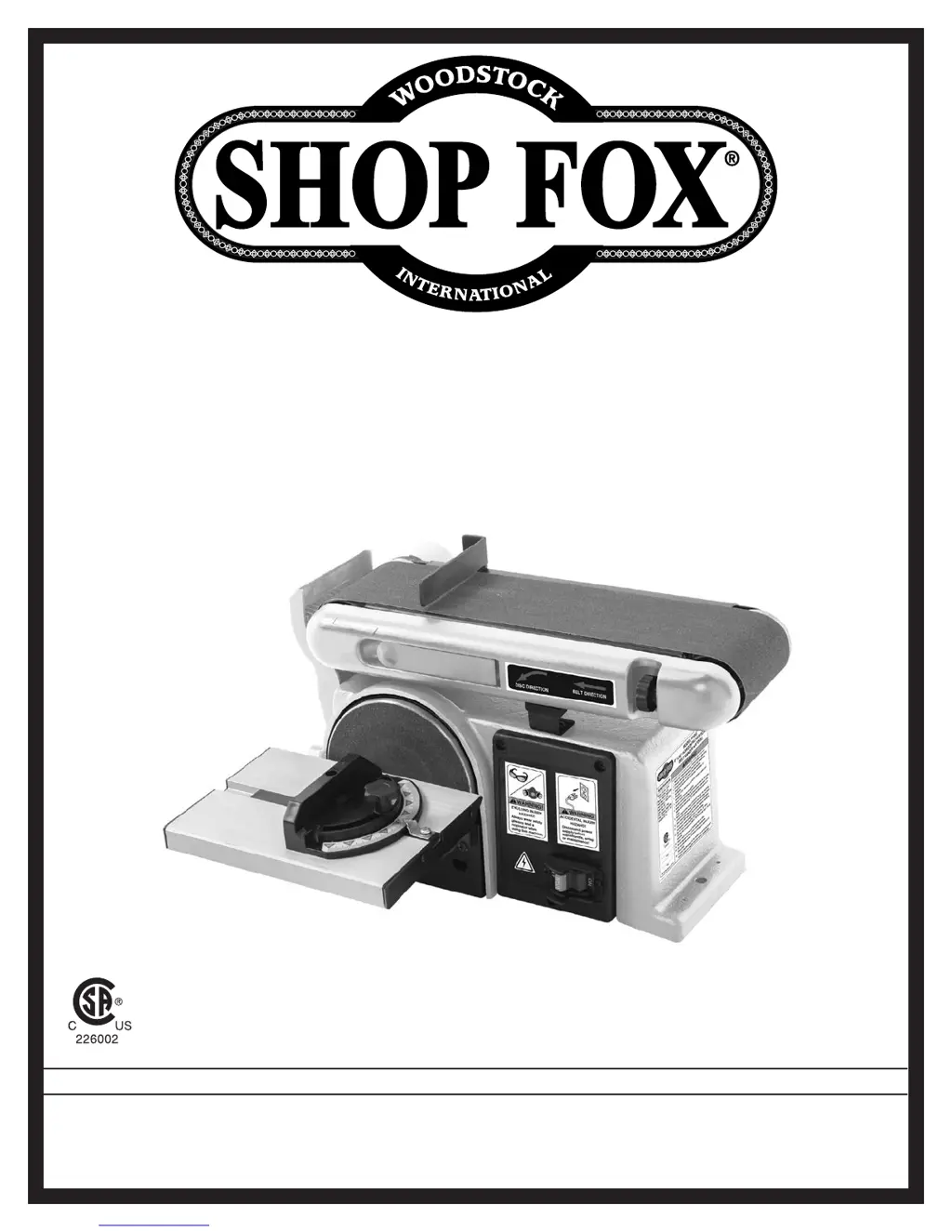
MODEL W1855
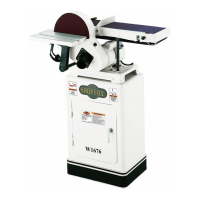
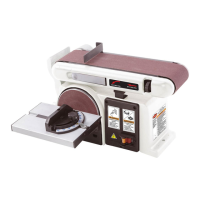
4" x 36" HORIZONTAL/VERTICAL
BELT SANDER w/6" DISC
#19081JH Printed in China

Questions and Answers

  • J
    Jennifer ReeseAug 16, 2025
    Why does my Shop fox W1855 belt clog so fast?
    • S
      Sonya SteeleAug 16, 2025
      A sanding belt or disc on your Shop fox Sander might clog quickly due to several reasons. You might be applying too much pressure (reduce pressure on the workpiece while sanding). Sanding softwood can also cause rapid clogging; consider using different stock or accept the need to clean/replace the sanding belt/disc frequently. The sanding belt/disc itself might be clogged (clean it). Finally, the sanding belt/disc could be worn or damaged (replace it).
  • G
    Gregory WhiteAug 19, 2025
    How to prevent deep grooves when sanding with Shop fox Sander?
    • S
      shawn40Aug 19, 2025
      Deep sanding grooves or scars on your workpiece when using a Shop fox Sander can be caused by a few things. The sanding belt/disc might be too coarse for the desired finish (use a finer grit). You might be applying too much sanding force (reduce pressure on the workpiece). Sanding across the grain can also cause this issue (sand with the grain). Finally, holding the workpiece still for too long against the belt/disc can create grooves (keep the workpiece moving while sanding).
  • S
    Steven PachecoAug 22, 2025
    Why won't my Shop fox Sander start?
    • M
      Melissa CampbellAug 22, 2025
      Several factors can prevent your Shop fox Sander from starting. It could be due to the switch disabling key being removed (install it), incorrect power supply voltage (ensure it's correct), a tripped circuit breaker or blown fuse (reset or replace), incorrect motor wiring (correct the connections), wiring issues (check for broken, disconnected, or corroded wires), a faulty ON/OFF switch (replace it), a bad start capacitor (test/replace), or a motor fault (test, repair, or replace).
  • L
    Lauren CampbellAug 25, 2025
    What to do if my Shop fox W1855 Sander stalls?
    • B
      browntoniAug 26, 2025
      If your Shop fox Sander stalls or seems underpowered, consider these potential causes: You might be sanding with too much pressure (reduce it). The machine could be undersized for the task (clean/replace sandpaper and reduce feed rate/sanding depth). The workpiece material might not be suitable (only sand wood with moisture below 20%). Dust buildup or blockage of the dust port could be the issue (clear blockages, seal leaks, use smooth-wall duct, eliminate bends, and close other branches). A damaged drive belt could be slipping (replace the drive belt and ensure it's properly tensioned). The pulley/sprocket might be slipping on the shaft (replace the loose pulley/shaft). Finally, the motor might be overheated (clean the motor, let it cool, and reduce the workload).
  • S
    sandra52Aug 27, 2025
    How to reduce vibration in my Shop fox Sander?
    • M
      Michael JonesAug 28, 2025
      Excessive vibration or noise in your Shop fox Sander can stem from several issues. First, check how the machine is mounted to the workbench; adjust the feet, shim, or tighten the mounting hardware. A loose motor or other component can also cause this, so check for and tighten any loose bolts, screws, nuts, etc. If the drive belt is slapping the cover or housing, properly tension it. An out-of-balance, damaged, or loose sanding disc or drive roller could be the culprit; tighten, adjust, or replace the affected component. Lastly, faulty motor bearings can cause vibration; test by rotating the shaft and replace the bearings if you hear a rotational grinding noise or the shaft feels loose.
  • S
    stevenmorenoAug 30, 2025
    What causes burn marks when sanding with my Shop fox W1855?
    • D
      Dr. Shannon TownsendAug 30, 2025
      Burn marks appearing on your workpiece while sanding with the Shop fox Sander can result from a few factors. The sanding grit might be too fine (use a coarser grit). Applying too much pressure can also generate heat and cause burns (reduce pressure). Additionally, holding the workpiece still for too long in one spot can lead to burning (keep the workpiece moving while sanding).
  • S
    Sharon WilsonSep 3, 2025
    Why are sanding grains rubbing off my Shop fox W1855 Sander belt?
    • A
      allisonwilkersonSep 3, 2025
      Sanding grains rubbing off your Shop fox Sander belt or disc easily suggests that the sanding belt/disc was previously stored in an incorrect environment (store it in a cool, dry area) or the sanding belt/disc has been smashed or folded (do not bend or fold sandpaper).
  • J
    Jennifer WashingtonSep 5, 2025
    What causes a glazed surface when sanding with Shop fox Sander?
    • C
      Christian SanchezSep 6, 2025
      A glazed surface when sanding with your Shop fox Sander can occur if you're sanding wet stock (only sand dry stock) or sanding stock with a high amount of residue or applied finishes (use different stock, or accept characteristics of stock and plan to clean/replace sanding belt/disc frequently).
  • T
    Toni FlemingSep 9, 2025
    What to do if the Shop fox Sander pulls the workpiece?
    • D
      David MorenoSep 9, 2025
      If the workpiece gets pulled out of your hand while belt sanding with your Shop fox Sander, it is likely because you are not supporting the workpiece against the backstop (use the backstop to support the workpiece).
  • J
    Joshua WilliamsSep 12, 2025
    Why does the workpiece lift when disc sanding with Shop fox W1855 Sander?
    • J
      Jennifer EstradaSep 12, 2025
      If the workpiece lifts up from the sanding disc table while using your Shop fox Sander, it's likely because you are sanding on the upward spinning half of the sanding disc (sand on the downward spinning half of the sanding disc).

Summary

MACHINE SPECIFICATIONS

Controls & Components

SAFETY

General Safety Instructions

Essential safety guidelines for machine operation.

Electrical Safety & PPE

Precautions against electrical hazards and use of protective gear.

Additional Safety for Combo Sanders

Safe Sanding Practices

Guidelines for sandpaper use, workpiece handling, and dust control.

SETUP

OPERATIONS

Disc Sanding

Belt Sanding

Changing;Replacing Sandpaper Disc

Changing;Replacing Sanding Belt

Adjusting Belt Tracking

MAINTENANCE

SERVICE

Troubleshooting

Shop fox W1855 Specifications

General IconGeneral
TypeOscillating Spindle Sander
Motor1 HP
Spindle Sizes1/2", 1-1/2", 2", 3"
Table Tilt0 - 45 Degrees
Spindle Diameter1/2" - 3"

Related product manuals