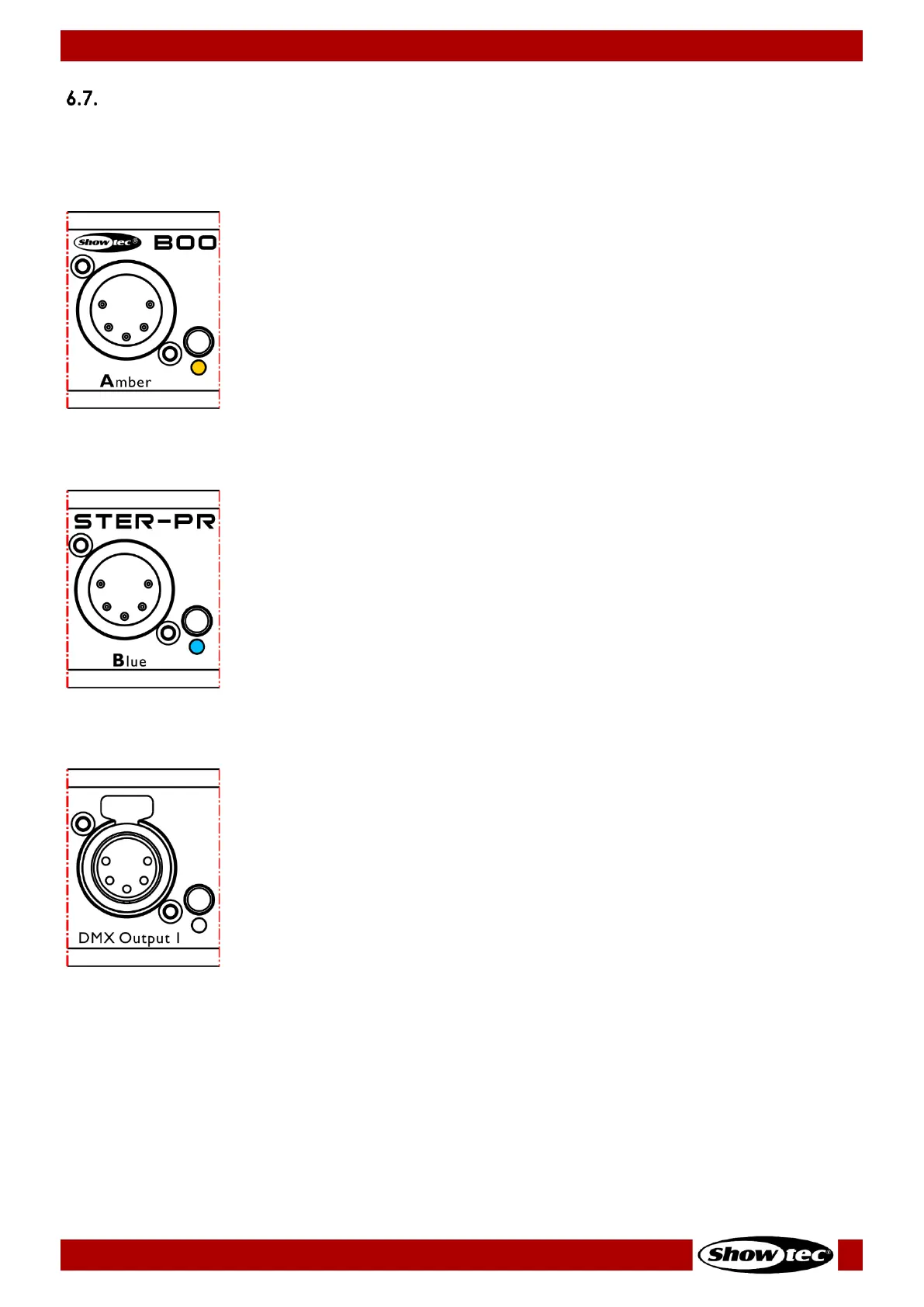
LED Statuses
Each DMX input and output is provided with a LED indicator. The color of the LED for Input A is amber,
and for Input B is blue.
The LED indicator (04) for Input A (Amber) has the following statuses:
● Steady: DMX signal is present at Input port A
● Flashing slowly: The Input A port is not selected and there is no DMX signal
present at the port
● Flashing quickly: The Input A port is selected with the input port button (03) or
via the menu
● Flashing red: DMX signal is faulty
● Flashing white: The port has received an RDM command to identify itself
The LED indicator (07) for Input B (Blue) has the following statuses:
● Steady: DMX signal is present at Input port B
● Flashing slowly: The Input B port is not selected and there is no DMX signal
present at the port
● Flashing quickly: The Input B port is selected with the input port button (06) or
via the menu
● Flashing red: DMX signal is faulty
● Flashing white: The port has received an RDM command to identify itself
The LED indicators (10) for the output ports have the following statuses:
● Amber color: The output port is connected to Input A (Amber)
● Blue color: The output port is connected to Input B (Blue)
● Magenta color: The merge function for the output port is activated
● Steady: DMX signal is present at the output port
● Flashing slowly: The output port is not selected and there is no DMX signal
present at the port
● Flashing quickly: The output port is selected with the output port button (09)
or via the menu
● Flashing white: The port has received an RDM command to identify itself


 To Next Page