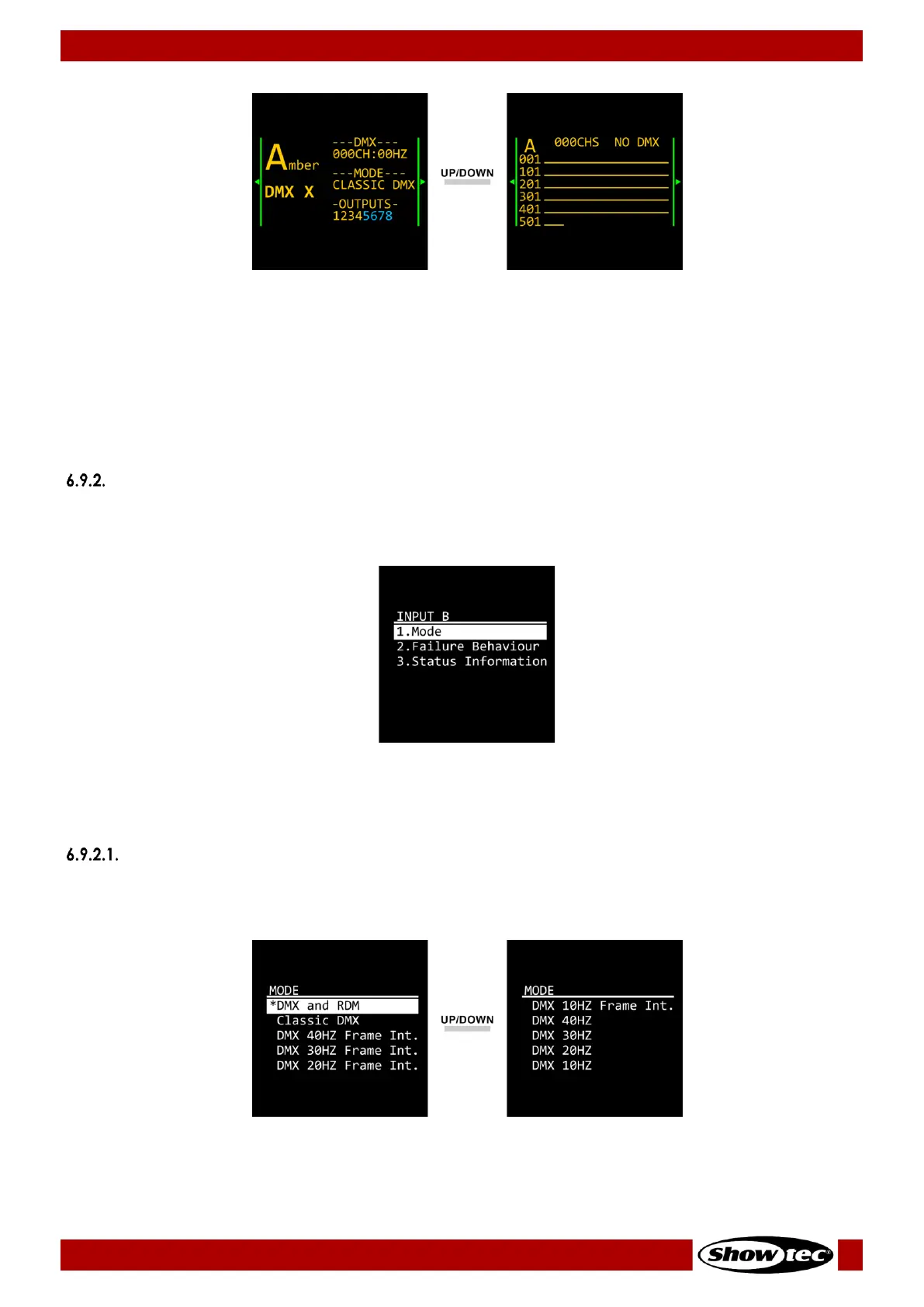
The first screen provides information about the presence of DMX signal, the DMX channel and frame rate,
the port mode and the outputs assigned to Input A and Input B.
The second screen provides information about the presence of DMX signal and the incoming DMX values
at Input A.
Note:
You can quickly access the status of the port with the input port button (03). See 6.4. Input Ports
Monitoring on pages 14–15 for more information.
Input B
In this menu you can configure the settings and monitor the status of Input B (Blue).
01) Press the UP/DOWN buttons to select one of the following 3 options:
● Mode: See 6.9.2.1. Mode for more information
● Failure Behaviour: See 6.9.2.2. Failure Behavior for more information
● Status Information: See 6.9.2.3. Status Information for more information
02) Press the ENTER button to confirm the selection.
Mode
In this submenu you can configure the port mode and the frame rate.
01) Press the UP/DOWN buttons to select one of the following 10 options:
● DMX and RDM: The device functions as a bidirectional RDM splitter
● Classic DMX: The device only receives and forwards DMX data. The RDM function is
disabled


 To Next Page