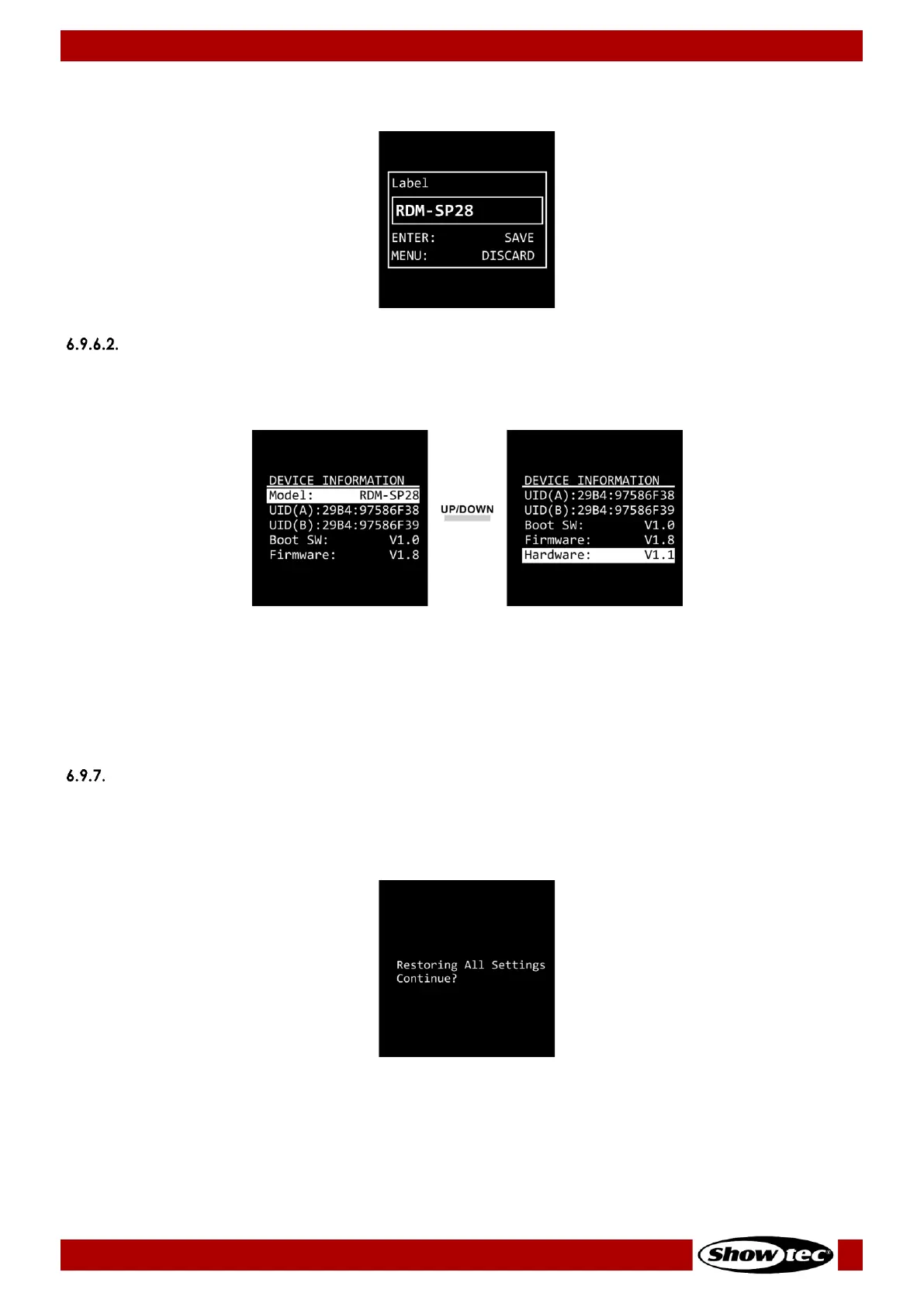
06) Press the MENU button to exit edit mode.
07) Press the ENTER button to confirm the changes or the MENU button to discard the changes.
Information
In this submenu you can view the device’s parameters.
Press the UP/DOWN buttons to toggle between the following 2 screens.
The available information is:
● Model
● UID (A): Unique Identification Number of Input A
● UID (B): Unique Identification Number of Input B
● Boot SW: Boot software
● Firmware
● Hardware
Set Default
In this menu you can reset the device’s settings to the default factory settings.
Press the ENTER button to confirm the reset, when prompted, or press the MENU button to cancel the
reset.


 To Next Page