DMX Error Alarm
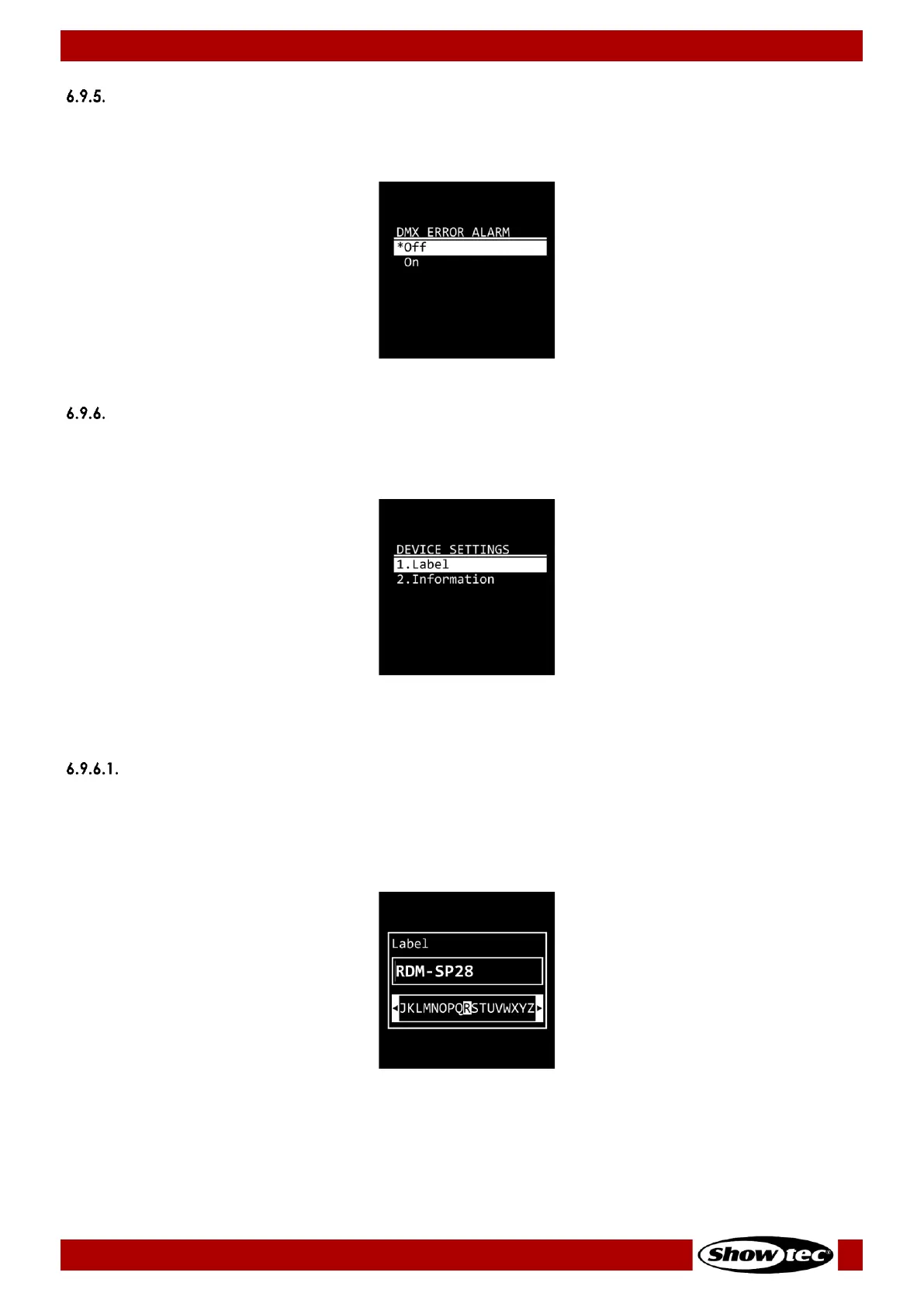
In this menu you can activate the sound alarm in case of a DMX error.
01) Press the UP/DOWN buttons to toggle between Off and On:
02) Press the ENTER button to confirm your choice.
Settings
In this menu you can change the name of the device and view the device’s parameters.
01) Press the UP/DOWN buttons to choose between the following 2 options:
● Label: See 6.9.6.1. Label for more information
● Information: See 6.9.6.2. Information for more information
02) Press the ENTER button to confirm your choice.
Label
In this submenu you can change the name of the device.
01) Press the ENTER button to enter edit mode. The cursor appears in front of the first character.
02) Press the UP/DOWN buttons to select the new character. The available characters are lowercase
and uppercase letters, digits, punctuation marks, and some symbols.
03) Press the ENTER button to confirm your choice.
04) Press the UP/DOWN buttons to move the cursor respectively to the left or right to select the next
character.
05) Repeat steps 2–4 to edit the rest of the characters. The maximum length of the name is
14 characters.


 To Next Page