Shure Incorporated
20/22
Ring audio +
Sleeve ground
6.35 mm (1/4")
Tip audio +
Ring audio -
Sleeve ground
XLR
1 ground
2 audio +
3 audio -
Phantom Power Protection
Monitor No
6.35 mm (1/4") Yes
XLR Yes
System Gain
In an audio system containing both AXT400 and UR4 receivers, the overall system audio gain at the XLR (line) output varies
depending on the receiver model and the type of transmitter.
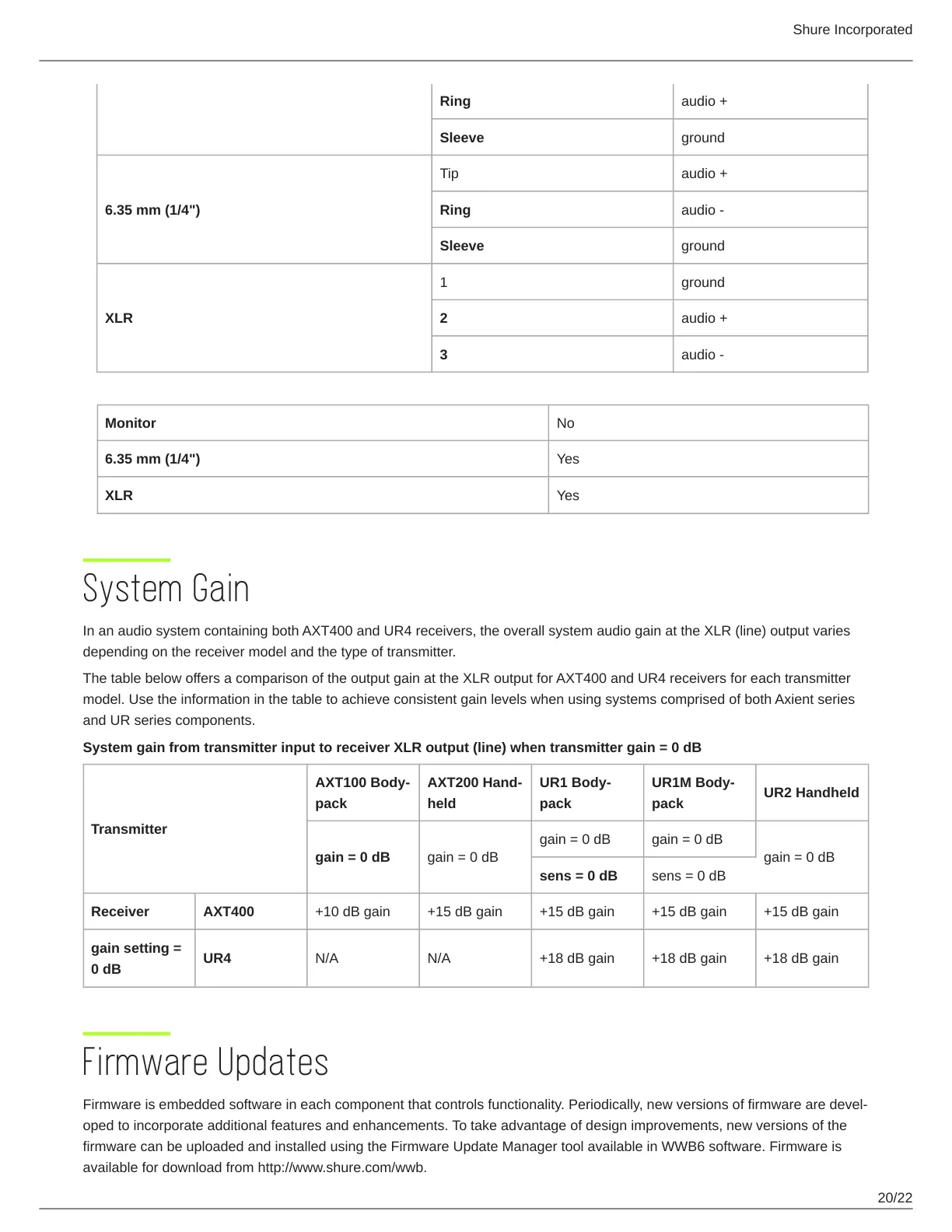
The table below offers a comparison of the output gain at the XLR output for AXT400 and UR4 receivers for each transmitter
model. Use the information in the table to achieve consistent gain levels when using systems comprised of both Axient series
and UR series components.
System gain from transmitter input to receiver XLR output (line) when transmitter gain = 0 dB
Transmitter
AXT100 Body
pack
AXT200 Hand
held
UR1 Body
pack
UR1M Body
pack
UR2 Handheld
gain = 0 dB gain = 0 dB
gain = 0 dB gain = 0 dB
gain = 0 dB
sens = 0 dB sens = 0 dB
Receiver AXT400 +10 dB gain +15 dB gain +15 dB gain +15 dB gain +15 dB gain
gain setting =
0 dB
UR4 N/A N/A +18 dB gain +18 dB gain +18 dB gain
Firmware Updates
Firmware is embedded software in each component that controls functionality. Periodically, new versions of firmware are devel
oped to incorporate additional features and enhancements. To take advantage of design improvements, new versions of the
firmware can be uploaded and installed using the Firmware Update Manager tool available in WWB6 software. Firmware is
available for download from http://www.shure.com/wwb.



 To Next Page