Shure Incorporated
19/33
•
•
•
•
•
•
•
•
•
Tuner Menu
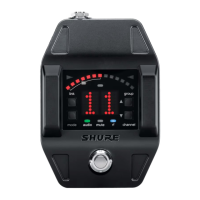
Enter tuner mode by pressing the footswitch.
In tuner mode, the controls will only affect tuner functions, RF and audio settings are not affected.
Note: The audio signal does not pass through the tuner, eliminating the need for bypass switches commonly found on wired tuners.
Tuner Options
Indicator: Needle or Strobe
Output: Live, Mute, or Both
Display Brightness
Detune
Sharps and Flats
Reference Pitch
Selecting and Editing Tuner Menu Settings
Use the following buttons to select and edit the tuner menu settings:
Use the mode button access the menu and to scroll between menu settings
Use the Use ▲ ▼ buttons to change a menu parameter
Use the footswitch to enter and save parameter changes


 To Next Page








