22
English
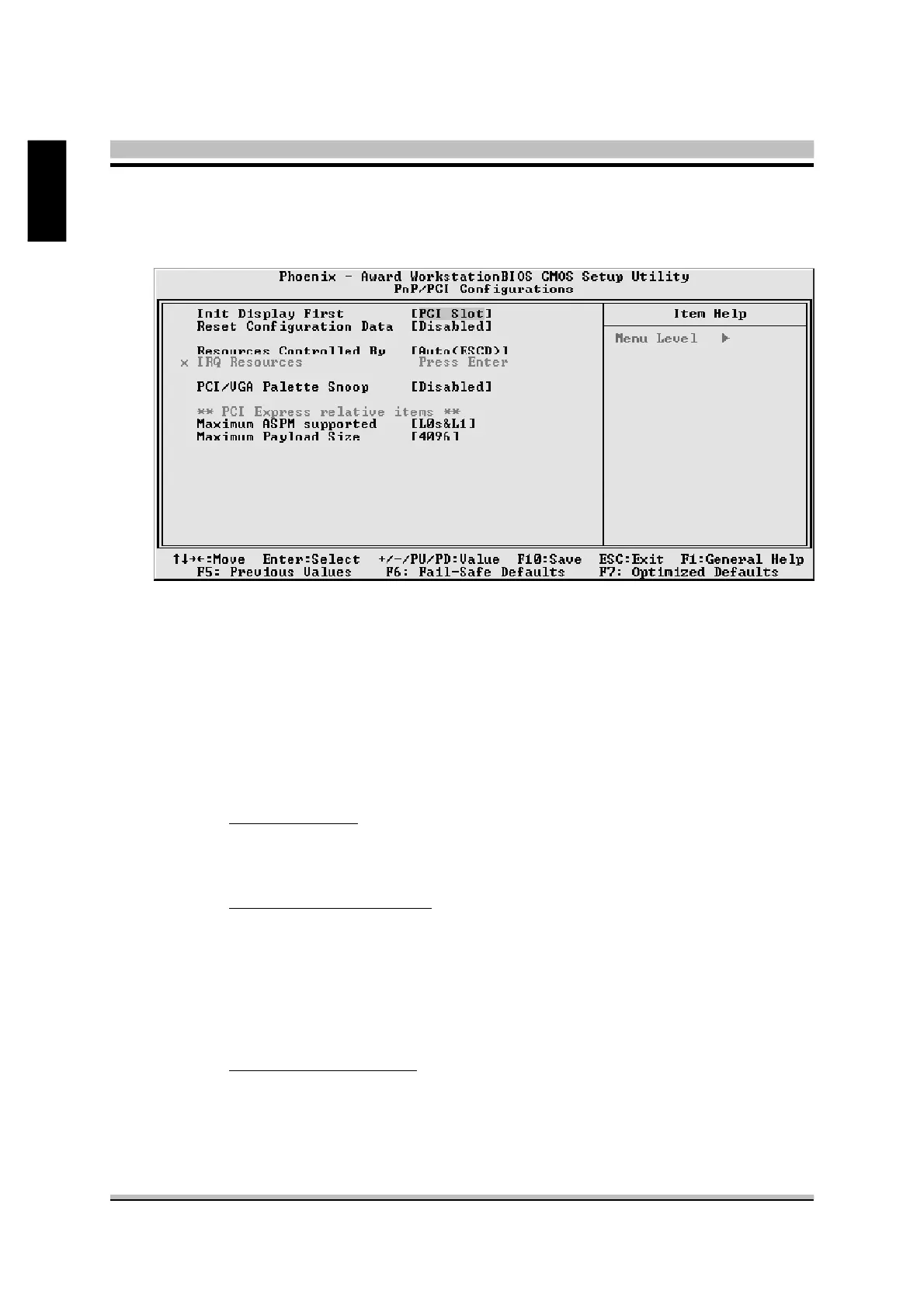
@ PnP/PCI Configurations
This section describes the configuration of PCI bus system.
PCI or Personal Computer Interconnection is a system which allows I/O
devices to operate at the speed CPU itself keeps when CPU communicat-
ing with its own special components.
This section covers some very technical items, and it is strongly recom-
mended that only experienced users should make any changes to the
default settings.
Init Display First
This item is used to determine initial device when system power on.
Ø The choice: PCI Slot or PCIEx/Onboard.
Reset Configuration Data
Normally, you leave this field Disabled. Select Enabled to reset Extended
System Configuration Data (ESCD) when you exit from Setup if you have
installed a new device or software and the system reconfiguration has
caused such a serious conflict that the operating system can not boot.
Ø The choice: Enabled or Disabled .
Resource controlled By
The Award Plug-and-Play BIOS has the capacity to automatically config-
ure all of the boot and Plug-and-Play compatible devices. However, this
capability means absolutely nothing unless you are using a Plug-and-Play
operating system such as Windows 95. If you set this field to "manual" ,



 To Next Page