26
English
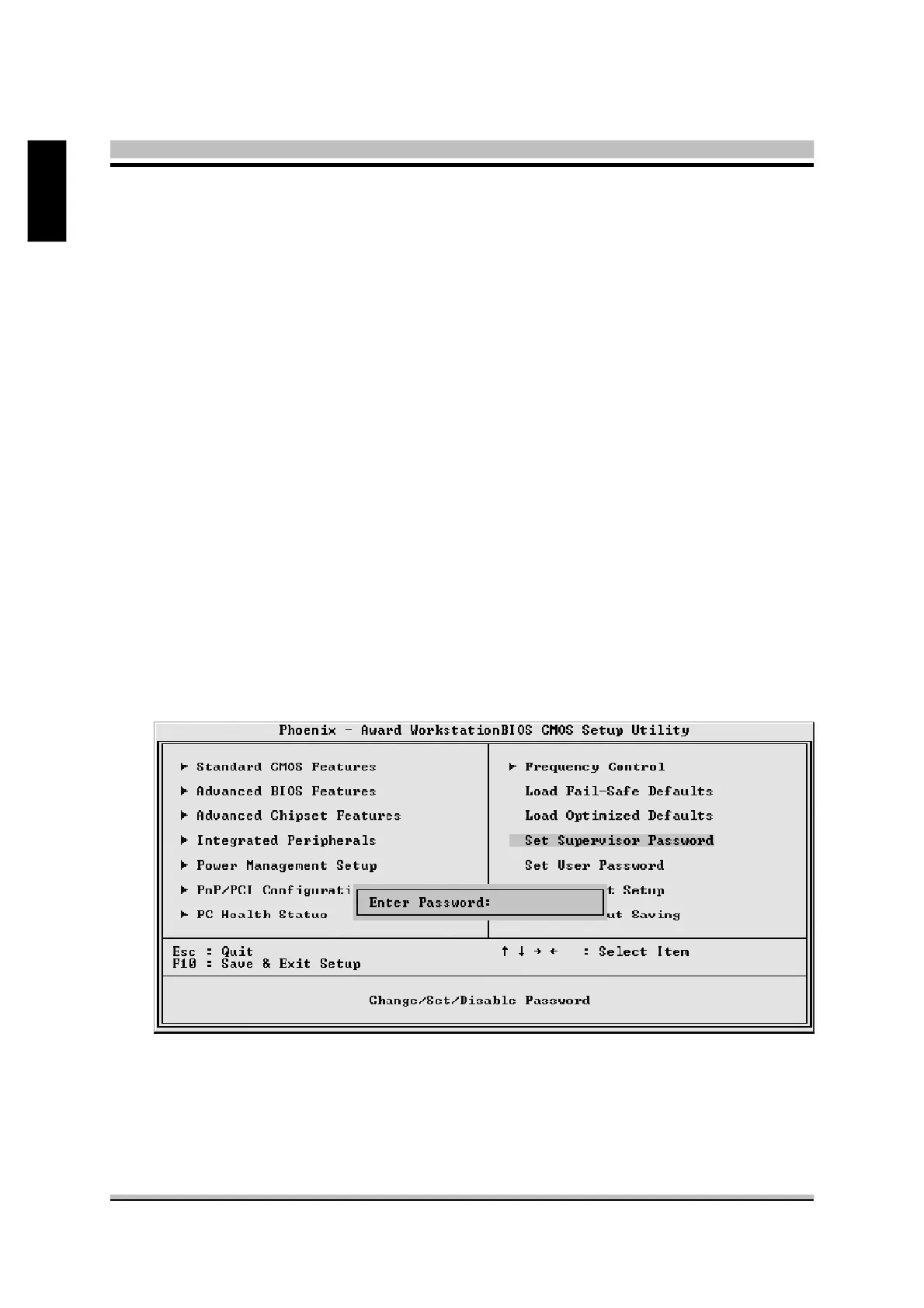
@ Set Password
This item is to set a supervisor password. Please follow below steps.
New Password Setting:
1. Press the <Enter> key. A dialog box appears to ask you to “Enter password: “.
@ Load Fail-Safe Defaults
When you press <Enter> on this item, you will get a confirmation
dialog box with a message similar to:
Load Fail-Safe Defaults (Y/N) ? N
Pressing 'Y' loads the BIOS default values for the most stable,
minimal system performance.
@ Load Optimized Defaults
When you press <Enter> on this item, you will get a confirmation
dialog box with a message similar to:
Load Optimized Defaults (Y/N) ? N
Pressing 'Y' loads the default values that are factory-set for optimal
system performance.



 To Next Page