1
English
< 1.1 Mainboard Driver CD
The Mainboard Driver CD contains all the motherboard driver necessary to optimize
the performance of this XPC in a Windows(R) OS. Install these drivers after installing
Microsoft(R) Windows(R).
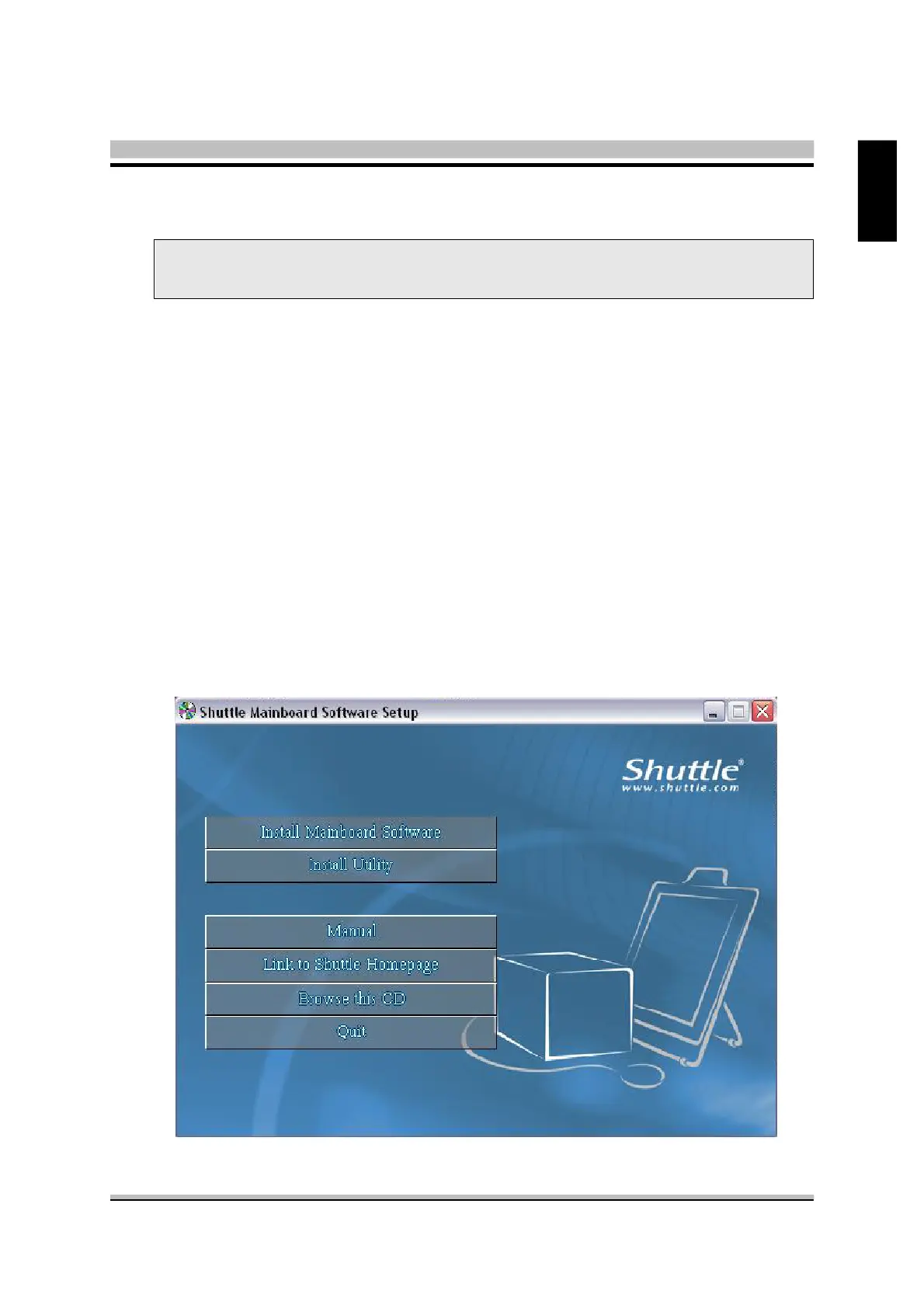
Navigation Bar Description :
F Install Mainboard Software - SiS VGA Driver, SiS RAID Driver,
SiS LAN Driver, Realtek Audio Driver, SiS USB2.0 Driver, DirectX9 Utility.
F Install Utility - Install Acrobat Reader, WinFlash Utility.
F Manual - SS21T user's guide and RAID manual in PDF format.
F Link to Shuttle Homepage - Link to shuttle website homepage.
F Browse this CD - Allows you to see contents of this CD.
F Quit - Close this CD.
Note : The CD contents attached in SS21T mainboard are subject to change
without notice.
1 Driver and Software Installation



 To Next Page