18
English
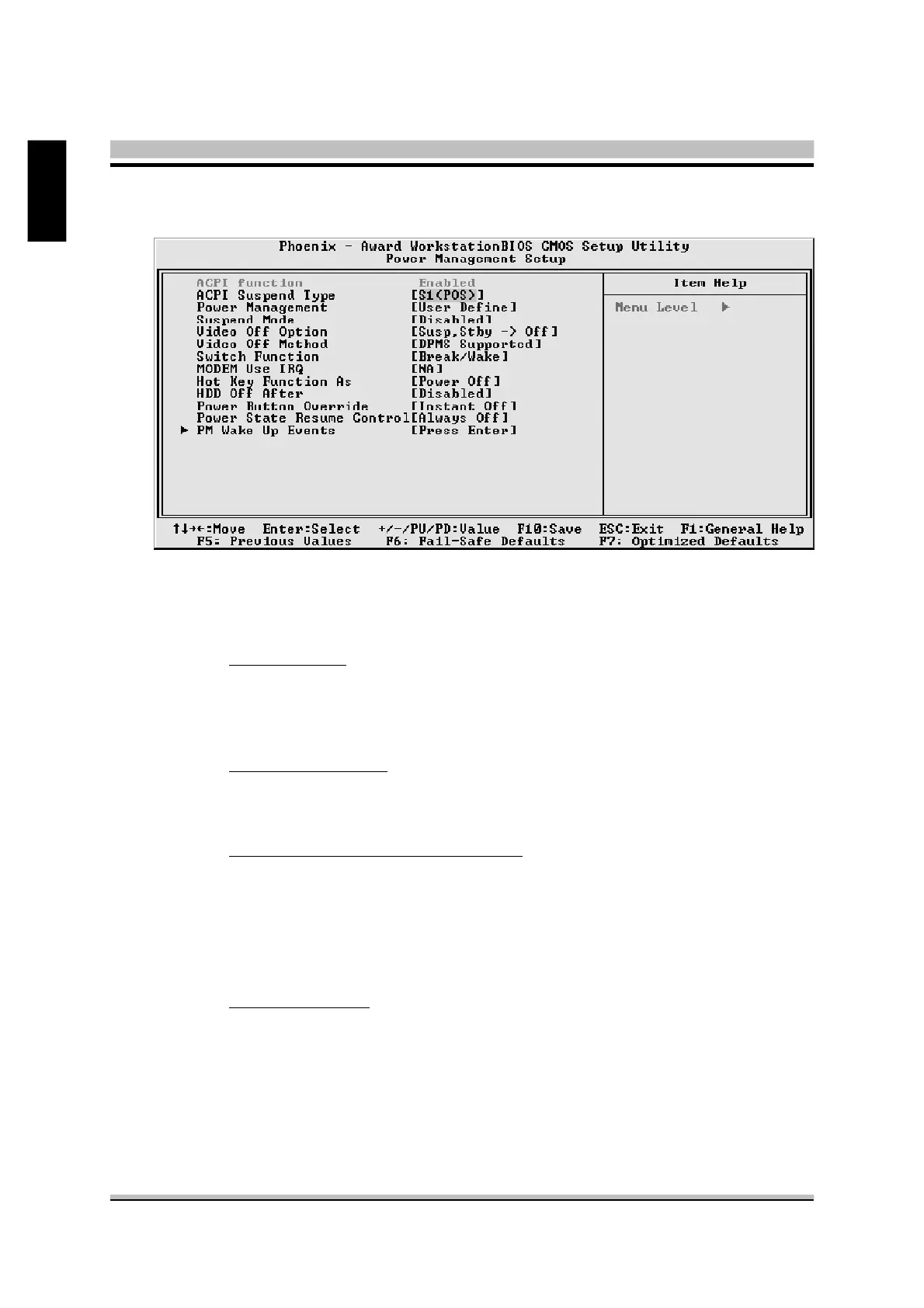
@ Power Management Setup
The Power Management Setup allows you to configure your system to
most effectively saving energy while operating in a manner consistent
with your own style of computer use.
ACPI Function
This item allows you to enable/disable the Advanced Configuration and
Power Management (ACPI)
Ø Always "Enabled".
ACPI Suspend Type
This item allows you to select sleep state when suspend.
Ø The choice: S1(POS), or S3(STR).
Power Management / Suspend Mode
This item allows you to decide the timing to enter suspend mode.
Ø The choice: Min Saving / 1 Hour.
Max Saving / 1 Min.
User Define / Disabled, 1Min, 2Min, 4Min, 8Min,
12Min, 20Min, 30Min, 40 Min, 1Hour.
Video Off Option
When enabled, this feature allows the VGA adapter to operate in a
power saving mode.
Always On Monitor will remain on during power saving mode.
Suspend --> Off Monitor is blanked when the system enters
the Suspend mode.
Susp,Stby --> Off Monitor is blanked when the system enters
either Suspend or Standby modes.



 To Next Page