2
English
< 1.1.1 Install Mainboard Software
Insert the attached CD into your CD-ROM drive. The CD AutoRun screen should
appear. If the AutoRun screen does not appear, double click on Autorun icon in My
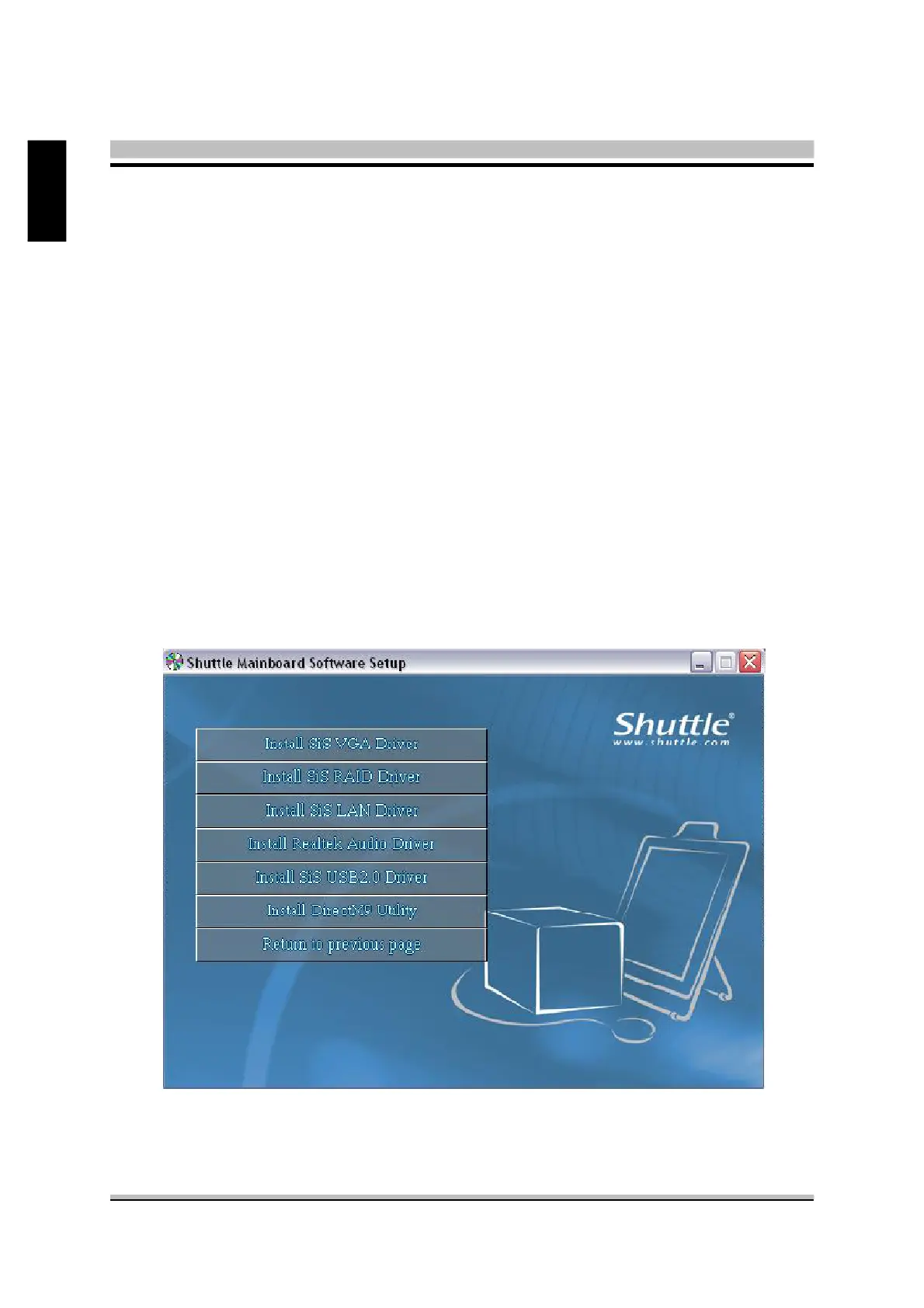
Computer to bring up Shuttle Main-board Software Setup screen.
Click the “Install Main-board Software“ bar. Individually install the following drivers.
F Install SiS VGA Driver
F Install SiS RAID Driver
F Install SiS LAN Driver
F Install Realtek Audio Driver
F Install SiS USB2.0 Driver
F Install DirectX9 Utility



 To Next Page